Microsoft Teams adds a pre-join microphone test to desktop apps
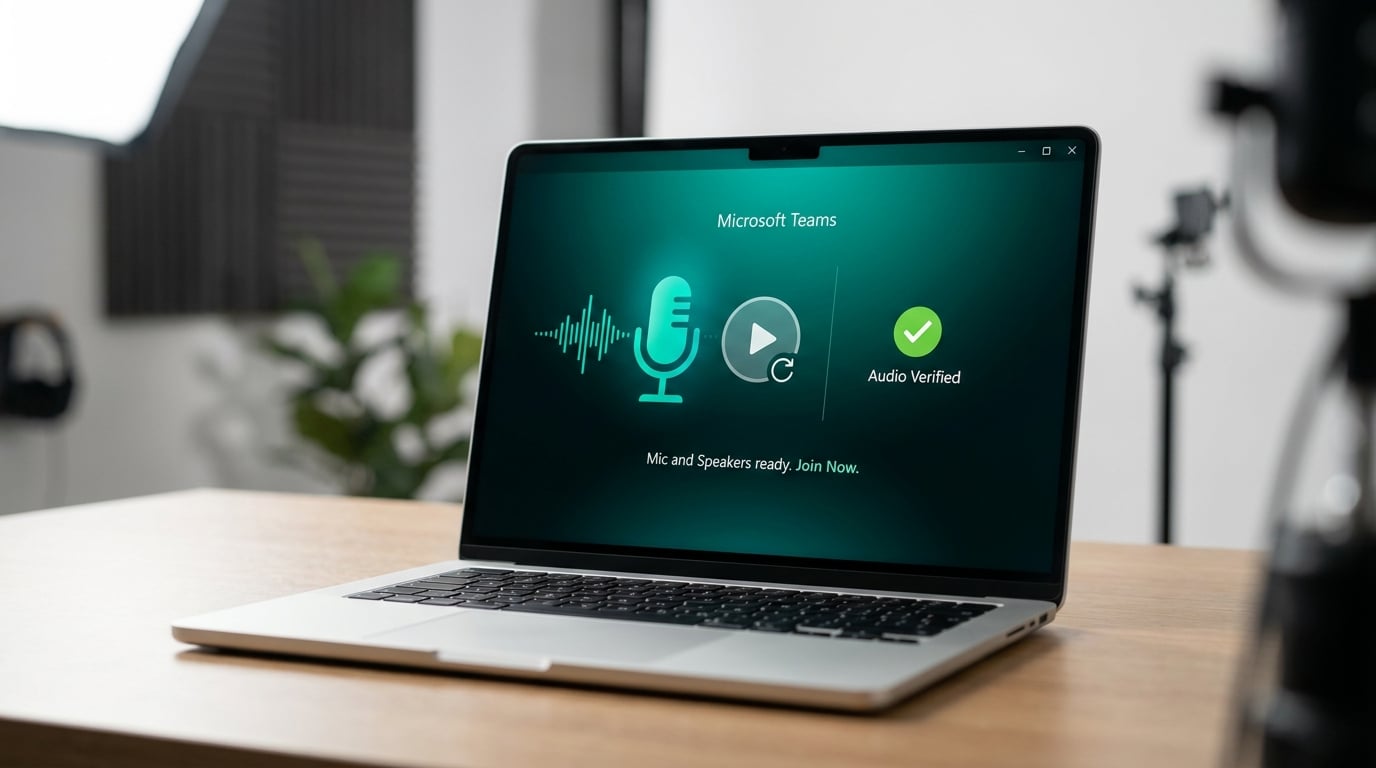
Microsoft is adding a loopback audio test to the Teams pre-join screen. The feature allows users to record a short audio clip and play it back to verify their microphone and speakers are working correctly. The update applies specifically to the Teams desktop applications for Windows and Mac. According to the Microsoft 365 Roadmap, general availability is scheduled for May 2026.
IT administrators currently waste hours troubleshooting phantom audio issues that usually stem from a user selecting the wrong headset or a muted physical microphone. When someone joins a meeting and nobody can hear them, the immediate assumption is that Teams is broken or the network is failing. This results in unnecessary support tickets and delayed meetings while the user fumbles through the settings menu live on the call. Placing a definitive loopback test directly on the pre-join screen shifts the responsibility back to the user before the meeting even starts. If the recording plays back successfully, the hardware and software are functioning properly. This provides a hard boundary for troubleshooting, allowing IT to instantly rule out local device failures and close out basic audio tickets without initiating a remote desktop session.
Analysis
Stop wasting your morning remotely connecting to laptops just to change a user's default audio device. Update your helpdesk auto-reply and intranet troubleshooting page to mandate that users run this pre-join test before submitting an audio ticket. If the loopback test works, the hardware is fine and you can close the request.
Source note
Pulse published by Collab365 Spaces. Cite as "Microsoft Teams adds a pre-join microphone test to desktop apps", Collab365 Spaces.