Microsoft sets Agent Mode as default in Copilot for Word Excel and PowerPoint
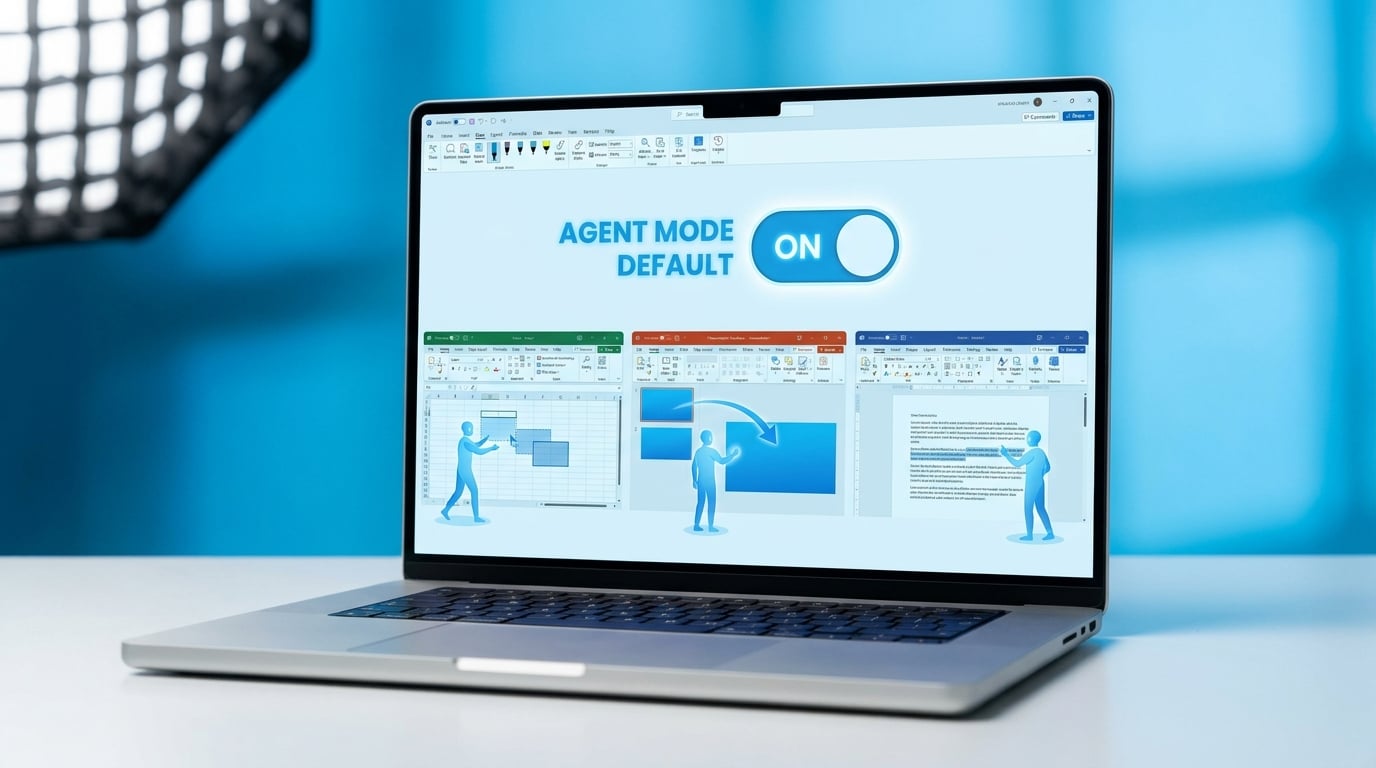
Satya Nadella has announced that Agent Mode is now generally available and the new default setting in Copilot for Word, Excel, and PowerPoint. This mode allows the AI to perform multi-step reasoning directly over the document or spreadsheet canvas. It handles complex tasks such as reshaping data in spreadsheets, building data models, creating bridges between elements, and developing narratives. The feature requires an eligible Copilot subscription and brings advanced AI capabilities into everyday Office workflows.
Before this update, Copilot in Office apps stuck to simple, one-off suggestions that often felt generic or fell short on tasks needing back-and-forth adjustments, like tweaking a full spreadsheet or layering a presentation narrative. Users defaulted to manual work or jumped to ChatGPT for anything multi-step, risking data leaks outside Microsoft's secure environment. Agent Mode as default changes that by embedding reliable multi-step reasoning right in the canvas, so Excel can iteratively reshape models without copy-pasting to a chat window. This narrows Copilot's quality gap to rivals while keeping everything within M365 governance, turning sporadic trials into consistent app wins that prove license value to doubting bosses.
Analysis
Forget the hype – this default shift makes Copilot finally rival ChatGPT for in-app Excel data wrangling without governance headaches, your exact pain point for low adoption. Right now, open a messy quarterly spreadsheet in Excel Copilot, prompt 'reshape this data into a pivot model with forecasts' using Agent Mode, and time it against ChatGPT to get boss-ready proof of 2x speed.
Source note
Pulse published by Collab365 Spaces. Cite as "Microsoft sets Agent Mode as default in Copilot for Word Excel and PowerPoint", Collab365 Spaces.