Microsoft restricts admin center taskbar pinning to Copilot only
 Reviewed by Helen Jones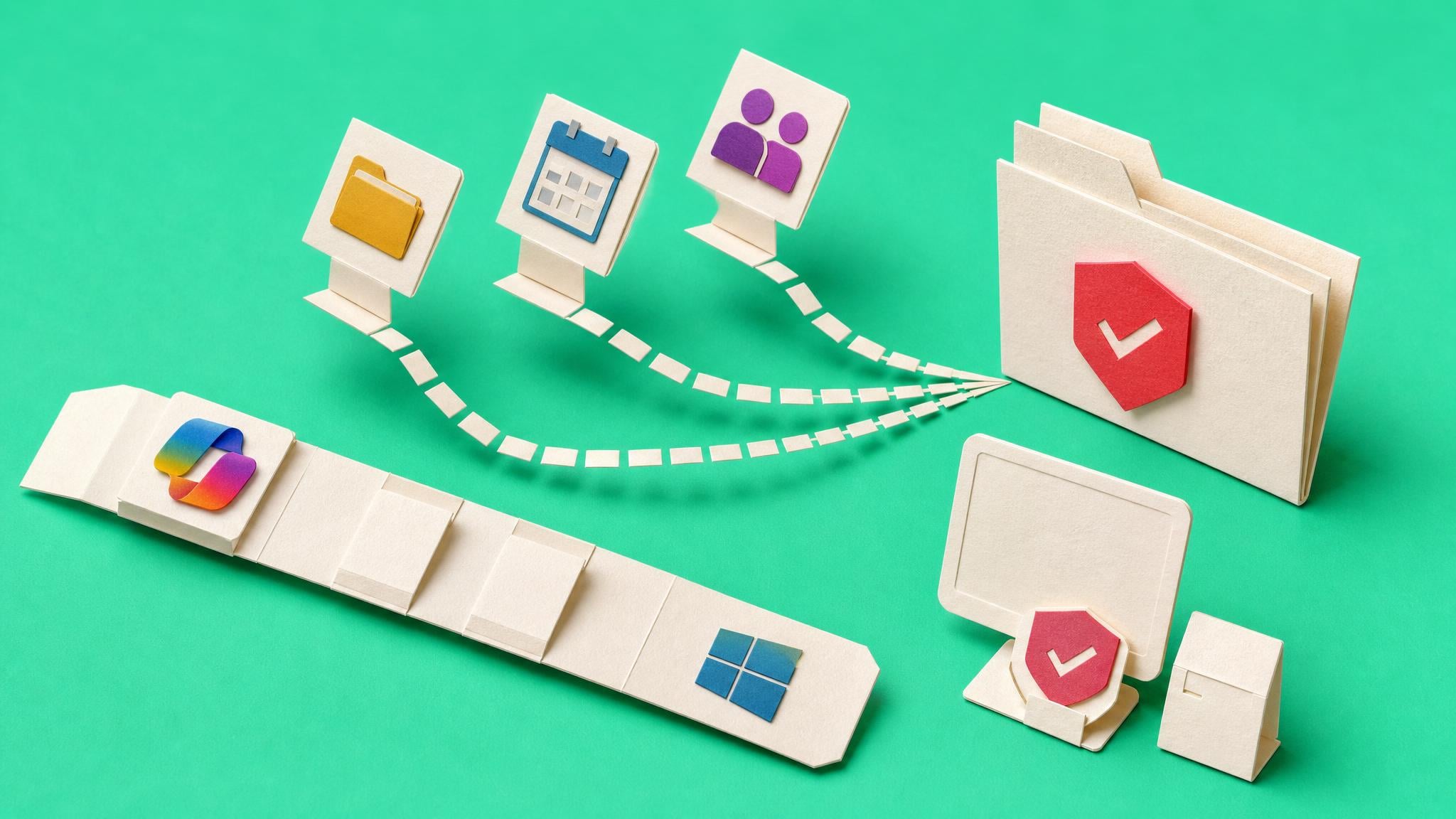
Starting mid-July 2026 the Microsoft 365 admin center taskbar pinning option applies only to the Microsoft 365 Copilot app. Files, Calendar, and People companion apps are no longer available for pinning through this interface. Existing pins remain in place. The change finishes rolling out by the end of July across all tenants. Admins who need to manage pinning for the companion apps must now use Microsoft Intune policies instead.
Before this change the admin center served as a single, quick surface for basic Windows taskbar configuration across the tenant. A small team could handle simple pinning requests without touching device management tooling. Now that surface shrinks. Companion app pinning moves to Intune, which most 100-2000 person tenants treat as a separate discipline. The result is one more setting that must be tracked in two places or abandoned, increasing the chance that inconsistent taskbar experiences appear across devices.
Analysis
Decide now whether you actually need Files, Calendar, or People pinned for the whole tenant. If the answer is no, remove the pins before the change locks them in. If the answer is yes, create the Intune policy this month so you are not chasing scattered device configurations later.
Source note
Pulse published by Collab365 Spaces, reviewed by Helen Jones on . Cite as "Microsoft restricts admin center taskbar pinning to Copilot only", Collab365 Spaces. 2 sources referenced.