Microsoft releases Fabric CLI 1.5 for automated report management
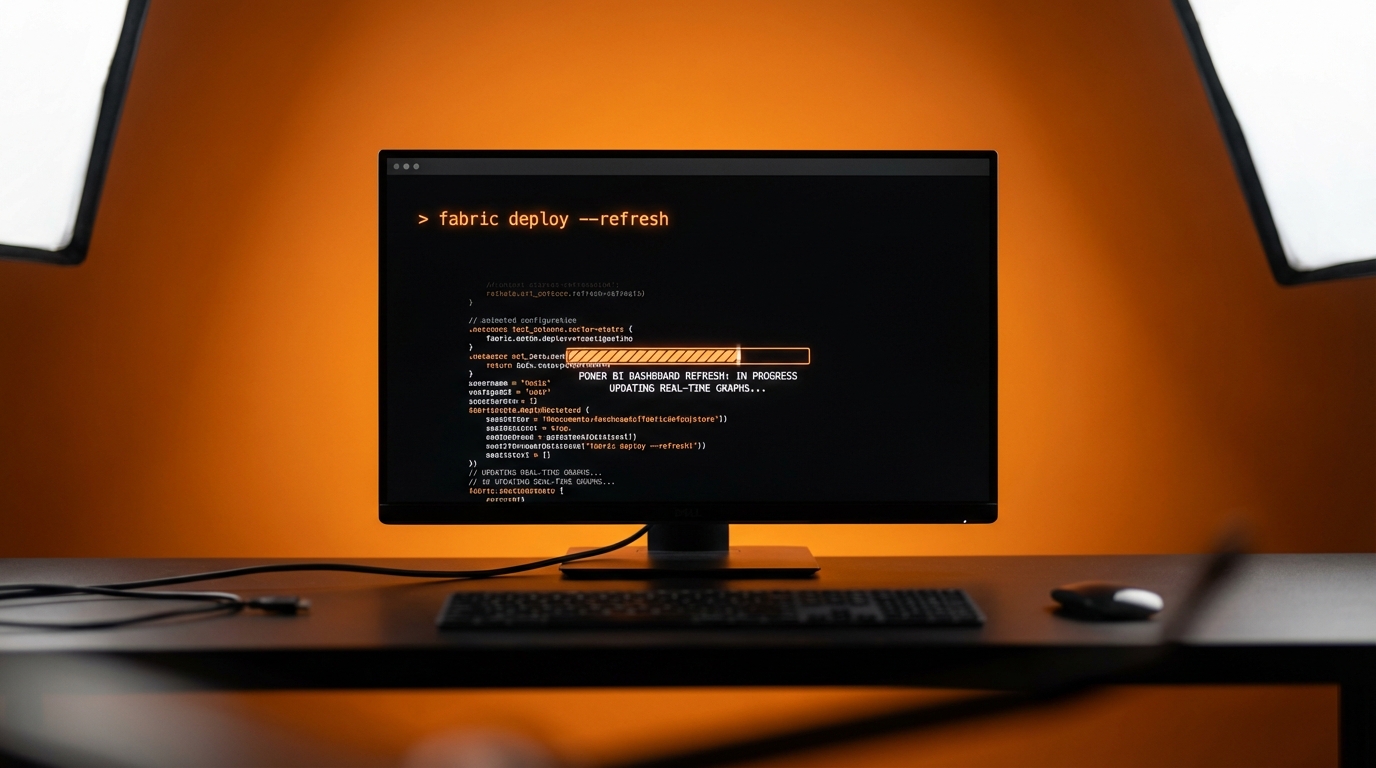
Microsoft has released version 1.5 of the Fabric Command Line Interface. The update allows users to trigger Power BI data refreshes and manage report settings using text commands instead of clicking through the online portal. The new version introduces a deploy command for moving reports between different workspaces automatically. It also comes pre-installed in Fabric notebooks, letting developers write scripts to control how dashboards update behind the scenes.
Previously, managing Power BI reports meant relying entirely on the visual interface. If a dashboard needed a manual data refresh or a setting changed, users had to log into the Power BI Service, navigate through workspaces, and click the right buttons. Automating these basic steps required complex programming that locked out everyday business users. Now, IT teams can bypass the visual menus entirely to manage reports at scale. By typing a few lines of code, they can force data to update or connect reports to new data sources automatically. While this speeds up operations for large engineering teams, it signals Microsoft's continued push to treat Power BI like a traditional software development tool.
Analysis
Ignore this update completely. When you are still trying to understand why a DAX formula is returning a blank visual, the last thing you need is a command-line interface. Leave the scripting to the IT department, and focus your energy on getting your first dashboard to update reliably using the standard scheduled refresh in the Power BI Service.
Source note
Pulse published by Collab365 Spaces. Cite as "Microsoft releases Fabric CLI 1.5 for automated report management", Collab365 Spaces.