Microsoft previews custom tools for Power Apps in Copilot chats
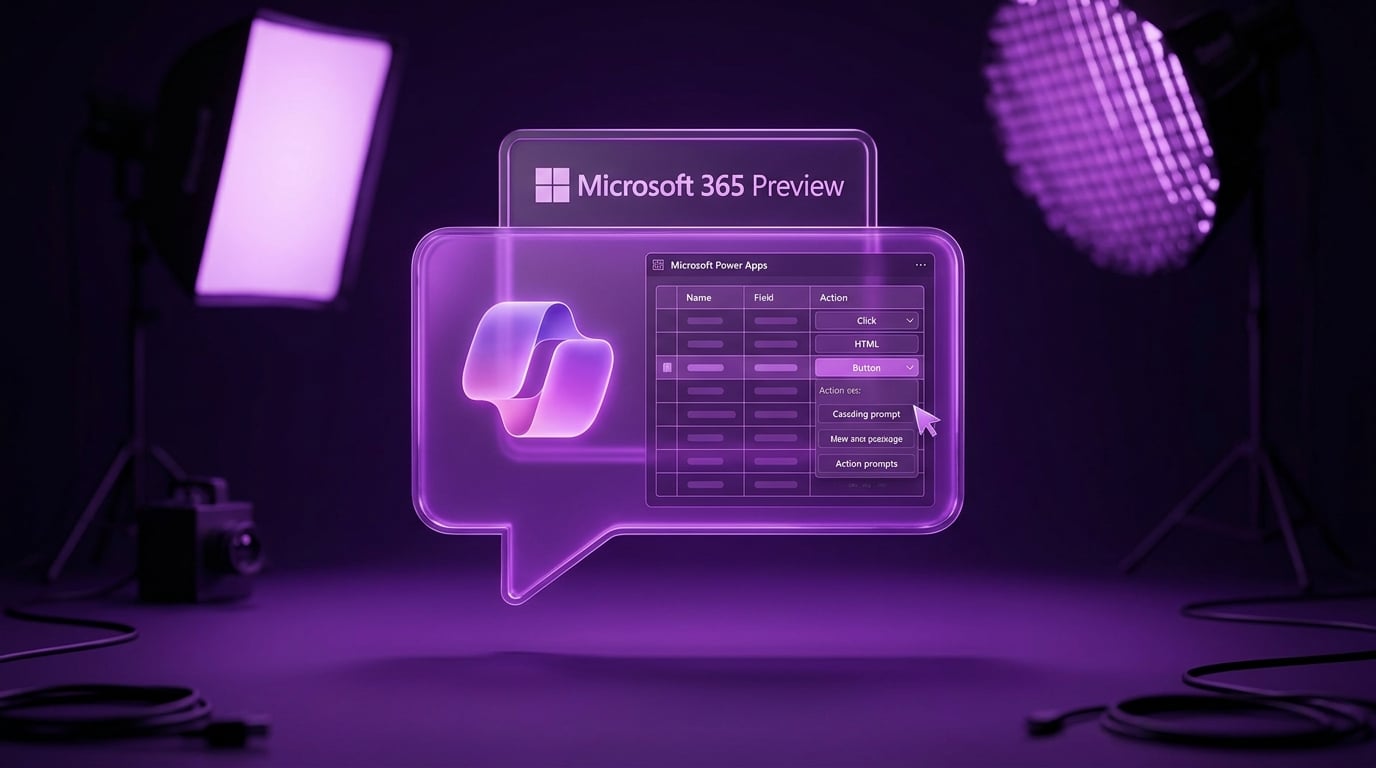
Microsoft has launched a public preview of custom tools and rich user interfaces for model-driven Power Apps inside Microsoft 365 Copilot conversations. Developers build tools in Power Apps with a prompt builder that sets names, descriptions and instructions for the AI to chain actions together. Rich interfaces use HTML widgets based on Fluent UI, which adjust to light or dark themes, alongside simple click-to-enable grids and forms. Features deploy as app packages to Teams or the Microsoft 365 admin center, but need a Copilot licence and permission to upload custom apps.
Power Apps previously fed basic data into Copilot chats, but users could not trigger custom actions or see visual app elements without leaving the conversation. Model-driven apps now embed tailored tools and interactive UIs directly in chats, letting non-technical users edit grids or forms through natural language. Canvas apps, built pixel by pixel for SharePoint lists, stay separate from this AI layer, widening the gap between simple internal tools and Microsoft's enterprise AI push.
Analysis
This model-driven preview tempts with AI magic, but as a canvas builder your galleries still lag and forms won't reset without forum scavenging. Microsoft bets on structured apps for Copilot futures, leaving canvas for basic tasks unless you level up. Build and deploy one SharePoint gallery app with working Patch submission this week to claim your spot before AI hype passes you by.
Source note
Pulse published by Collab365 Spaces. Cite as "Microsoft previews custom tools for Power Apps in Copilot chats", Collab365 Spaces.