Microsoft posts May 2026 Power BI feature list
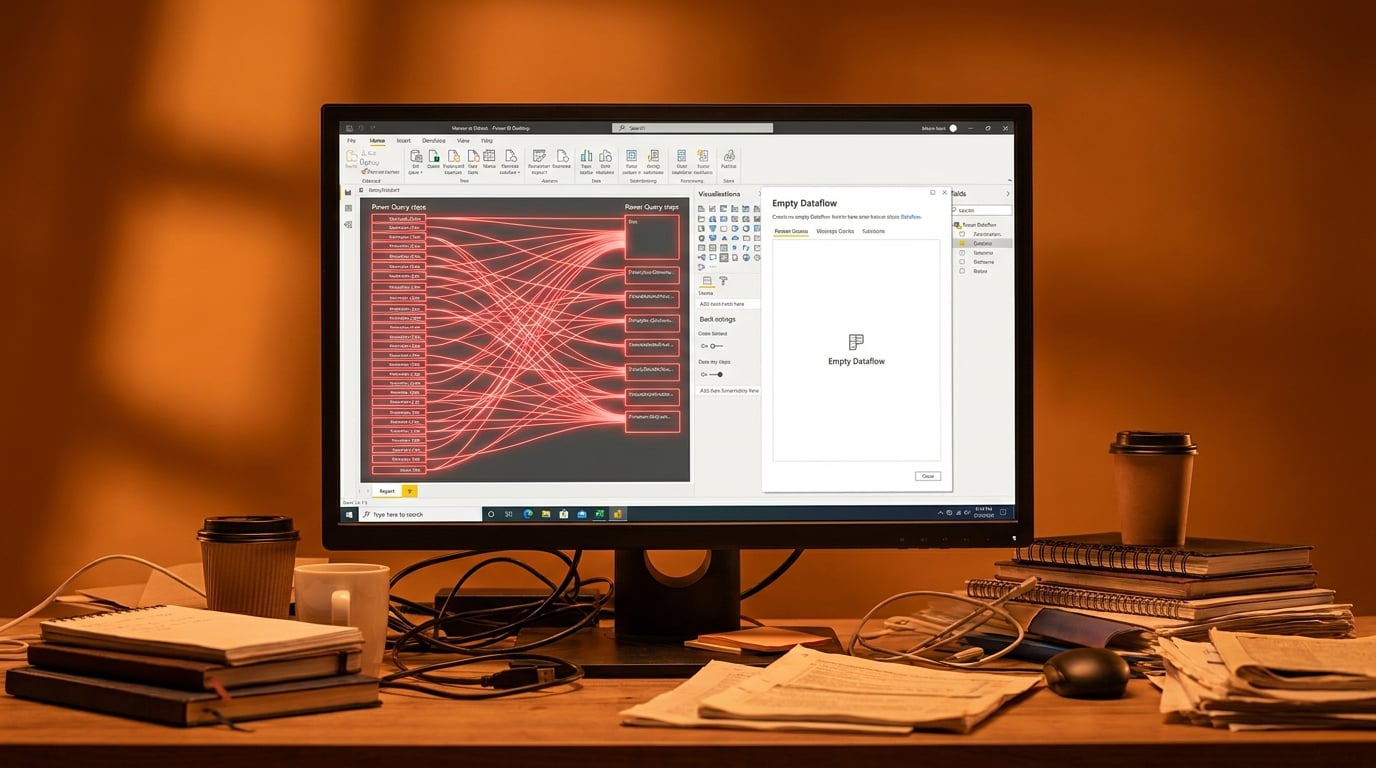
The Fabric Community Blog published the official May 2026 Power BI feature summary on 20 May. The post covers updates in Copilot, reporting, modeling, and data connectivity, with links to the new Desktop download. Most items are marked preview or gradual rollout. No single headline feature dominates the list. The summary serves as the primary reference Microsoft Learn and community channels will cite for the month.
Before this update, analysts who inherited reports already spent hours tracing undocumented Power Query steps and guessing at DAX filter context. The May release adds more surface-level options without addressing either pain. After the release, the tooling gap widens: teams fluent in data modeling gain incremental speed while Excel-first analysts remain blocked by the same 200-step queries and unclear measures that existed in April.
Analysis
Ignore the feature checklist. Open the oldest inherited report, delete the first fifty Power Query steps that only remove columns, and move that logic into a dataflow so the remaining steps become readable.
Source note
Pulse published by Collab365 Spaces. Cite as "Microsoft posts May 2026 Power BI feature list", Collab365 Spaces. 1 source referenced.