Microsoft Planner now turns existing plans into reusable templates
 Reviewed by Helen Jones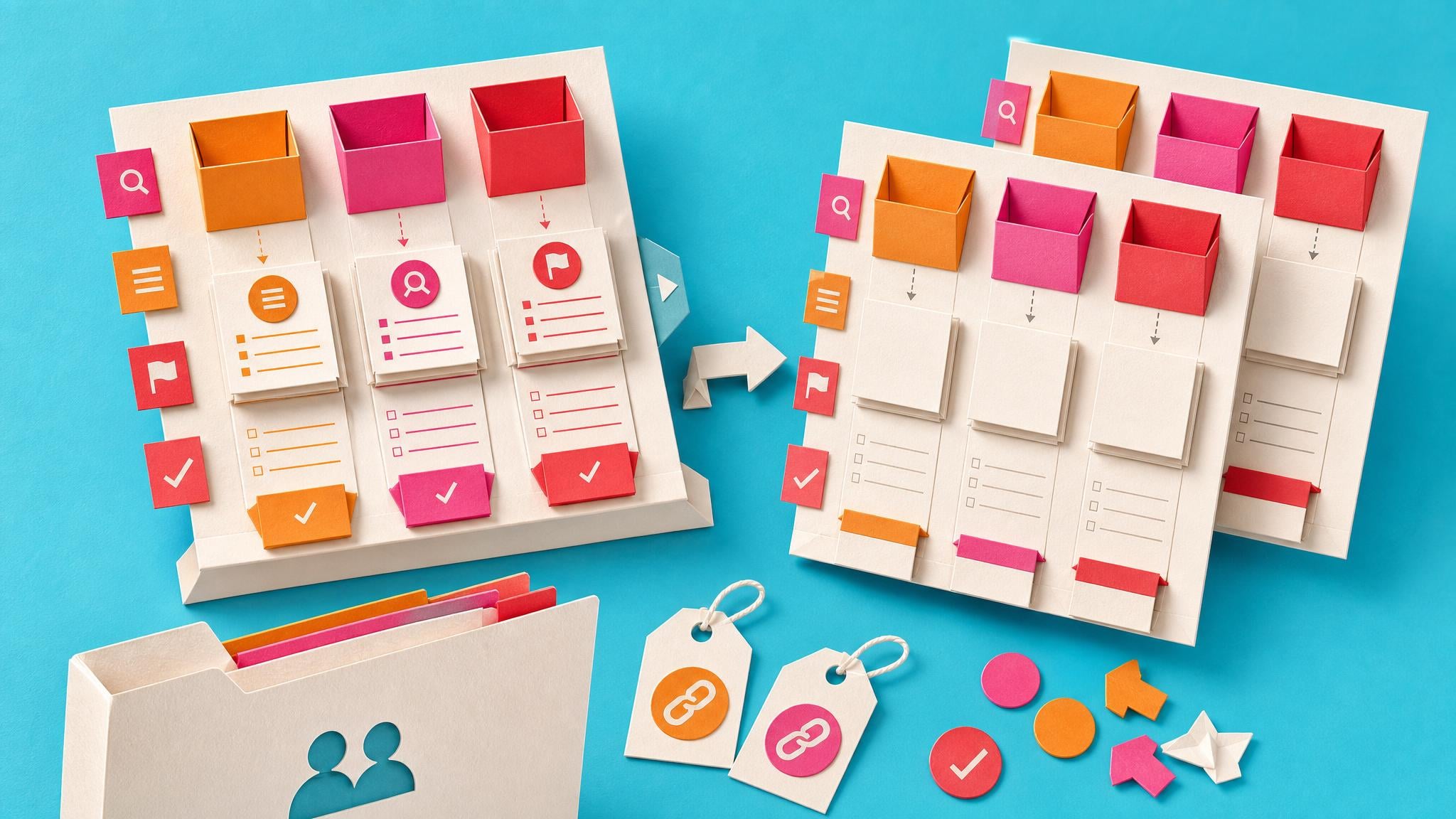
Microsoft Planner is adding custom templates so users can publish an existing plan and reuse its structure later. From Share, choose Publish as template. The template can keep tasks, buckets, labels, goals, notes, checklists, and links to attachments. When someone creates a new plan from a template, task progress and status reset to a clean start. Templates live at the Microsoft 365 Group level, appear in Shared or Created by me galleries, and any group member can create plans from them or delete a shared template. The feature is on by default with no admin setup. Rollout begins worldwide in early July 2026 and finishes by late July. It works on desktop, Mac, and web.
Before this, many teams rebuilt the same Planner board by hand every time a project kicked off or a new person joined. Buckets, labels, and checklist patterns lived in someone’s memory or a half-finished plan, so setup was slow and inconsistent across the group. Now a cleaned-up plan can become the shared starting point for that recurring work. The structure is ready in one click, but updates to the template do not flow into plans already created from it, and attachments stay as links rather than full copies. That keeps the template light while still cutting the blank-page work that used to waste the first hour of every new effort.
Analysis
Treat this as a small opportunity to test, not a new system to maintain. Pick one recurring plan you already run in Planner, such as a project kickoff or onboarding checklist, tidy the buckets and tasks once, then publish it as a group template so the next person starts from the same clean structure.
Source note
Pulse published by Collab365 Spaces, reviewed by Helen Jones on . Cite as "Microsoft Planner now turns existing plans into reusable templates", Collab365 Spaces. 3 sources referenced.