Microsoft moves backup settings into SharePoint Admin Center
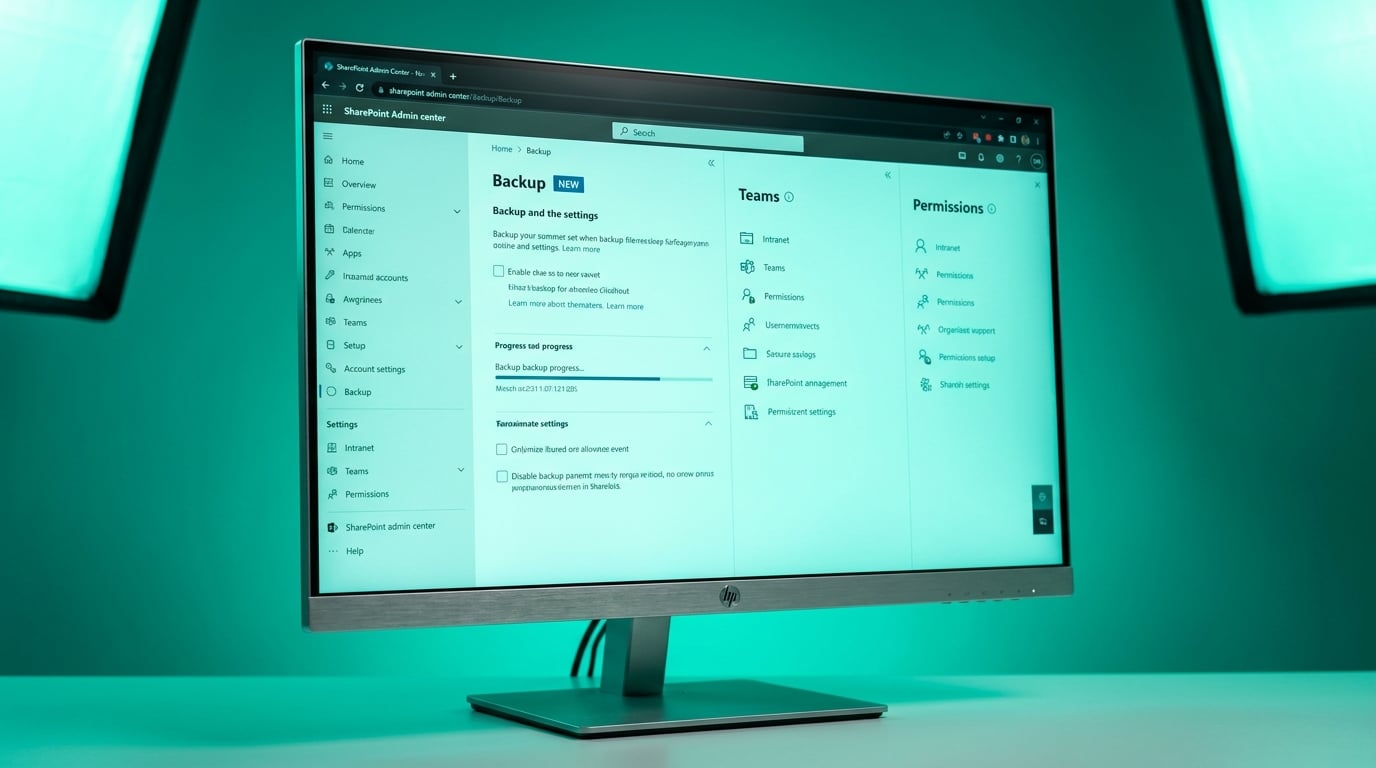
On May 23 2026 Microsoft relocated Microsoft 365 Backup Management from the Microsoft 365 Admin Center into the SharePoint Admin Center. The change affects only tenants already paying for the backup add-on. SharePoint and OneDrive backup policies can now be configured in one place. Exchange backup settings remain in the Microsoft 365 Admin Center. No existing policies changed. The SharePoint Administrator role is still required to access the new location.
Before the move, SharePoint admins already juggling site sprawl and external sharing audits had to leave their primary console to touch backup settings. The task was infrequent but forced context switching. Now the same narrow set of admins who already own the intranet, Teams governance, and permissions reviews carry one more pane inside their daily workspace. The consolidation does not add backup capacity or reduce cost. It simply concentrates more responsibility on the same small team.
Analysis
If your tenant does not already pay for Microsoft 365 Backup, skip the new pane entirely and spend the afternoon auditing guest access on the 20 oldest team sites instead. One concrete action: export the current external sharing report from the SharePoint Admin Center and flag any sites with links set to 'Anyone' that have not been accessed in 90 days.
Source note
Pulse published by Collab365 Spaces. Cite as "Microsoft moves backup settings into SharePoint Admin Center", Collab365 Spaces. 2 sources referenced.