Microsoft lets users move the Copilot button in Word, Excel and PowerPoint
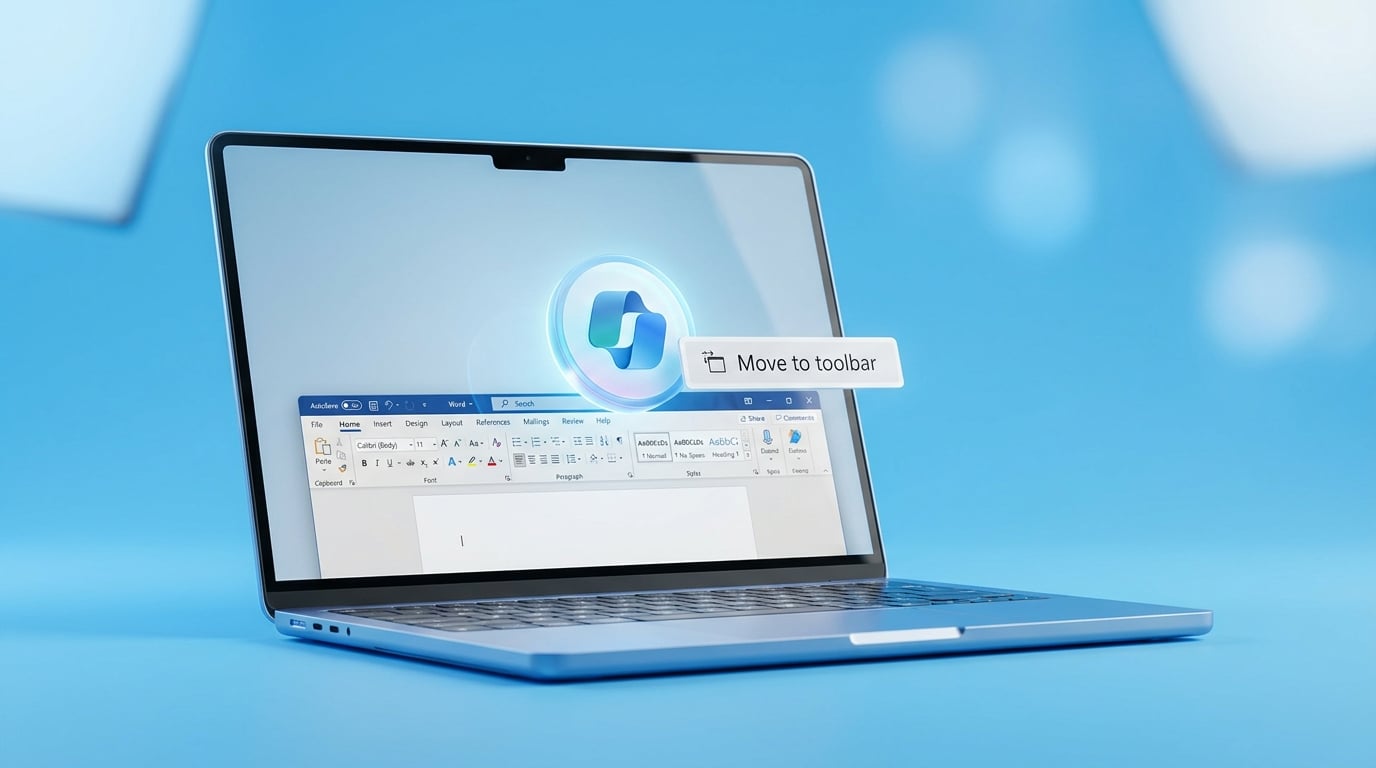
Microsoft is adding a right-click menu option that lets M365 Copilot users move the floating Dynamic Action Button into the ribbon in Word, Excel and PowerPoint. The change also improves how the button stays docked once placed. The update responds to complaints that the button, introduced in May 2026, kept appearing in the way. It will reach web, Windows and Mac versions soon. Only users with paid M365 Copilot licenses see the button. It stays visible by default until the user moves it.
Before this change the floating button was the most obvious daily reminder that the company had bought a tool most people did not know how to operate. Its position became an easy target for frustration when the actual output remained generic. Now the button can be tucked away, but the underlying problem remains unchanged. Users still face the same decision every time they open a document: type something useful or fall back to manual work and ChatGPT.
Analysis
Treat the button move as proof that UI gripes will be fixed while capability gaps will not. Open one real document you actually need to finish this week, run the same task in both Copilot and ChatGPT, and keep whichever produces usable output without heavy editing.
Source note
Pulse published by Collab365 Spaces. Cite as "Microsoft lets users move the Copilot button in Word, Excel and PowerPoint", Collab365 Spaces. 3 sources referenced.