Microsoft lets Copilot create Dataverse records through chat in model-driven apps
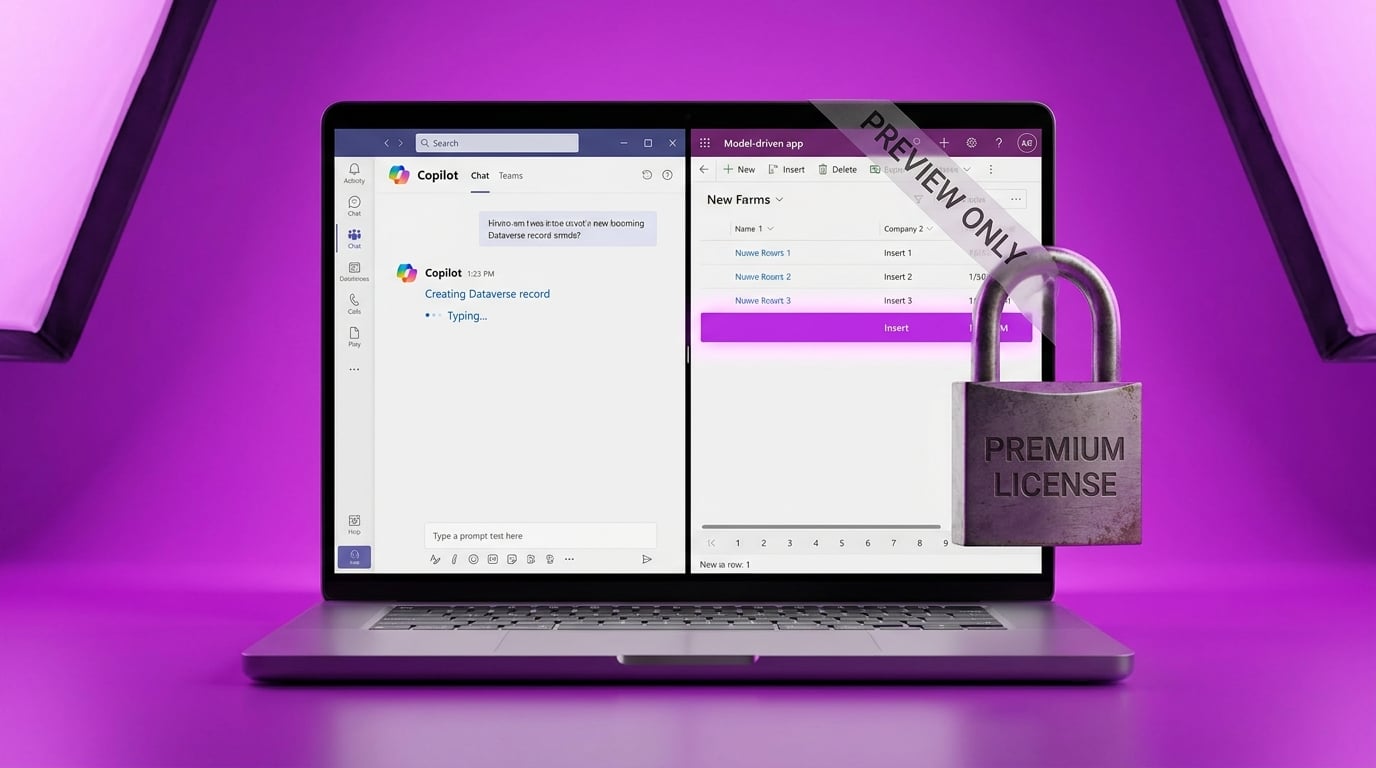
The update adds write capabilities to Copilot inside model-driven Power Apps. Users can now create, populate, and save records by chatting in Teams with a custom agent. The feature sits in app settings and requires an admin to turn it on. It works only in preview and needs both Power Apps Premium and Microsoft 365 Copilot licenses. Copilot remains read-only by default and has no awareness of the current screen or context.
Until now Copilot in Power Apps could only surface existing data. Teams conversations stayed separate from record creation, so any write operation still demanded manual forms or flows. The change moves chat from a lookup tool to an active data manipulator, but only inside model-driven apps that rely on Dataverse. Canvas builders working with SharePoint lists see no direct path to the same experience without switching data platforms and paying for extra licenses.
Analysis
Skip the preview entirely. Model-driven apps and Dataverse add layers of setup that will slow you down more than they help. Finish the canvas app you already started and connect it to your existing SharePoint list instead.
Source note
Pulse published by Collab365 Spaces. Cite as "Microsoft lets Copilot create Dataverse records through chat in model-driven apps", Collab365 Spaces. 1 source referenced.