Microsoft gives IT admins tool to delete Copilot from Windows 11 work computers
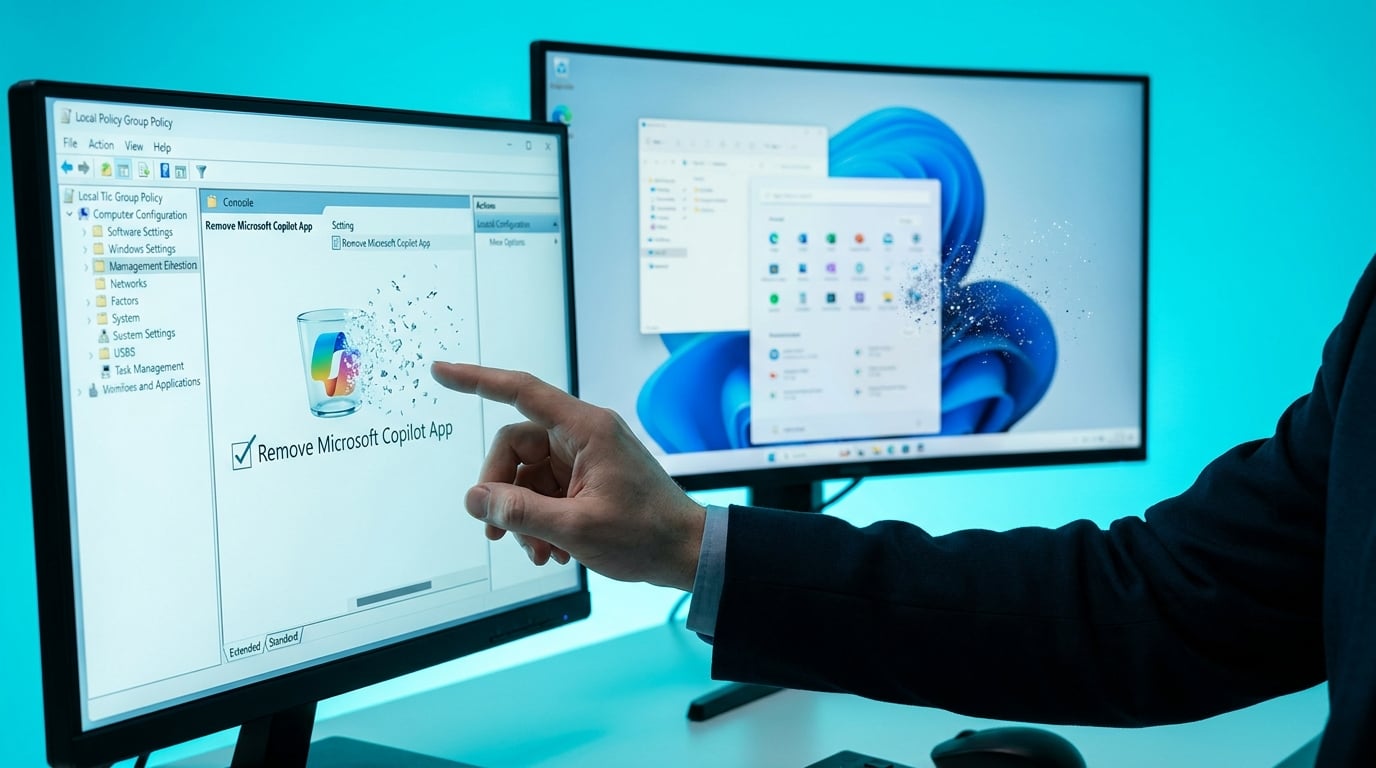
Microsoft has added a new policy for IT administrators to uninstall the Copilot app from Windows 11 devices in enterprise settings. The 'Remove Microsoft Copilot App' option appears as both a Group Policy and Policy CSP setting. It rolled out with the April 2026 security update for Windows 11 Enterprise and Professional editions. Admins must install the update to access it, giving them a clean way to strip Copilot from managed machines.
Copilot came pre-installed on Windows 11 work devices, with no simple off-switch for IT teams. Admins relied on workarounds or ignored it, leaving the AI chat tool running in the background even on machines where users never touched it. Enterprises grumbled but lacked official control. Now IT can wipe Copilot entirely with one policy setting after the April update. This hands power to overworked admins who field daily complaints about tool overload, likely speeding up removals in firms where Copilot sits unused. For knowledge workers paying for it in M365 licenses, it risks killing a feature that could triage emails or summarize Teams threads before anyone proves its worth.
Analysis
IT teams in your size of company have zero patience for unused license bloat, and this policy gives them the button to delete Copilot across all machines. Prove it cuts your daily email triage or Teams catch-up before they hit delete. This afternoon, in Outlook, prompt Copilot with 'Summarize my last 20 unread emails by priority and action needed' – time it, screenshot the output and your saved minutes, then email it to your IT lead saying this stays.
Source note
Pulse published by Collab365 Spaces. Cite as "Microsoft gives IT admins tool to delete Copilot from Windows 11 work computers", Collab365 Spaces. 1 source referenced.