Microsoft gives Copilot a faster, cleaner look inside everyday Office apps
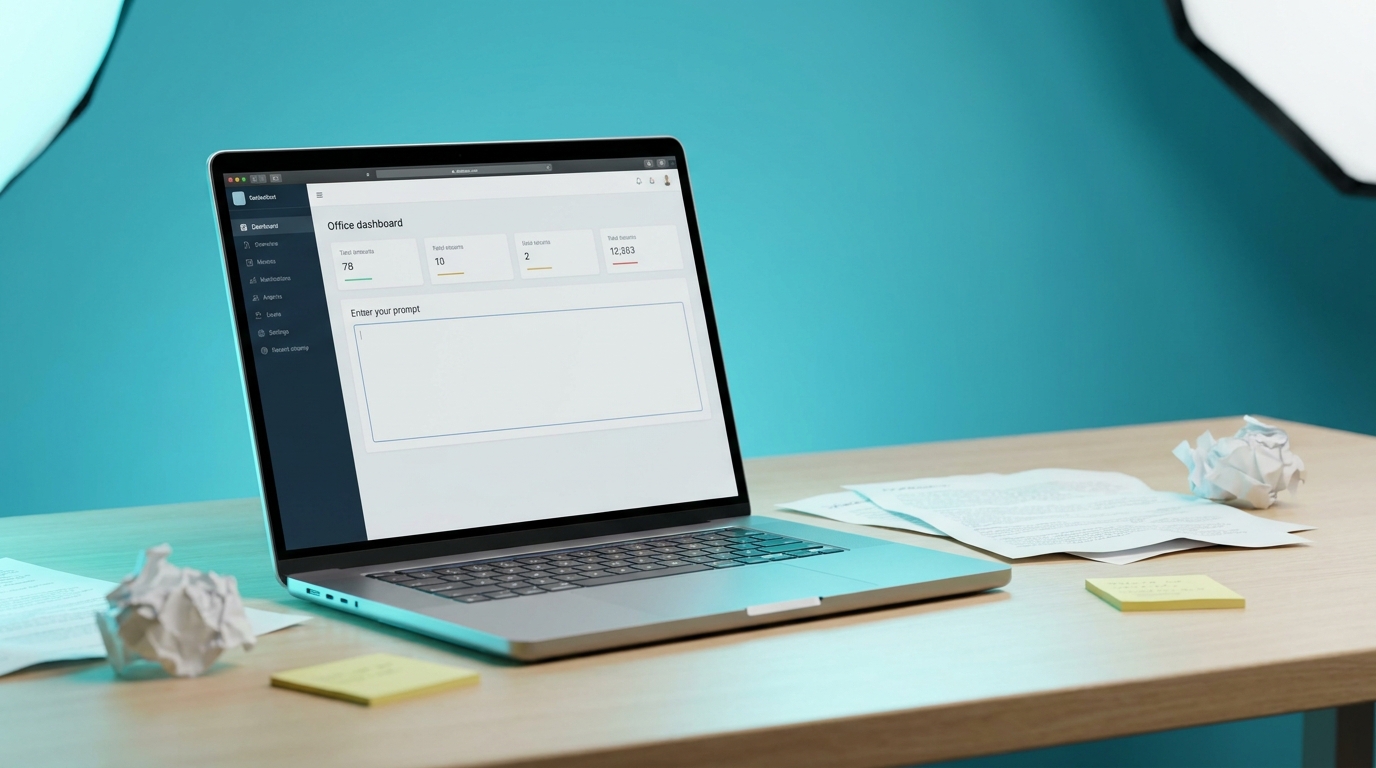
Microsoft released a redesigned Copilot interface on 28 May 2026. The update adds a wider prompt area, left navigation pane, and progressive disclosure of tools across Word, Excel, PowerPoint and Outlook. Internal tests showed load times cut by more than half and complex chat responses 10 percent quicker. Usage of Copilot inside the four core apps rose between 27 and 43 percent after earlier in-app changes. The new layout pulls context from emails, files, chats and meetings into a task-aware workspace rather than a static prompt box.
Until now most users treated Copilot as an occasional side panel that produced text they still had to rewrite. The performance lift removes one friction point, yet the real change is that the tool now surfaces more of your existing Microsoft 365 content by default. That means the quality of the output will depend less on how fast the model replies and more on whether your emails, meeting notes and files are already organised in a way the system can read. Users who still keep tasks scattered across flags, chats and private notes will simply get faster, messier suggestions.
Analysis
Run one controlled test this week on a single recurring task, such as turning a Teams meeting recap into an action list, and measure whether the faster interface actually reduces your review time or just produces prettier drafts you still have to fix.
Source note
Pulse published by Collab365 Spaces. Cite as "Microsoft gives Copilot a faster, cleaner look inside everyday Office apps", Collab365 Spaces. 1 source referenced.