Microsoft fixes missing Copilot button in Outlook and Teams
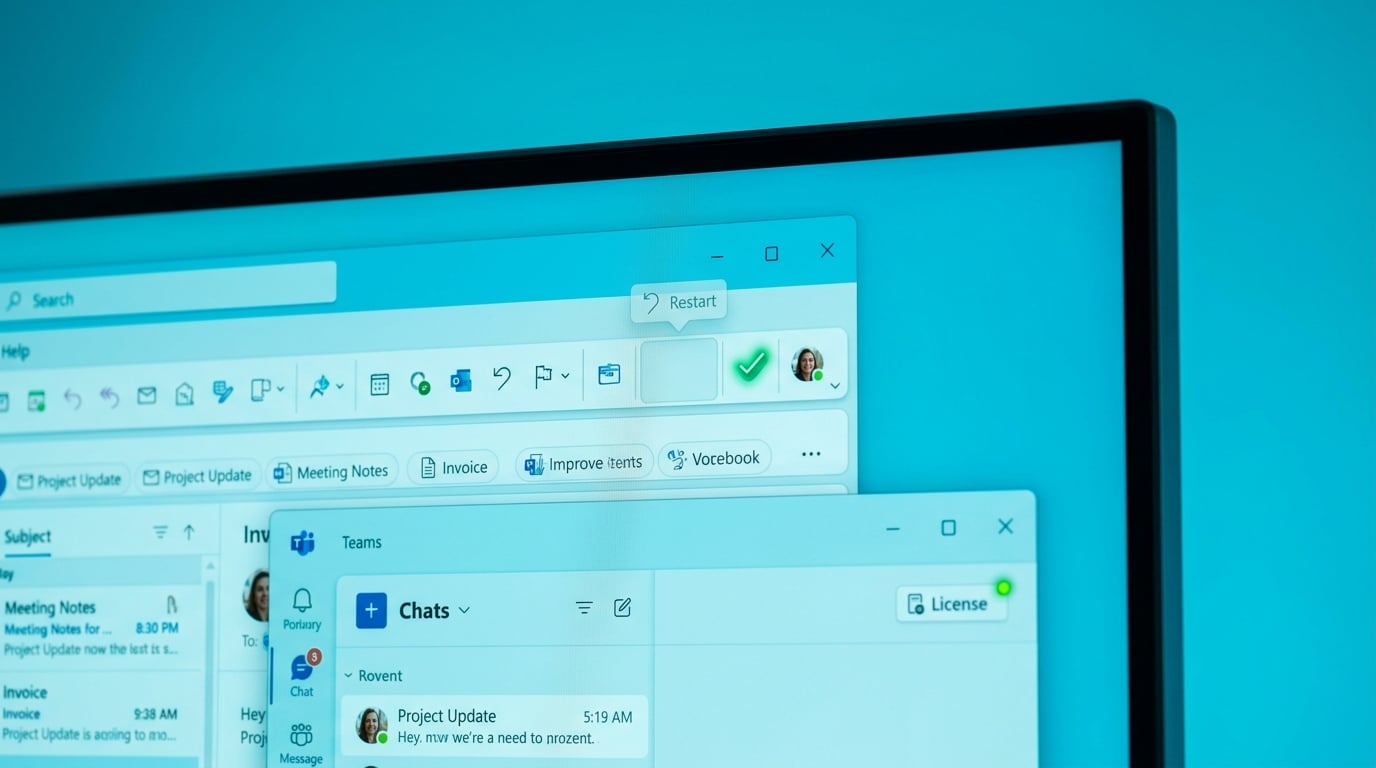
Microsoft has published a straightforward fix for the Copilot launch button vanishing from Outlook and Teams desktop apps. Users with valid Copilot licenses for work or personal accounts must confirm the license is active, update it if needed, and restart the applications. This resolves a widespread glitch blocking access to the AI tool despite paid subscriptions.
Before this, Copilot sat unused in many Microsoft 365 licences because the button simply disappeared, fuelling frustration and quick dismissal as another half-baked feature amid daily inbox and Teams chaos. Now access is reliable with basic steps, shifting the dynamic: it integrates directly into Outlook for summarising unread emails or Teams for chat recaps, turning ignored licence value into targeted relief for triage overload without switching apps.
Analysis
No more blaming a glitch for skipping Copilot – it's primed now for your inbox grind, where generic outputs turn into custom triage wins if you prompt right. Open Outlook today, hit the Copilot button, and type 'Summarise my top 20 unread emails by action required' to slash triage time by half right away.
Source note
Pulse published by Collab365 Spaces. Cite as "Microsoft fixes missing Copilot button in Outlook and Teams", Collab365 Spaces. 1 source referenced.