Microsoft embeds Copilot directly into Power Apps
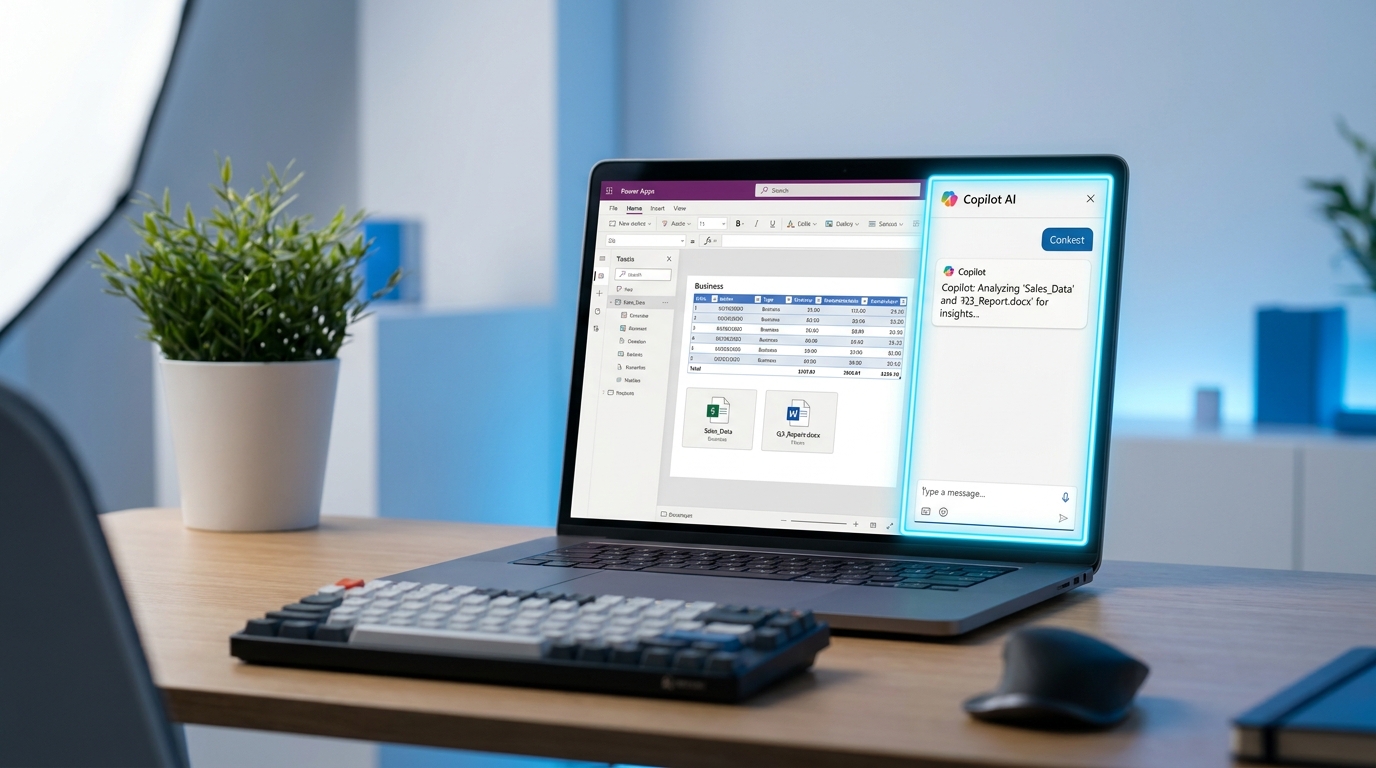
Microsoft 365 Copilot is now generally available inside model-driven Power Apps. The feature is also entering public preview for canvas apps. Users can query their custom business data alongside standard Microsoft files using Microsoft Work IQ. This allows employees to ask questions about internal records without leaving the custom application. Administrators must enable the integration at the tenant level. App-specific form and grid experiences for Copilot Chat will roll out broadly in July 2026.
Until now, Copilot operated in a productivity bubble restricted to standard Microsoft applications. If your team spent their day inside a custom Power App for expense approvals or inventory tracking, they had to switch to Teams or a browser to ask the AI a question. The assistant now sits directly inside your custom business processes while enforcing your existing data governance rules. This bridges the gap between your proprietary databases and everyday files. A user can finally cross-reference an internal app with an Outlook email in a single prompt.
Analysis
Your team is already confused by Copilot in Word and Teams, so dropping it into custom apps will only multiply their trial-and-error fatigue. Do not let IT enable this tenant-wide. Pick a single high-traffic model-driven app, turn Copilot on, and give your users exactly three tested prompts that solve a specific workflow bottleneck.
Source note
Pulse published by Collab365 Spaces. Cite as "Microsoft embeds Copilot directly into Power Apps", Collab365 Spaces.