Microsoft Copilot Studio adds Word document generation from prompts
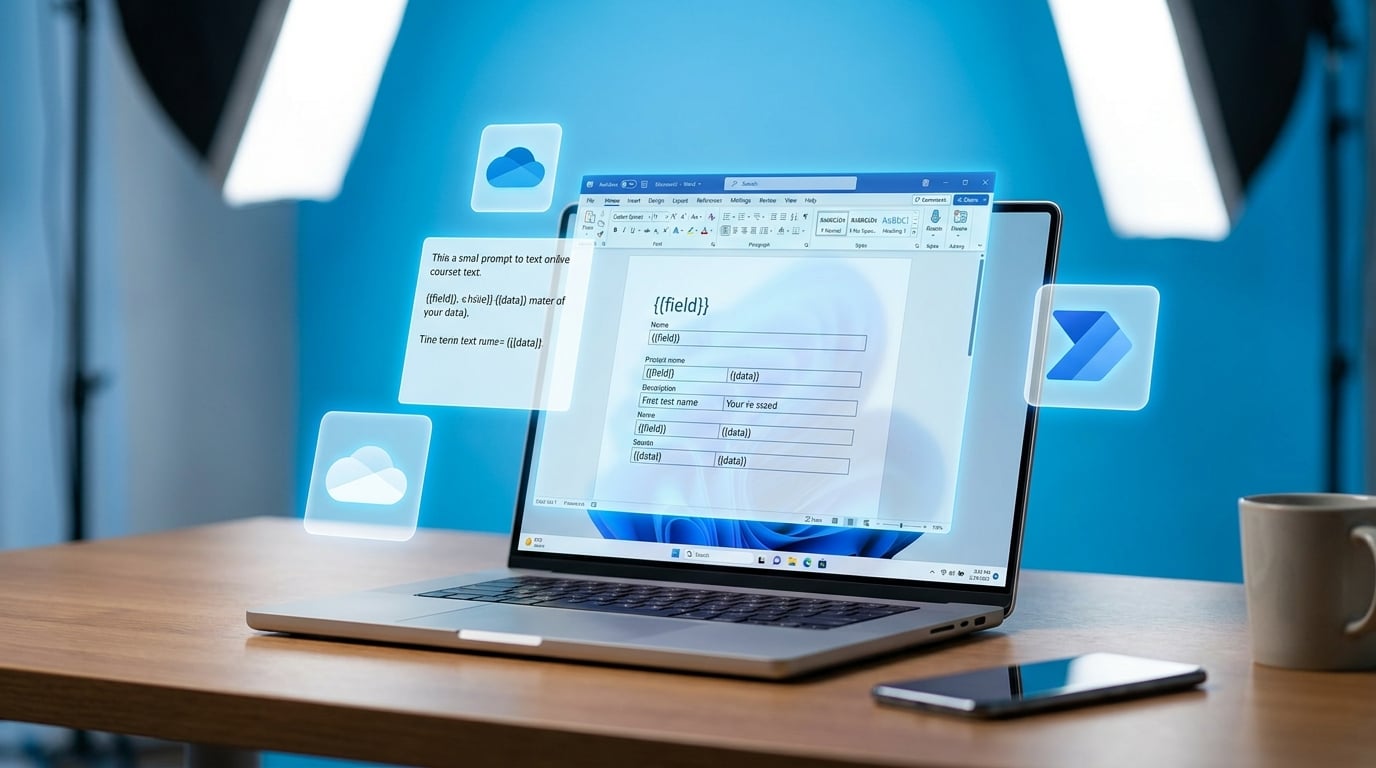
Copilot Studio now lets makers generate full Microsoft Word documents from simple prompts. The preview feature uses predefined layouts with placeholders like {{field}} that pull in data from inputs such as emails. It runs on Azure OpenAI GPT models and works with Power Automate flows to save files in OneDrive or SharePoint. This fills a gap for agents that previously output only plain text. Limits include no control over text formatting inside documents and layouts capped at 20MB. Templates cannot yet move easily between environments.
Agents in Copilot Studio handled text outputs fine but left users to manually format reports or invoices in Word. That meant extra steps, error-prone copying, and no seamless tie-in to M365 storage. External tools like ChatGPT often won because they felt faster for quick docs, even if they risked company data. Now structured Word generation keeps everything in the Microsoft ecosystem with built-in governance. Mid-sized teams can automate real business docs without coding or leaks. It hands users a quick win to prove Copilot beats rivals on privacy and integration.
Analysis
Ditch ChatGPT for invoice drafting – this preview locks workflows into safe M365 rails your IT already approves. Build one agent today: upload a simple invoice template to Copilot Studio, link it to a Power Automate flow from a Teams form, and demo the output to your boss before the next usage report drops.
Source note
Pulse published by Collab365 Spaces. Cite as "Microsoft Copilot Studio adds Word document generation from prompts", Collab365 Spaces.