Microsoft adds Windows 11 policy to remove consumer Copilot app
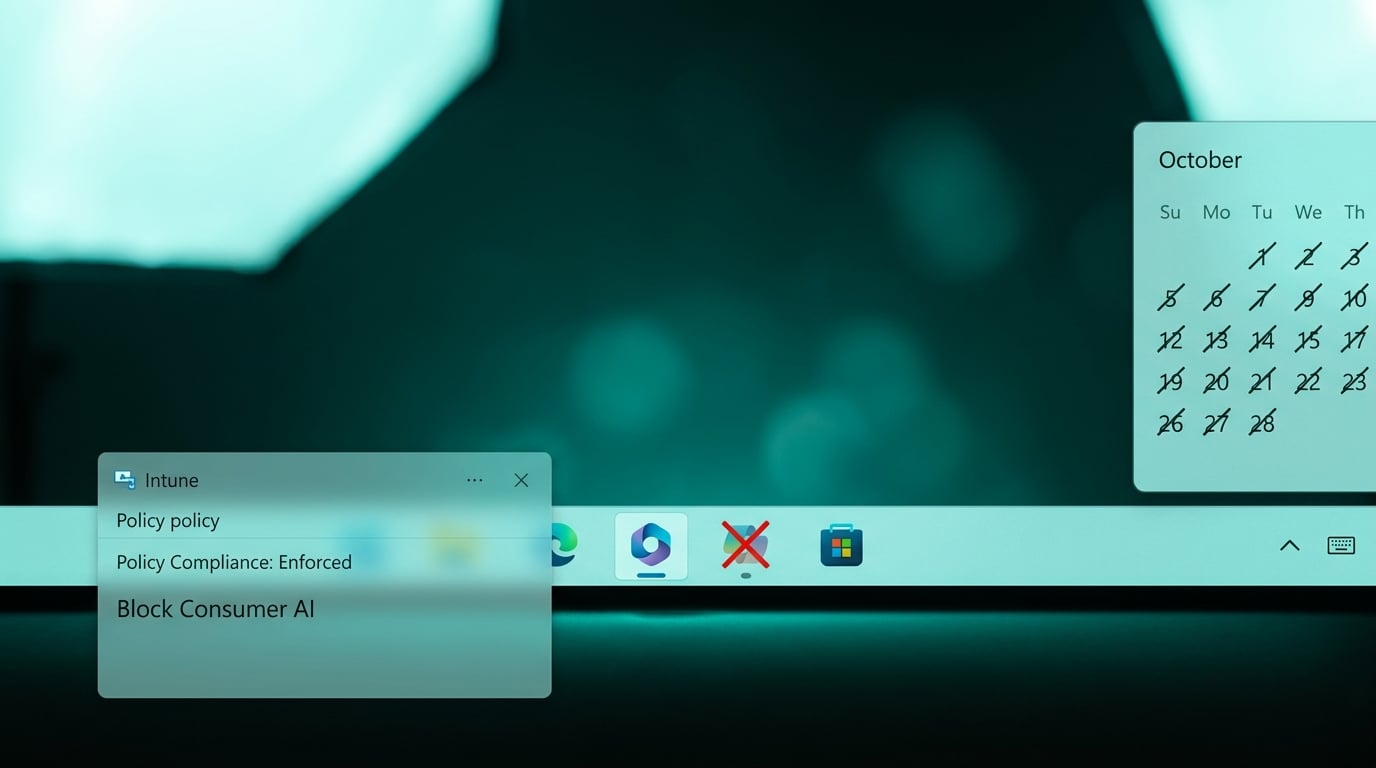
Microsoft released a new Remove Microsoft Copilot app policy for Windows 11 in spring 2026. The policy works through Group Policy, MDM, or registry settings on Pro, Enterprise, Education, and IoT Enterprise LTSC editions. It only triggers when both the consumer Copilot app and Microsoft 365 Copilot are present on the same device and the consumer app has not been used for 28 days. The policy does not touch Microsoft 365 Copilot or other AI features. Admins can now uninstall the consumer app through standard management tools instead of manual removal.
Before this policy, any device with Microsoft 365 Copilot also received the consumer version with no built-in way for mid-sized tenants to remove it at scale. The consumer app sat alongside work tools, creating duplicate icons, separate sign-in prompts, and unclear data paths for users who already struggle to tell SharePoint from OneDrive. Now the consumer app can be stripped after 28 days of inactivity, but only if both versions coexist and only after the fact. This leaves the core problem untouched: Microsoft still pushes consumer AI experiences into managed environments and expects admins to notice and clean up afterward.
Analysis
Block the consumer Copilot app at the Windows image or Intune level rather than waiting for the 28-day trigger. Add it to your standard build checklist so the app never reaches user devices in the first place.
Source note
Pulse published by Collab365 Spaces. Cite as "Microsoft adds Windows 11 policy to remove consumer Copilot app", Collab365 Spaces. 1 source referenced.