Microsoft adds track changes to Copilot in Word
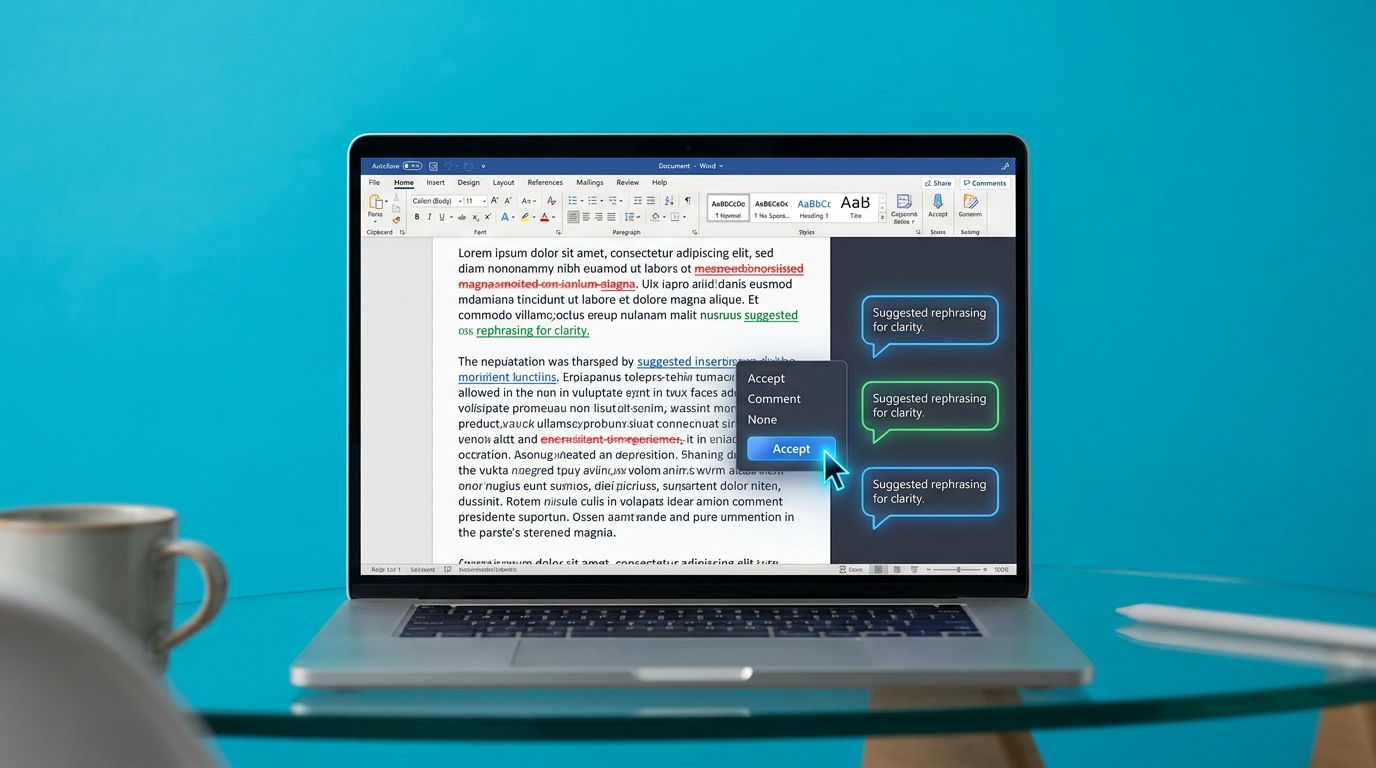
Microsoft has updated Copilot in Word to natively support track changes and document comments. The AI tool can now edit existing text and explain its alterations directly in the margins, rather than simply generating new blocks of text. The feature relies on Microsoft's Work IQ to pull context from across a company's internal files. It is currently available as a Frontier preview for Windows desktop users. Early feedback on the rollout has been mixed. Some users report usability friction as the AI integrates into traditional editing workflows.
Until now, using Copilot in Word felt like handing a keyboard to an overeager intern. It generated generic paragraphs that overwrote your work or dumped unformatted text into the middle of a document. This forced you to spend more time fixing the output than you actually saved. By integrating track changes, Microsoft has shifted Copilot from a blunt generation tool to a collaborative editor. You can now see exactly what the AI altered, accept or reject specific suggestions, and read its comments explaining why a change was made. This keeps you in control of the final document.
Analysis
Stop treating Copilot as a ghostwriter and start using it as a junior proofreader. If you have the Frontier preview, stop asking it to write blank-page drafts. Instead, dump your raw meeting notes into Word and instruct Copilot to refine them using track changes, giving you a quick win without the context switching.
Source note
Pulse published by Collab365 Spaces. Cite as "Microsoft adds track changes to Copilot in Word", Collab365 Spaces.