Microsoft adds Copilot buttons and shortcuts to Office apps
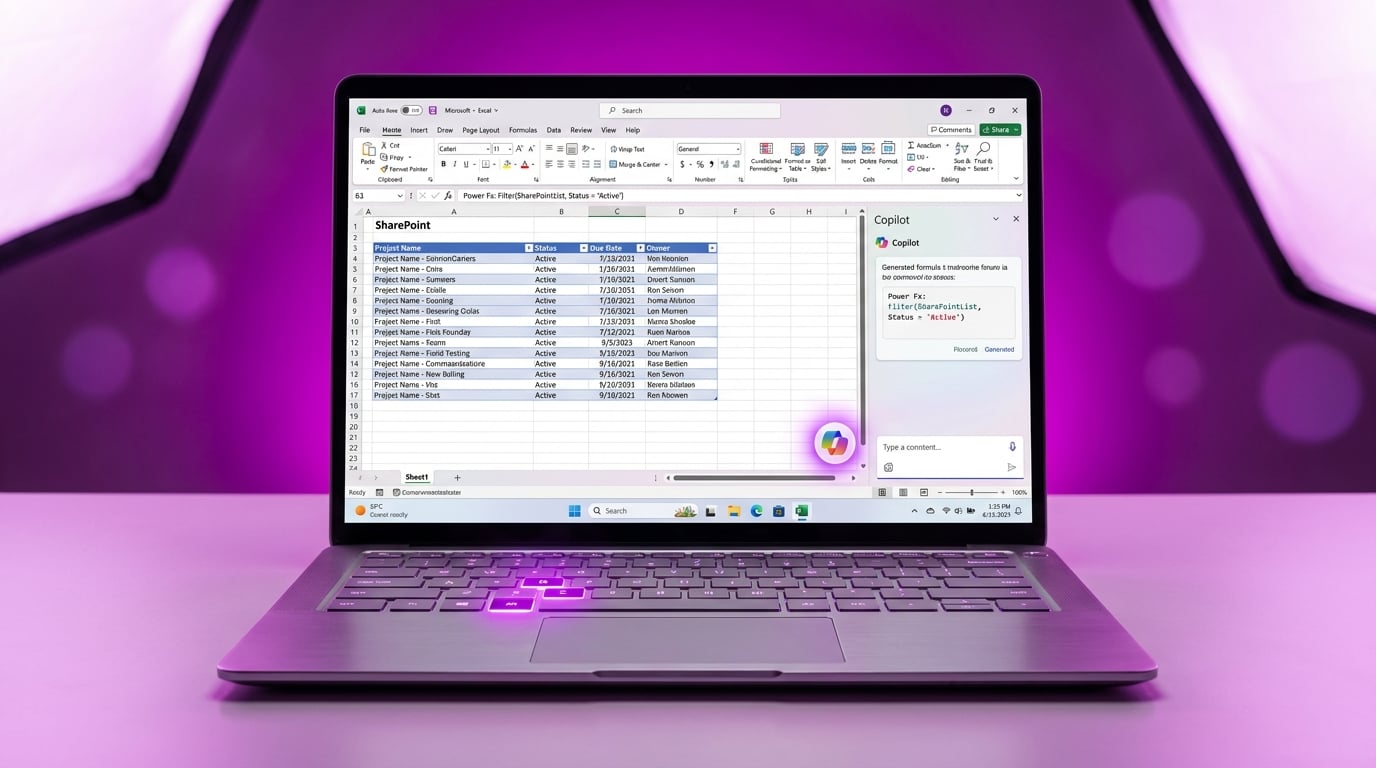
Microsoft has introduced a Copilot button in the bottom-right corner of Word, Excel and PowerPoint. It also adds contextual smart suggestions and a dockable pane for the AI tool. New keyboard shortcuts include F6 to focus Copilot and Alt+C to open it across apps. The changes roll out first to Windows and Mac versions this week, with web support coming soon. General availability hits early June. These updates make Copilot access consistent in Microsoft 365 apps used daily by Power Apps builders.
Before, Copilot hid in menus or required hunting through ribbons, forcing beginners to ignore it while wrestling Power Fx formulas or SharePoint data in Excel. Apps felt isolated from AI help, leaving canvas tweaks and gallery filters to manual trial and error. Now consistent buttons and Alt+C unlock instant prompts on your data samples, generating formula ideas like Filter expressions before you enter Power Apps studio. This bridges Office prep work to app building, cutting forum searches that waste days on basics.
Analysis
This is the quiet boost your stalled expense tracker needs – no magic for layouts, but Copilot in Excel now spits out working Patch or Filter formulas from your SharePoint list preview. Open Excel with a data export today, hit Alt+C, and prompt 'Write Power Fx to filter this gallery by manager email' – paste the result straight into your app and move past formula hell.
Source note
Pulse published by Collab365 Spaces. Cite as "Microsoft adds Copilot buttons and shortcuts to Office apps", Collab365 Spaces. 1 source referenced.