Microsoft adds search and alerts to Copilot task history
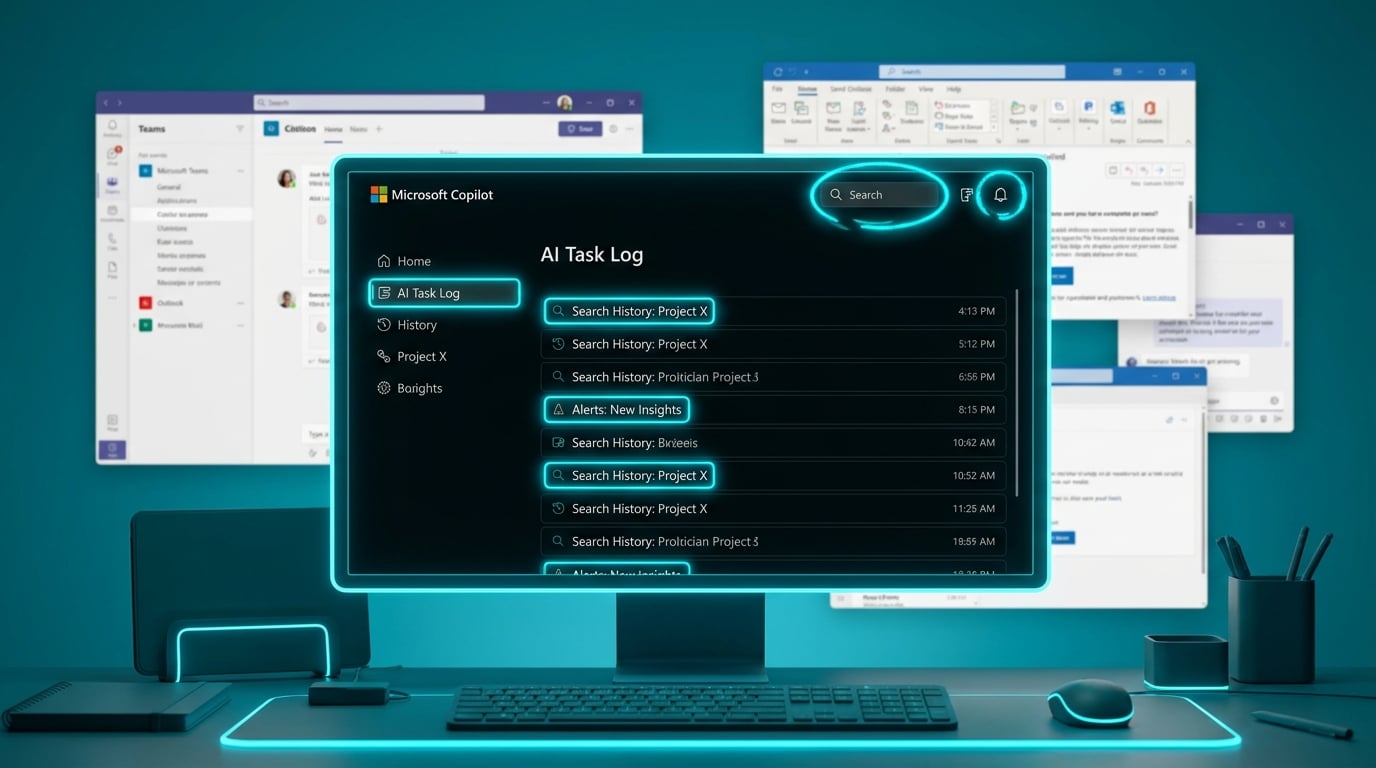
Microsoft has updated Copilot Cowork, its AI agent within Microsoft 365 Copilot. Users can now scroll through task history, search it, and filter by status. In-app notifications alert when the AI needs more input or completes work. Prompts support up to 250,000 characters, over 15 times the previous limit. Pasting content from Teams, Outlook, or browsers preserves it better. Teams messages arrive with rich formatting, and calendar events show local timezones. These features are in early preview for Frontier program members only.
Knowledge workers juggled AI prompts as one-offs, losing track of multi-step outputs amid Teams chats, email threads, and task lists. Restarting meant re-explaining context each time, feeding into daily scatter across half-used M365 apps. Searchable history and notifications create persistent AI memory for workflows, bridging apps without manual notes. This shifts Copilot from gimmick to a quiet task tracker, potentially halving time lost to duplicated efforts in noisy environments.
Analysis
Copilot's new history fixes your task scatter without another app to learn – it's the quick win Microsoft's owed you amid UI chaos. Paste today's noisiest Teams channel into a Cowork prompt asking for action items, then search the history tomorrow to pull them into To Do. Test this once now; if it cuts catch-up by 10 minutes, make it your daily ritual.
Source note
Pulse published by Collab365 Spaces. Cite as "Microsoft adds search and alerts to Copilot task history", Collab365 Spaces.