Microsoft adds role-based prompts to Copilot Adoption Hub
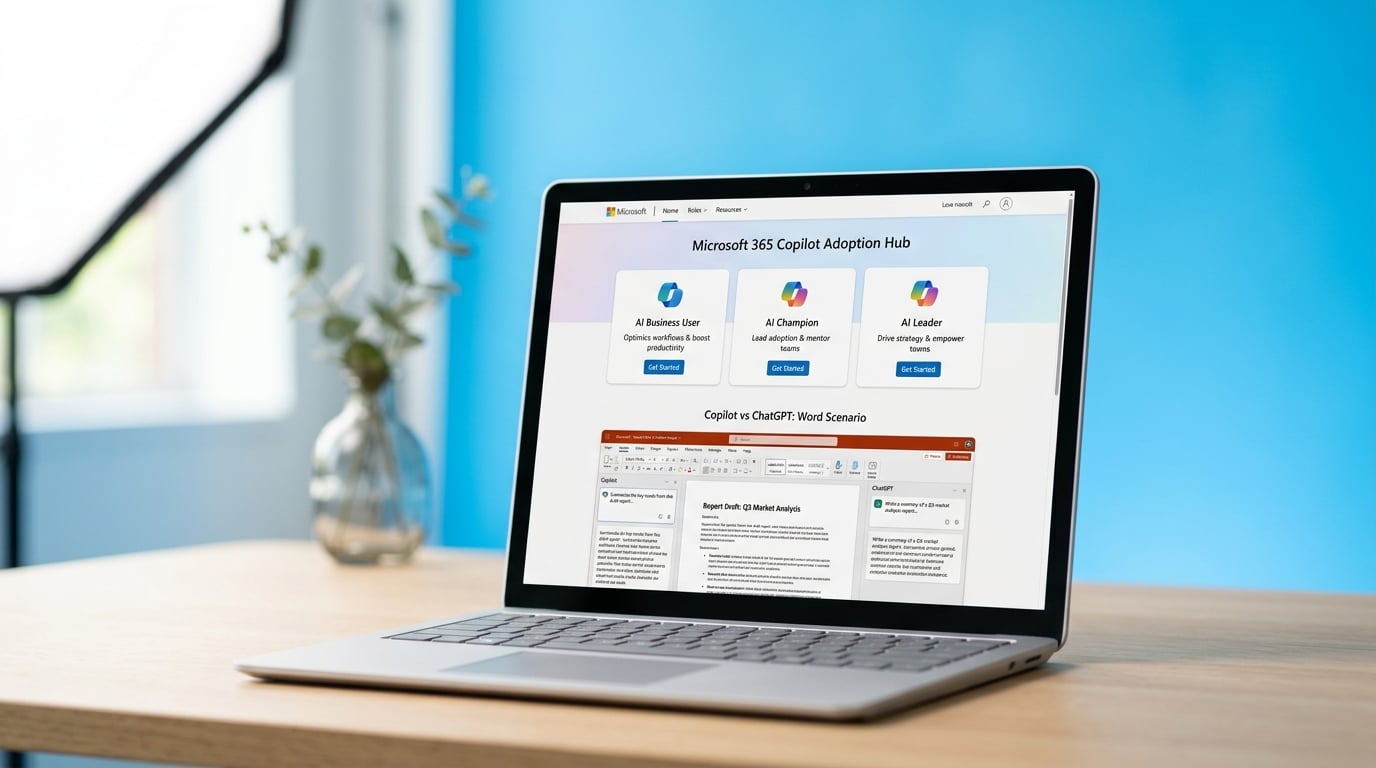
Microsoft launched a redesigned Adoption Hub on May 18 at adoption.microsoft.com/copilot. The update includes ready-to-use prompts and task examples split by three roles: AI Business User, AI Champion, and AI Leader. The hub now points users to immediate starting points instead of general guidance. It keeps existing links to community forums, events, and Microsoft Learn training paths. Advanced setup instructions for IT teams stayed the same. The changes respond to feedback that users could not find clear entry points for daily work.
Before this update, users opened Copilot in Word or Teams and received the same generic prompt box with no indication of what actually worked in their role. Most tried once, got vague output, and returned to manual work. The new role-based examples give concrete starting points, yet they still present Copilot as the default choice without showing where it lags behind ChatGPT or Claude on the same task. Users now have more prompts to test but no clearer signal on when to skip Copilot entirely.
Analysis
Treat the new hub as a prompt library, not a decision framework. Pick one recurring task you do in Word or Outlook, run the same prompt in both Copilot and ChatGPT, and keep using whichever tool produces usable output in under two minutes.
Source note
Pulse published by Collab365 Spaces. Cite as "Microsoft adds role-based prompts to Copilot Adoption Hub", Collab365 Spaces. 1 source referenced.