Microsoft adds PowerShell commands for SharePoint file access reports
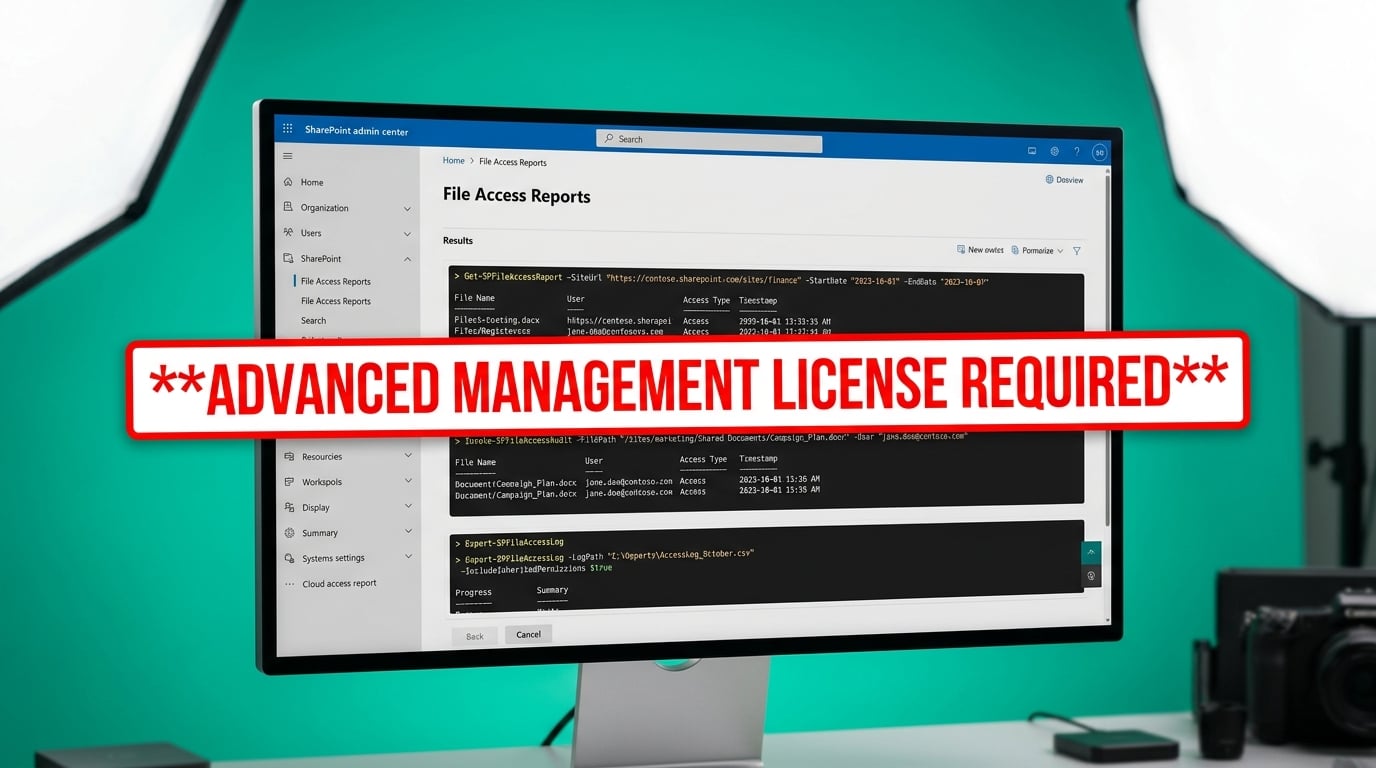
The SharePoint Online PowerShell module now includes three new commands that generate reports on file permissions, sharing links, and sensitivity labels. Admins can run Start-SPODataAccessGovernanceInsight to create a snapshot of current access or track recent activity. Reports are identified by a GUID and can be exported later. The first snapshot can take up to five days to complete. Subsequent runs finish within 24 hours. The feature requires a SharePoint Advanced Management license. Data collection for recent activity reports must be turned on separately.
Before this update, mid-sized companies had no practical way to see exactly which users and guests still had access to old files across hundreds of sites. Permission reviews meant clicking through the admin center one site at a time or hiring consultants to run custom scripts. Now the data exists in a structured format, but only for tenants that already pay for the advanced license. Teams that do not have it will still face the same manual audit burden while leadership assumes the problem is solved.
Analysis
Skip the new reports until you confirm the SharePoint Advanced Management license is actually active on your tenant. If it is not, tell leadership the governance project cannot move forward without that spend, because these are the only tools that produce the audit trail they will demand.
Source note
Pulse published by Collab365 Spaces. Cite as "Microsoft adds PowerShell commands for SharePoint file access reports", Collab365 Spaces. 1 source referenced.