Microsoft adds external sharing dashboard to Teams admin centre
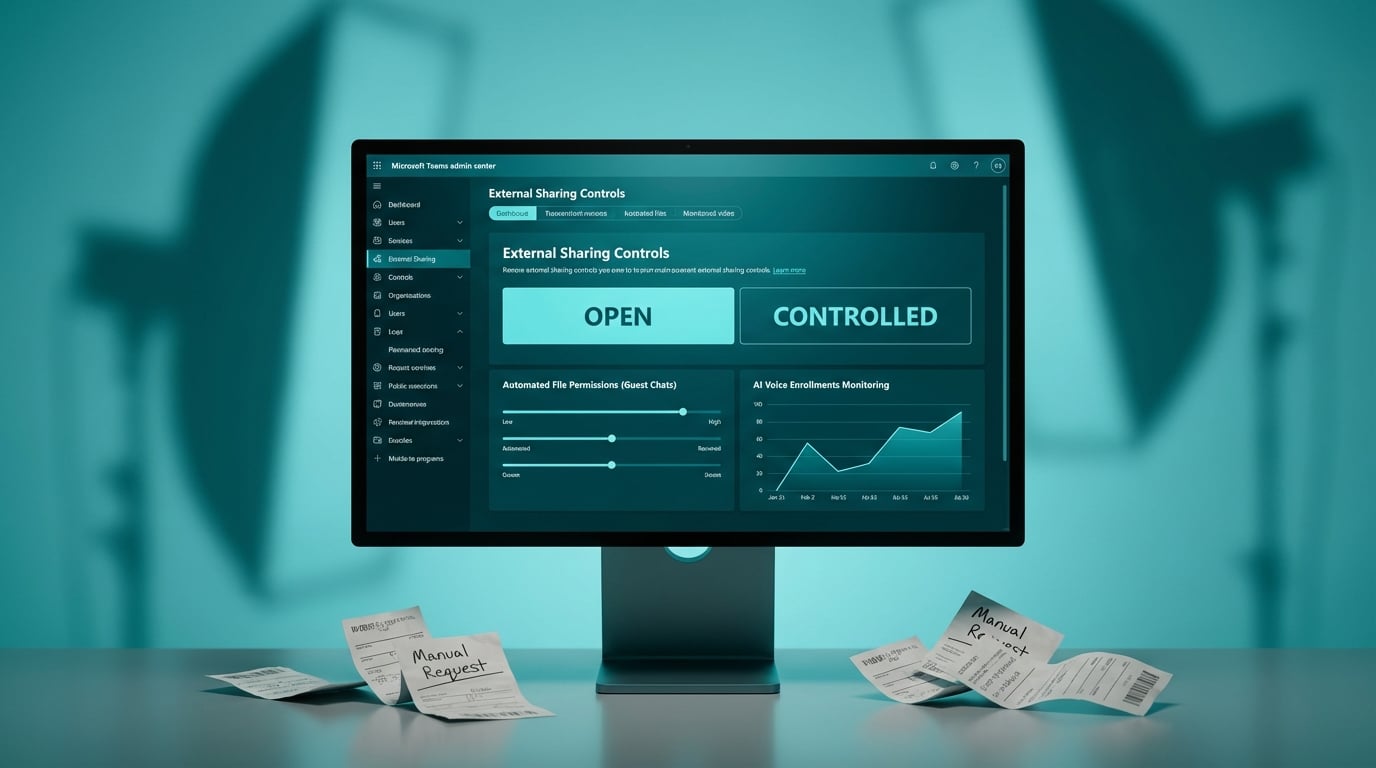
Microsoft has updated the Teams admin centre with a dedicated overview page for external collaboration. The dashboard introduces guided flows that allow administrators to apply Open or Controlled sharing presets across their tenant. The update also automates permission management for files and Loop components shared in external chats. When users share documents with outside guests, Teams will now automatically adjust access rights without requiring manual intervention. A new monitoring section tracks voice and face profile enrollments to oversee data collection for AI meeting features.
Until now, managing guest access and external file sharing in Teams required bouncing between the Teams admin centre, SharePoint admin centre and Entra ID. When users dropped files into external chats, permissions frequently broke, generating a steady stream of support tickets from staff whose clients could not open a document. The new dashboard centralises these controls, but the real shift is the automated permission handling for chat files. By letting Teams automatically manage access for documents in external chats, IT teams can step out of the manual permission-granting loop. However, the guided presets mask the underlying complexity of SharePoint site permissions, meaning administrators still need to understand how Teams policies interact with their existing SharePoint architecture.
Analysis
Treat the new Open preset as a compliance disaster waiting to happen. Lock down your tenant using the Controlled flow, but do not touch this dashboard until you have audited your underlying SharePoint external sharing settings, because Teams will still inherit whatever permission mess you left there three years ago.
Source note
Pulse published by Collab365 Spaces. Cite as "Microsoft adds external sharing dashboard to Teams admin centre", Collab365 Spaces.