Microsoft adds Copilot summary buttons to Power BI reports
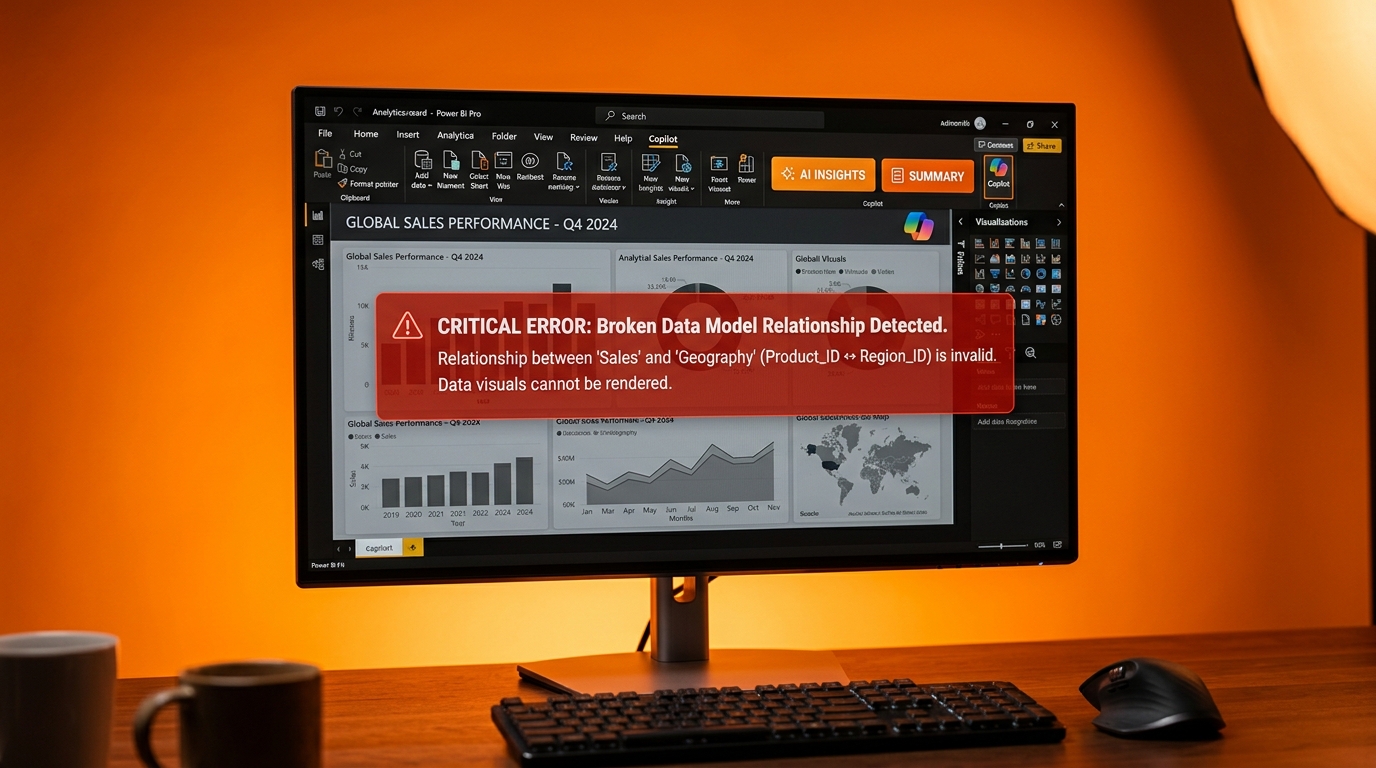
The May 2026 update places Copilot summary shortcuts on the report ribbon and each visual header. Users can now generate AI-written explanations without leaving the report. Visual calculations and custom totals moved from preview to general availability. A redesigned Get Data experience also entered preview in Power BI Desktop. Reports inside organisational apps gained landing page and subscription options. Most changes require no extra setup.
Before this update, analysts spent time writing their own explanations or copying numbers into slides when leadership asked for context. The new buttons remove that manual step. The change matters because faster summaries only help when the underlying numbers are reliable. Readers still wrestling with undocumented Power Query steps or mismatched tables will now produce polished text that conceals the same data problems that already frustrate their bosses.
Analysis
Ignore the new Copilot buttons until your main report's data model actually works. Open the model view, fix the worst relationship or remove one redundant query step, then test whether the numbers still match your source system.
Source note
Pulse published by Collab365 Spaces. Cite as "Microsoft adds Copilot summary buttons to Power BI reports", Collab365 Spaces. 2 sources referenced.