Microsoft adds Copilot Chat support for shared Outlook mailboxes
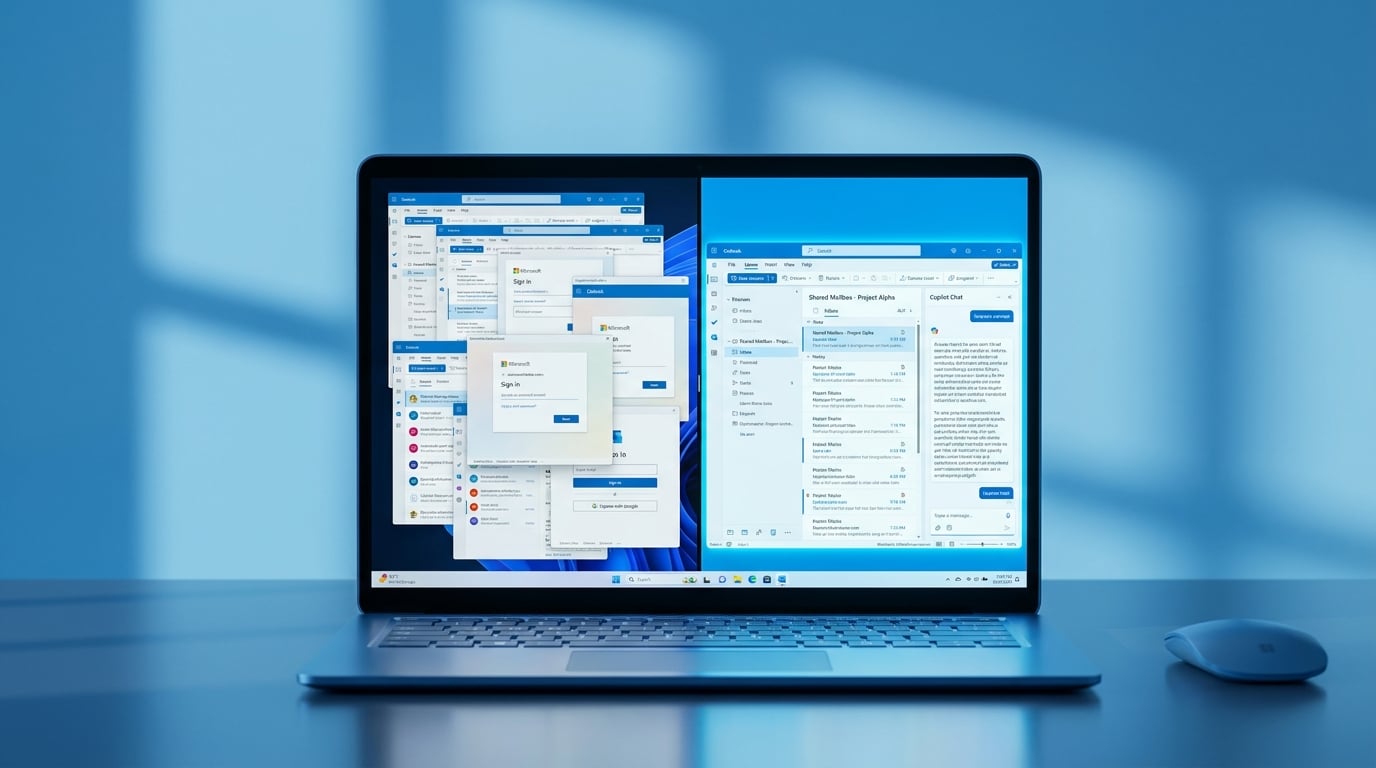
Microsoft 365 Copilot Chat in Outlook now works directly with shared and delegated mailboxes. Users no longer need to switch accounts or use special prompts to access them. The feature respects existing folder-level permissions and saves conversation history to the user's primary account. It is rolling out now, though some may not have access yet. Limitations remain, such as no support for email triage or sending calendar insights.
Teams relied on manual switching between accounts or risky workarounds to handle shared inboxes with AI tools like ChatGPT. This often led to permission errors, data exposure fears, or inconsistent results that eroded trust in Copilot. Copilot now integrates natively, aligning with Microsoft Purview controls to prevent leaks. For the first time, it turns shared mailboxes into a safe, frictionless zone for drafting and summarising - a quiet shift that could double Outlook usage rates in hybrid teams.
Analysis
Forget ChatGPT for team email - this nails the governance angle your IT worries about and delivers reliable output where others flake. Open your shared team inbox in Outlook today, hit Copilot Chat, and prompt 'summarise key decisions from this thread since Monday' to generate a usable recap in seconds.
Source note
Pulse published by Collab365 Spaces. Cite as "Microsoft adds Copilot Chat support for shared Outlook mailboxes", Collab365 Spaces. 2 sources referenced.