Microsoft rolls out bulk calendar edits and AI summaries in Outlook
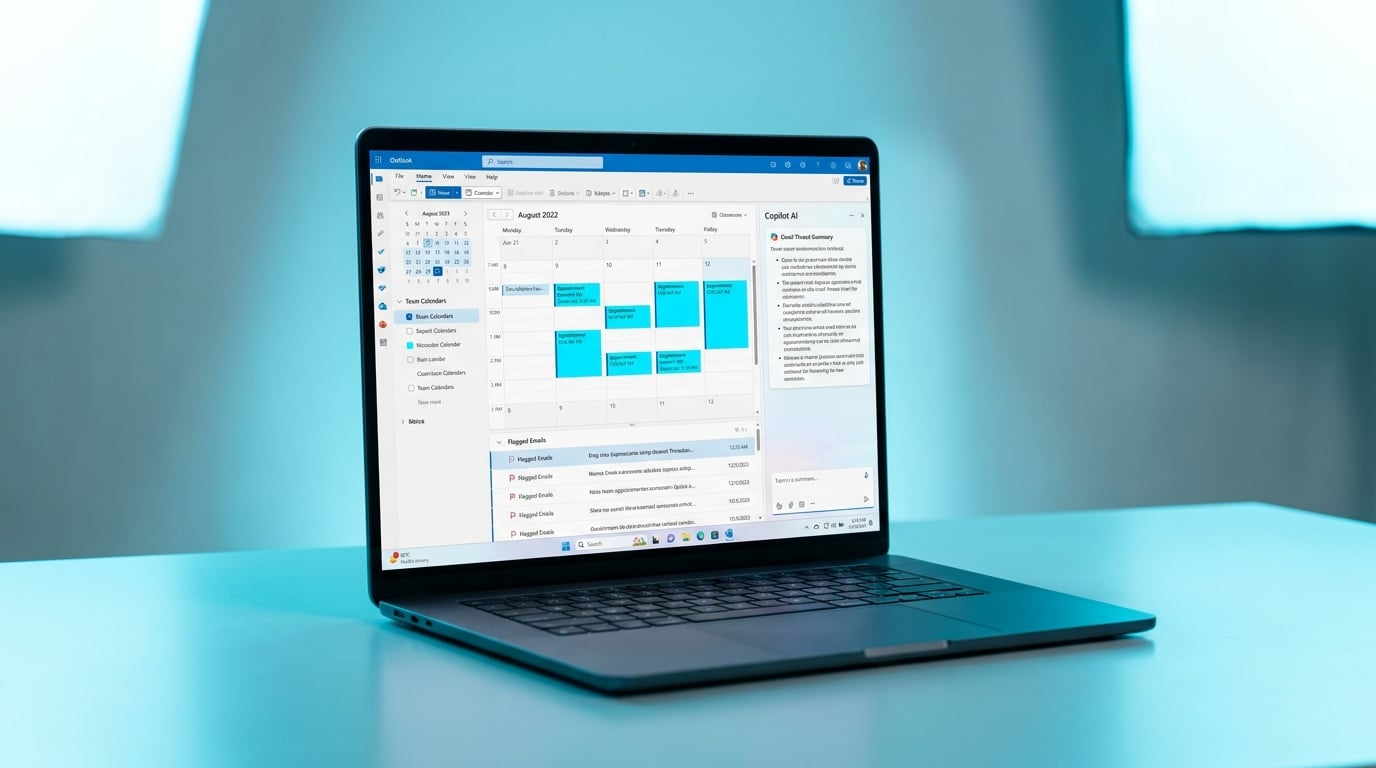
Microsoft will roll out a major Outlook update in May 2026. The web-based version for Windows will replace the existing Mail and Calendar apps used by millions. New features include bulk operations on appointments such as opening, copying, deleting or categorizing them at once. Users can now view colleague calendars directly in the navigation bar and show or hide group calendars. Flagged emails sort by status and due dates, with ICS export added for web appointments. Classic Outlook gains deeper Copilot integration, letting users highlight text for instant summaries.
Knowledge workers once wrestled with calendars in separate apps, manually editing one appointment at a time and hunting for team schedules across tabs. Flagged emails mixed with everything else, forcing constant re-sorts during triage. Copilot felt like a novelty, rarely cutting through long threads. Bulk tools now handle dozens of events in seconds, pulling team calendars into one view for faster coordination. Sorted flags create a unified task list amid inbox chaos. Copilot summaries turn 10-minute reads into 30-second scans, bridging to the web app's future.
Analysis
This nails your email triage frustration without forcing a full New Outlook switch yet – Copilot summaries are the 5-minute win that turns 80-email days into focused flows. Fire up classic Outlook now, highlight your top unread thread, and prompt Copilot: 'Summarize key points and action items.' Do this for 10 emails today to shave 20 minutes off triage and own the rollout.
Source note
Pulse published by Collab365 Spaces. Cite as "Microsoft rolls out bulk calendar edits and AI summaries in Outlook", Collab365 Spaces. 2 sources referenced.