Microsoft adds admin controls to block or delete custom Copilot agents
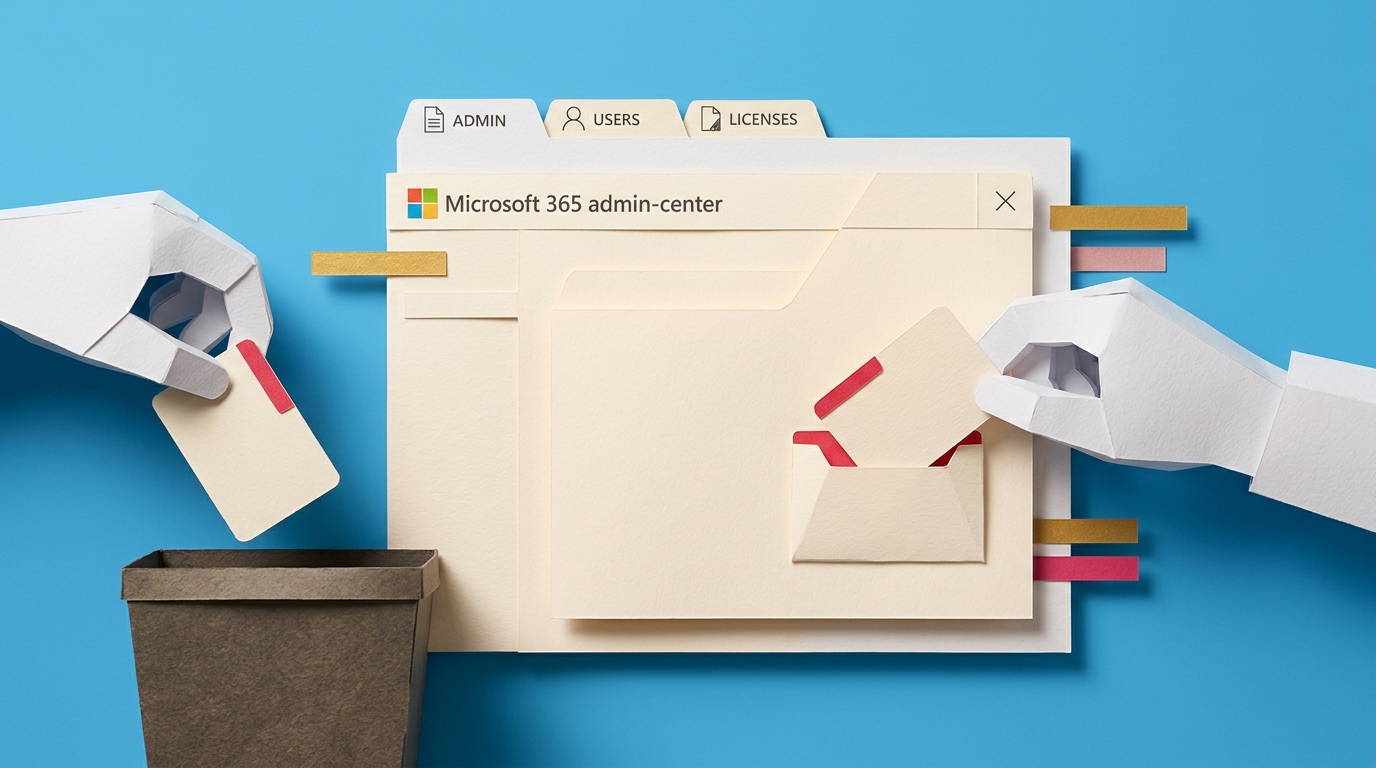
The Microsoft 365 admin center now lets admins block, unblock, or delete agents built with Copilot Agent Builder. Admins can also block or unblock agents created in Copilot Studio. Platform filters were added so admins can view only Agent Builder agents or only Copilot Studio agents. Deletion is currently limited to Agent Builder agents. Ownership transfer for Copilot Studio agents still requires specific roles or API calls and is not handled in the same interface.
Before this update, once an agent was published it stayed visible to users until an admin hunted it down through separate portals or support tickets. There was no single place to pause or remove an agent that was pulling the wrong data or exposing the wrong content. Now agents appear in the same registry as other M365 resources. That means an agent can be turned off quickly if it starts surfacing restricted files or producing inconsistent answers, without waiting for the original builder to respond.
Analysis
If your team has no owner or review step for agents, treat this update as the moment to create one before someone builds an agent that later needs to be blocked. Pick one person to own the agent registry list and require a short sign-off before any new agent is published to the tenant.
Source note
Pulse published by Collab365 Spaces. Cite as "Microsoft adds admin controls to block or delete custom Copilot agents", Collab365 Spaces. 1 source referenced.