Microsoft 365 Copilot introduces Workflows agent for natural language automations
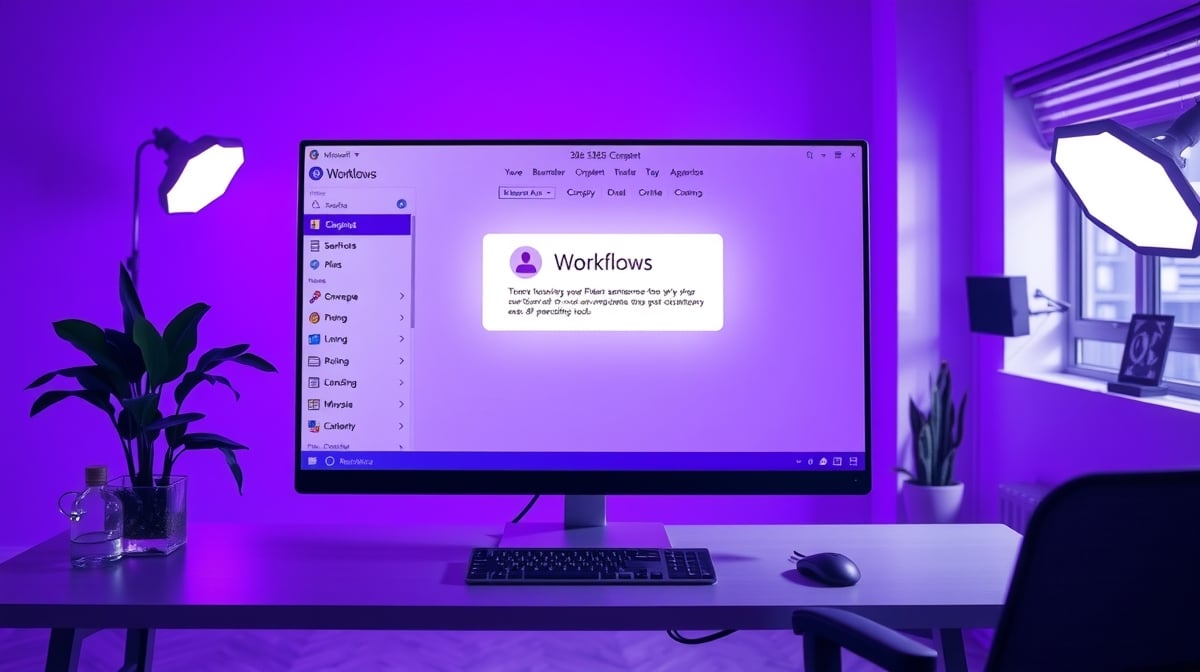
Microsoft 365 Copilot has added a Workflows agent. It lets users automate tasks across Microsoft 365 apps by typing natural language prompts. The agent sits in the left navigation under Agents. To use it, admins must set a Data Loss Prevention policy in the Power Platform admin center. Rollout starts with Frontier early access for Personal, Family, and Premium plans in select markets. US English comes first, with wider access soon. This pulls in Power Platform tools for low-code workflows created on the fly.
Before, tying a Power Apps canvas app to business processes meant opening Power Automate separately. Beginners faced a steep curve with triggers, actions, and connectors just to add basics like approvals. Most stalled there, leaving apps as isolated data entry tools. Now Copilot handles workflow creation in plain English from within the familiar M365 interface. It bridges Power Apps and automation without switching tools or learning new screens. For the first time, non-devs can make SharePoint-connected apps truly operational with minimal extra effort.
Analysis
This lands right in your wheelhouse: skip the Power Automate headache that's killed your last project and make your SharePoint app usable now. Join Frontier early access today, then prompt it to build a simple approval workflow for your expense tracker or whatever half-built screen you're staring at.
Source note
Pulse published by Collab365 Spaces. Cite as "Microsoft 365 Copilot introduces Workflows agent for natural language automations", Collab365 Spaces. 1 source referenced.