Microsoft 365 Copilot adds third-party agents to control external apps from chat
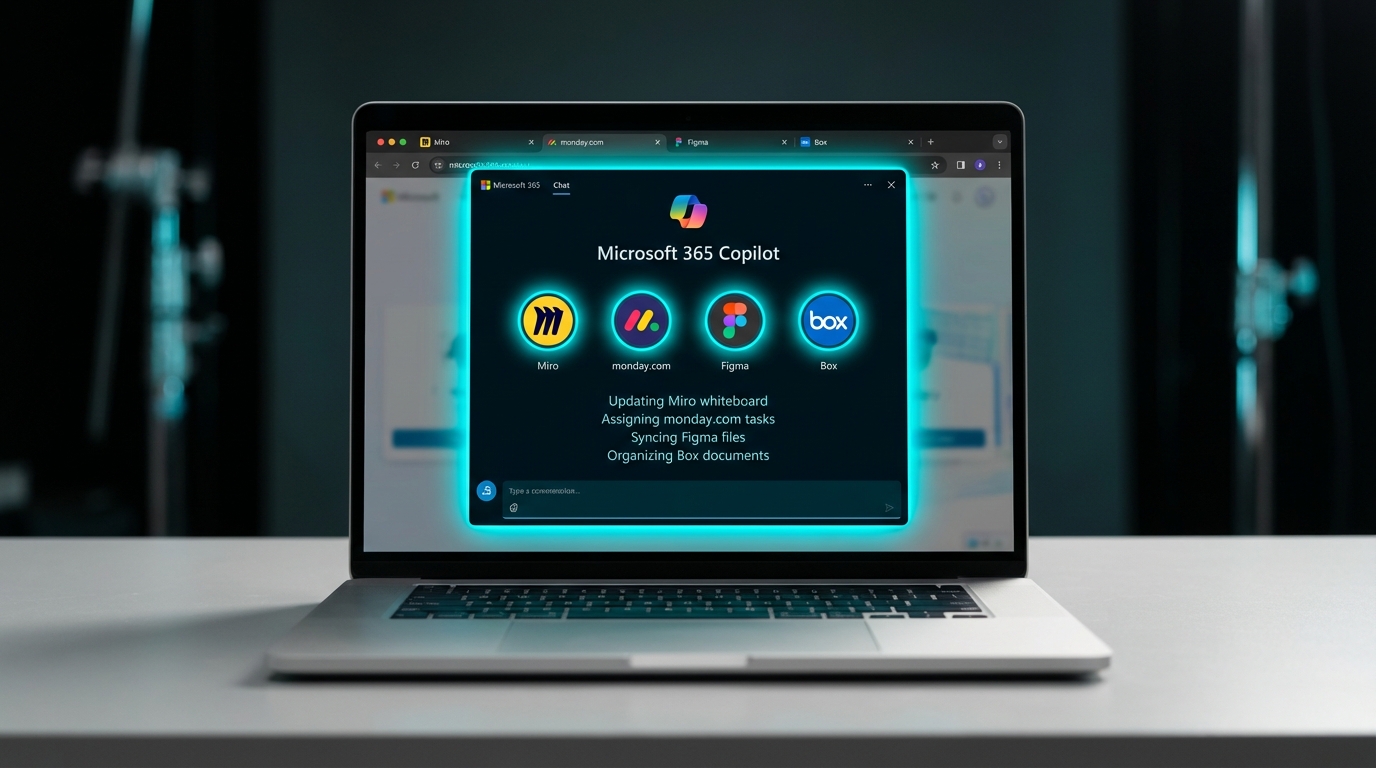
Microsoft is rolling out third-party agents for Microsoft 365 Copilot that embed external business applications directly into your chat window. Instead of just generating text, the artificial intelligence can now execute commands in outside software. The initial launch includes integrations for monday.com, Miro, Figma, Box, and Adobe Express. Users can preview files, edit whiteboards, and manage project tasks without switching browser tabs or opening separate desktop applications. These agents are housed in the new Microsoft 365 Agent Store. They require an active Copilot licence and must be explicitly deployed by IT administrators before teams can access them.
Until now, Copilot functioned mostly as an expensive text generator that still required you to constantly switch contexts. You could ask it to summarize a meeting, but you still had to open a separate task manager to assign the work or launch a digital whiteboard to update a project. The actual execution remained scattered across half a dozen different browser tabs and applications. This update turns the Copilot chat interface into a remote control for your external tools. By allowing you to execute tasks across third-party platforms from a single window, Microsoft is directly addressing the daily friction of app fatigue. It shifts the tool from a simple writing assistant into a central hub that actively reduces the number of screens you have to monitor.
Analysis
This is the first Copilot update that actually cures context switching instead of just writing generic emails. Stop treating the AI like a fancy search engine and pick the one external tool your team relies on most. Submit a specific request to your IT admin today to deploy that single agent so you can stop losing hours bouncing between tabs.
Source note
Pulse published by Collab365 Spaces. Cite as "Microsoft 365 Copilot adds third-party agents to control external apps from chat", Collab365 Spaces.