Managers still rebuild the same ChatGPT briefing every time
 Reviewed by Helen Jones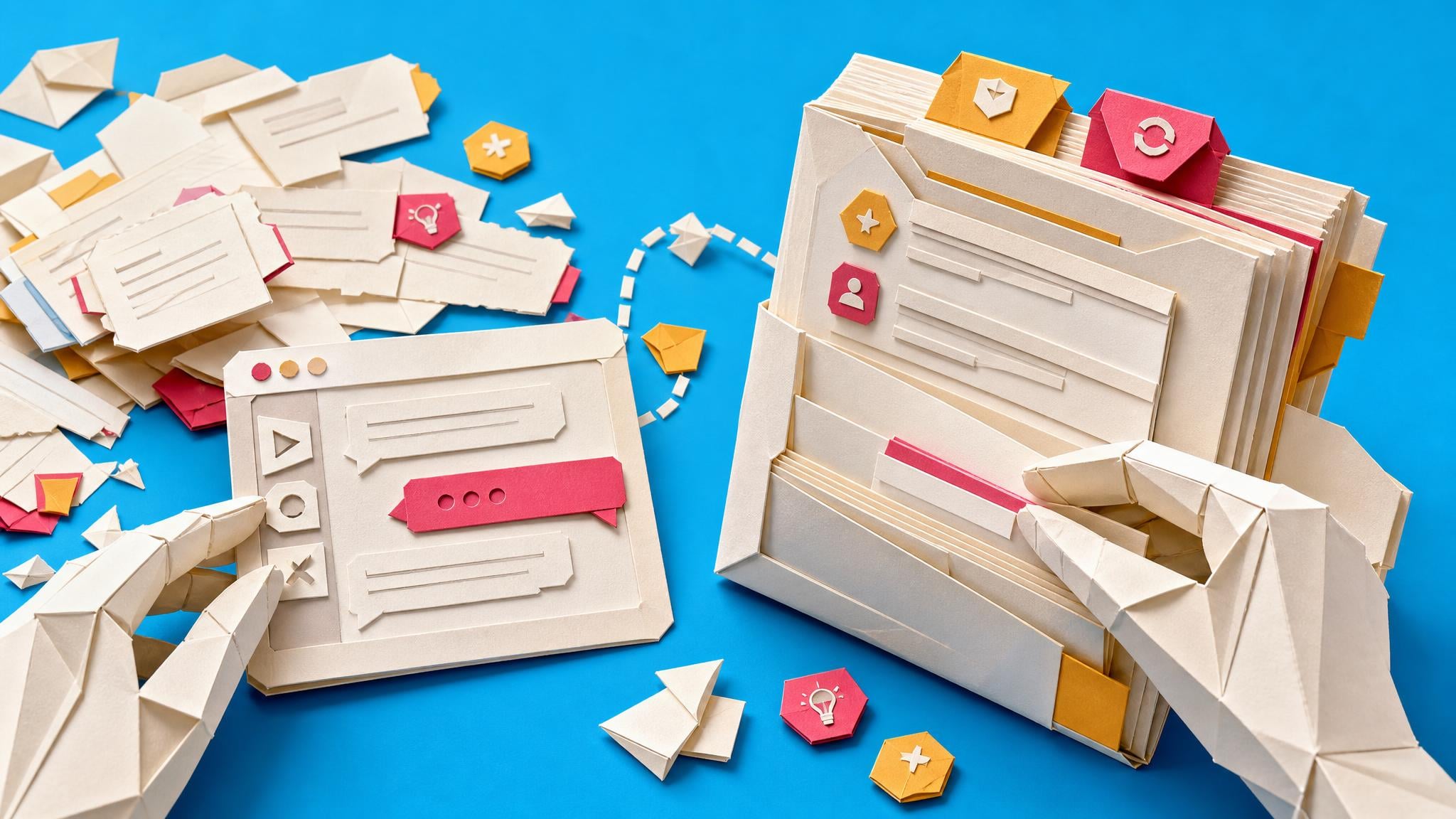
A new Collab365 problem analysis shows how managers still paste the same role context, constraints, examples and output format into new ChatGPT chats. ChatGPT offers memory, custom instructions, Projects and Custom GPTs, but each stores a different kind of context and none automatically becomes a maintained brief for every recurring job. The article focuses on recurring reports and client updates, where missed setup produces inconsistent output and extra review.
Before these options existed, starting a fresh chat usually meant rebuilding the brief by hand. Now the harder problem is placement: stable working preferences can live globally, while a Project can hold task-specific chats, files and instructions, and a reusable context pack can keep the brief visible and portable. That distinction matters because saved context is not the same as governed context. A manager still needs to separate fixed rules from cycle-specific inputs, name an owner and update trigger, and test the setup in a fresh chat before trusting it for a recurring deliverable.
Analysis
Choose one monthly report or client update and split its current paste block into two sections: stable instructions and inputs that change each cycle. Save the stable part in the appropriate ChatGPT Project or reusable context document, then run a fresh-chat comparison against a previous acceptable output.
Source note
Pulse published by Collab365 Spaces, reviewed by Helen Jones on . Cite as "Managers still rebuild the same ChatGPT briefing every time", Collab365 Spaces.