I'm scared to publish changes to a Power App my team uses every day
Non-developer makers maintaining live canvas apps have no safe change workflow. Edits accumulate unpublished, publishes ship everything at once, mistakes surface in front of the whole team, and restore behaviour is unfamiliar enough that rollback feels as risky as the bug. The result is delayed fixes, after-hours publishing, broken trust, and stalled apps.
Context
The blocker, in a nutshell
If this blocker is unfamiliar, start here.
In canvas apps, saving creates a new version that only editors see; users keep the last published version. Publish pushes the current saved version, with every change in it, to all users at once. Version history allows restoring an older saved version, but a restored version must be published before users see it as live. Microsoft currently warns that apps older than six months may be repackaged with the oldest available version and that functionality may have changed. There is no built-in lightweight selective-publish path for one non-admin maker, though saving or exporting a copy of the app is a common workaround.
Key Terms
Industry jargon explained
Click any term to see its definition.
The Reality
A day in their life
Business professional at a 50-1000 person company maintaining a live canvas app their team depends on, because they are the technical one, not a developer
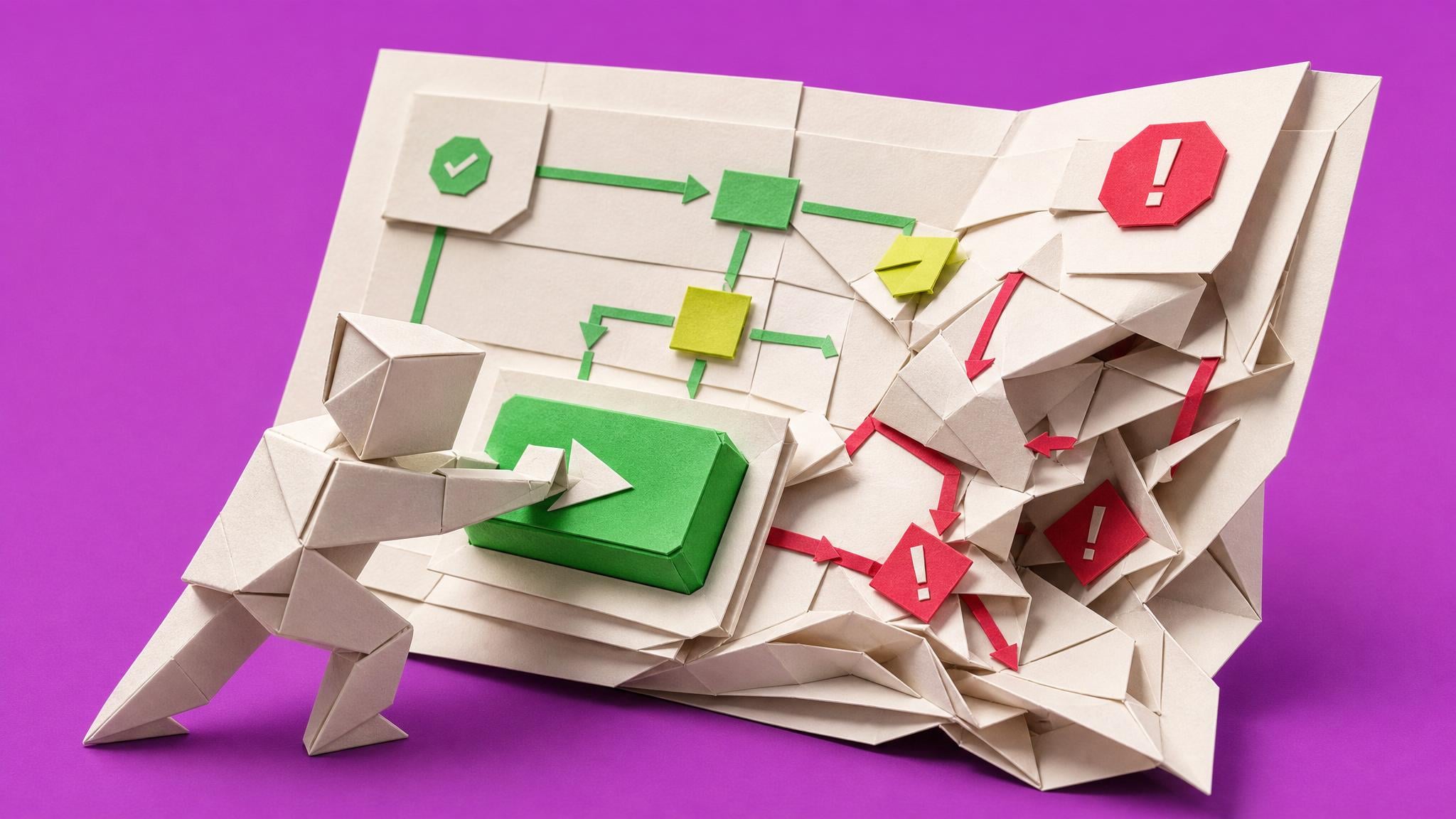
The holiday request app has been live for two months now, and this morning it did its job. Three requests came in overnight, the approvals flow pinged the right managers, and nobody emailed me about any of it. That quiet is the whole reason I built it.
At ten my manager asked for a small change: add a half-day option to the request form. I made the edit in Studio, checked it on my screen, and hit publish before my eleven o'clock. By twelve thirty, two people had messaged me that the submit button does nothing. It turned out my publish also shipped a half-finished experiment from last week, a renamed field the form quietly depended on. I never meant to release that.
I spent lunch with my heart racing, digging through version history for the first time while people waited. I found restore, but the notes said the restored version still needs publishing, and I could not tell whether I was about to make things better or ship something even older over the top. I restored, published, and held my breath. It came back. Then I redid the half-day change, very carefully, and published again at six pm when everyone had gone home.
Nobody shouted at me, but my manager forwarded me one of the complaints with just a question mark. That stung more than shouting would have.
What I want is boring: a way to test a change on a copy before anyone sees it, a publish that ships only what I mean to ship, a note that tells me what each version was, and a rollback I have rehearsed once so it is not a panic button. If changes felt safe, I would actually ship the improvement list instead of sitting on it.
The People
Who experiences this blocker
Business professional at a 50-1000 person company maintaining a live canvas app their team depends on, because they are the technical one, not a developer
25-50 • Beginner to early intermediate maker; got the app working through tutorials and trial and error; no software release experience
Skills
Canvas app building against SharePoint lists
Basic Power Fx by example
Power Automate approvals basics
Excel-grade troubleshooting instincts
Frustrations
- One publish ships everything, including edits they forgot about
- No safe place to test a change against real-shaped data
- Restore behaviour is unclear exactly when they need it most
Goals
- Ship one small change at a time with confidence
- Test changes on a copy before users see them
- Have a rehearsed rollback instead of a panic button
The team manager who championed the app, absorbs user complaints when it breaks, and decides whether the maker keeps owning it
Also affected by this blocker. Often shares the same frustrations or creates additional pressure.
Top Objections
- Environments and pipelines look like enterprise machinery I cannot access
- I do not have admin rights and do not want to involve IT for every change
- I cannot freeze the app while I learn a process; people use it daily
How They Talk
Use These Words
publishversion historyrestoresave a copylive appStudioSharePoint listformflowscreen
Avoid
ALMsolution-awarepipelinesmanaged environmentsgovernance framework
Learning Pathway
Safe Changes to Live Apps
Ship changes the week they are asked for, tested on a copy, published on purpose, and reversible in minutes.
Showing 3 of 3 recommendations
Course
Course Built
◆◆◆◆◆Excellent Fit
Ship changes to your live app with a tested copy, a clean publish, and a rehearsed rollback
From publish-and-pray after hours to shipping requested changes the same week, calmly, with a rollback in the back pocket.
6 lessons75 minbeginner
You'll build: Ship one real pending change request end to end through the routine, producing a version note, a test-pass record on the copy, a completed pre-publish checklist, a user-facing change note, and a documented restore rehearsal timed under five minutes.
Includes: Microsoft Learn: Save and publish canvas apps · Microsoft Learn: Restore your canvas app to a previous version · Power Platform community thread on publishing specific changes · Matthew Devaney: Force App Updates In Power Apps
Save versus publish mechanicsVersion notes that make history readableTest on a copy with shared data sources+3 more
Aligned with space course pricing; avatar budget evidence supports $10-100 targeted training
Briefing
Briefing Built
◆◆◆◆◇Good Fit
A mid-incident decision guide for the moment a publish breaks the live app
From fumbling version history live in front of the team to executing a known, rehearsed decision.
You'll build: A completed incident card for the reader's own app: last known good version noted, restore click path verified once in calm conditions, and the decision rule written in their own words.
Includes: Microsoft Learn: Restore your canvas app to a previous version · Microsoft Learn: Save and publish canvas apps · Matthew Devaney: Force App Updates In Power Apps
What restore does and does not doEditor view versus user view of versionsOlder-app restore and repackaging caveat+2 more
Member briefing, included in space membership
Blueprint
Build Brief Ready
◆◆◆◆◇Good Fit
Build a simple SharePoint release log and checklist for Power App changes
From Power App publishes that are hard to reconstruct to one small, readable record of what changed, what was checked, and which earlier version could be used.
You'll build: Finish the App Releases list, Upcoming and History views, and Before You Publish a Power App page. Move one labelled sample or real low-risk release from Planned to Published, then find its Version to return to and Message for users in under two minutes.
Includes: Microsoft Learn: Save and publish canvas apps · Microsoft Learn: Restore your canvas app to a previous version
Build brief: Existing-tool setup · Maker handoff
Create the App Releases Microsoft ListAdd nine clearly named columnsCreate Upcoming and History views+3 more
Member blueprint, included in space membership
Root Cause
Finding where this blocker actually starts
We traced backward through five layers of "why" until we hit the source. Here's what's really driving this.
1
Why did the publish break the app for everyone?
Publish ships every unpublished change at once, including experiments the maker forgot were in the file, to all users immediately.
2
Why were experiments mixed in with the fix?
There is only one editable copy of the app in the maker's workflow, so quick fixes and half-finished ideas accumulate in the same unpublished version.
3
Why is there no separate place to test?
Dev and test environments feel like admin-controlled enterprise machinery, and nobody taught the maker the lightweight alternative of saving a copy of the app to test changes against the same data.
4
Why does rollback not rescue them quickly?
Restore semantics are unfamiliar: restore creates a new version that still has to be published before users see it, older apps may repackage from the oldest available version, and the maker first meets these rules mid-incident.
5
Why does this persist after the first incident?
The lesson the maker learns is fear, not process. They publish less often, which makes each publish bigger and riskier, which deepens the fear.
Root Cause
Save is not publish, publish ships everything at once, there is no beginner-friendly test path, and restore is learned during incidents. The natural response, publishing less often, makes each release bigger and more dangerous.

The Numbers
How this stacks up
Key metrics that determine the opportunity value.
Overall Impact Score
65/100
Urgency
8/10
They need this fixed now
Build Difficulty
9/10
Complex, needs deep expertise
Market Size
6/10
Healthy demand exists
Competition Gap
8/10
Major gap in the market
"How do I publish these changes without publishing all the enhancements I have made since the last publish?"
Community member asking how to ship one fix from a live app without publishing unfinished edits; the same post describes restore/re-edit/republish as time-consuming double work. — Power Platform community thread: How to publish specific changes in a Live App, 31 May 2023
More Evidence
What others are saying
"A restored app version is only visible to editors until it is published as the live version."
Independent guide explaining restore behaviour that can confuse makers mid-incident; use as mechanism context, not fresh user-pain proof. — Devoworx, How To Manage PowerApps Version History, 31 March 2022
The Landscape
What solutions exist today?
Current market solutions and where there are opportunities.
Leader
P
Publish and pray
Approach: Edit the live app directly, publish, and watch for complaints
Pricing: Free until an incident
Weakness: Every mistake ships to the whole team instantly and is discovered in public
Challenger
V
Version history and restore
Approach: Roll back to a previous version after a bad publish
Pricing: Included
Weakness: Semantics are unfamiliar mid-incident: restore creates a new version that must still be published before users see it, and older apps carry a Microsoft-documented repackaging caveat
Niche
D
Dev/test/prod environments and pipelines
Approach: Microsoft's recommended ALM path with separate environments
Pricing: Included at higher complexity; may need admin setup
Weakness: Requires admin involvement and concepts this avatar avoids; overkill for one team app maintained by one non-developer
Niche
F
Freelancer rescue
Approach: Pay a Fiverr or consultancy expert to fix the app after a bad change
Pricing: From roughly $15 per gig upward (per Space paid frustration audit Fiverr evidence)
Weakness: Costs money per incident and teaches the maker nothing about preventing the next one
The Gap
Why existing solutions keep failing
The pattern they all miss — and how to beat it.
Common Failure Mode
The attached evidence splits into enterprise ALM guidance that is too heavy for this avatar, feature documentation that explains the mechanics without building a habit, and community workarounds that create extra work. The missing middle is a lightweight safe-change routine sized for one non-developer maintaining one live team app.
How to Beat Them
A lightweight release habit the maker controls end to end: keep a version note on every save, test risky changes on a saved copy, publish small and often instead of big and rare, run a two-minute pre-publish checklist, tell users what changed, and rehearse one restore on the copy so rollback is a practiced move instead of a panic button.
The Fix
What a solution needs to succeed
The non-negotiables and nice-to-haves for any product or service tackling this blocker.
The 3 Wishes
Every change ships small, tested on a copy, published on purpose, and reversible in minutes, so the publish button stops being scary.
Must Have
Works with only maker permissions, no admin or environment setup
A test-on-a-copy step that respects shared data sources
A pre-publish checklist under five minutes
A rehearsed restore drill with the exact click path, publish step, and older-app caveat
Version notes that make history readable during an incident
Nice to Have
A user-facing change note template
A pilot user step for risky changes
Guidance on stale client versions after publish
Out of Scope
Environments, pipelines, solutions, managed ALM
Dataverse migration
Multi-maker team release processes
Success Metrics
One real change shipped through the full routine end to end
A restore rehearsed on a copy and documented in under five minutes
A readable version history with notes for the last three saves
The improvement backlog moving again, with publishes getting smaller and more frequent
Solution Strategy
Which approach fits you?
Enterprise ALM content exists but is admin gated and conceptually wrong-sized for this avatar. Feature docs explain restore but build no habit. A practiced routine plus a panic-moment decision guide is the gap.
What we recommend
Lead with a course that installs the safe-change routine on the maker's real live app, pair it with a mid-incident decision briefing (restore or fix forward), and ship a blueprint for a lightweight change log and release checklist system in SharePoint so the habit survives and is visible to the manager.
The Future
What might make this blocker obsolete
Technologies and trends that could disrupt this space. Factor these into your timing.
high probability
Now to 12 months
AI edits raise the volume of changes hitting live apps
Copilot makes edits faster to produce and easier to misunderstand, which increases the need for a test-and-publish routine rather than replacing it.
SaaS: Medium risk
Course: Low risk
medium probability
12-24 months
A native lightweight test mode could absorb part of the workflow
If Microsoft ships beginner-friendly staging, the course's tooling steps change, but the habit, checklist, and incident decision content remain. Monitor release notes.
SaaS: Medium risk
Course: Medium risk
For Creators
Content Ideas
Marketing hooks, SEO keywords, and buying triggers to help you create content around this blocker.
Buying Triggers
Events that make people search for solutions
- A publish breaks a form, flow trigger, or save path for the whole team during working hours
- The maker discovers users are running a stale version after a publish
- A pile of requested improvements is overdue because publishing feels too risky
- An admin or manager asks what the rollback plan is and there is not one
Content Angles
Attention-grabbing hooks for your content
- Why publish ships more than you meant to ship
- Test on a copy: the safety net nobody shows beginners
- Restore or fix forward: the two-minute incident decision
- Small frequent publishes beat big scary ones
- Version notes: the habit that saves you mid-incident
Search Keywords
What people type when looking for solutions
power apps publish broke apppower apps restore previous versionpower apps test changes before publishpower apps version historycanvas app save copy testingpower apps rollback change
The Evidence
Where this came from
Every claim in this report is backed by public sources. Verify anything.
1.2.3.4.5.
Restore your canvas app to a previous version (Microsoft Learn)
learn.microsoft.com
Save and publish canvas apps (Microsoft Learn)
learn.microsoft.com
Power Platform community: How to publish specific changes in a Live App without affecting other work
community.powerplatform.com
How To Manage PowerApps Version History (Devoworx)
devoworx.net
Force App Updates In Power Apps (Matthew Devaney)
matthewdevaney.com
5 sources referenced
Source note
Blocker published by Collab365 Spaces, reviewed by Collab365 editorial team on . Cite as "I'm scared to publish changes to a Power App my team uses every day", Collab365 Spaces. 5 sources referenced.
Have a question or correction?
No comments yet