I don't know whether this flow belongs in a solution, environment, or my personal workspace
A Power Automate maker has a flow that is moving from personal productivity into shared team use, but cannot tell whether it should stay in My flows/default environment, move into a solution, use connection references/environment variables, or be escalated for a separate environment. The validated pain is maker-level placement and portability decision confusion, not enterprise environment strategy.
Context
The problem in plain English
If you're unfamiliar with this industry, start here.
Power Automate flows can live as personal flows, shared team flows, or solution-aware flows inside specific Power Platform environments. The placement matters because it affects ownership, connections, portability, updates, and who can support the automation when the original maker is unavailable.
Key Terms
Industry jargon explained
Click any term to see its definition.
The Reality
A day in their life
Operations lead or Microsoft 365 power user whose flow is becoming team-owned
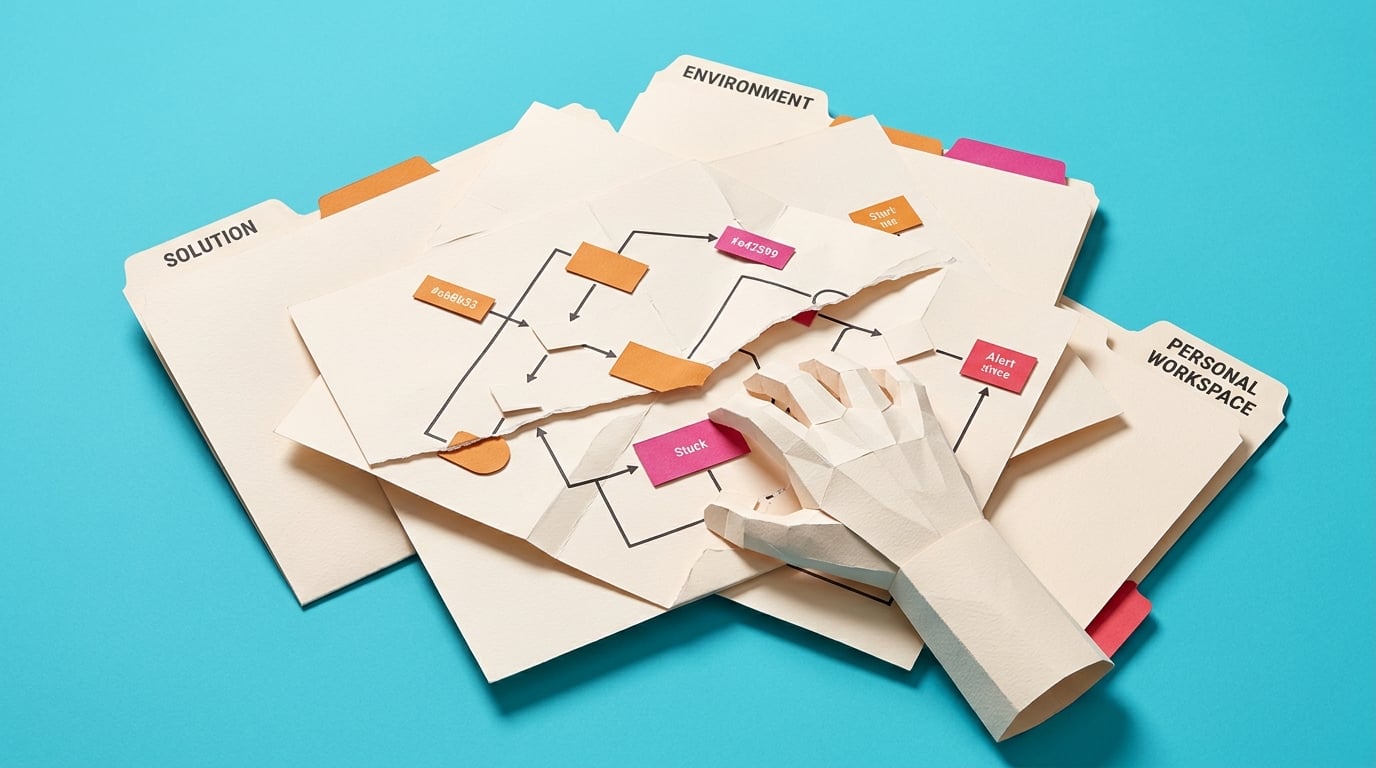
I start with a small win: the flow I built for myself is useful enough that other people want it. It saves time, and the team wants the same version rather than everyone making their own copy.
Then I hit the placement question. Is this still my flow? Should it be in a solution? Do I need environment variables? If I keep it in my personal workspace, will every future change depend on my account?
By lunch I am reading posts that say 'always use solutions' and docs that talk about environments. I can see the logic, but I still need a maker-sized rule for this exact flow.
What I want is a decision record: personal shortcut, shared team flow, solution-aware build, or admin escalation. Then the flow has a home before the business starts relying on it.
The People
Who experiences this problem
Operations lead or Microsoft 365 power user whose flow is becoming team-owned
28-55 • Beginner to intermediate
Skills
Basic Power Automate building
Microsoft 365 process ownership
SharePoint/Teams/Outlook workflows
Frustrations
- They do not know when a flow has outgrown a personal workspace
- Solutions feel developer-ish but personal flows feel fragile
- Connection references and environment variables sound useful but abstract
Goals
- Put important flows in the right place before rollout
- Avoid personal-connection traps
- Know when to escalate to an admin
Admin or team owner
Gets asked to support or move the flow once it has already become important.
Also affected by this problem. Often shares the same frustrations or creates additional pressure.
Top Objections
- I am not doing enterprise ALM
- I only have one flow
- I do not know what environment permissions I have
- Solutions sound too complex for a simple process
How They Talk
Use These Words
My flowssolutionenvironmentconnection referenceenvironment variabledefault environmentpersonal flowteam flow
Avoid
ALM pipelinemanaged solution layeringtenant governance modelDevOps release train
Learning Pathway
Power Automate Flow Placement Decisions
Know where a flow should live before it becomes a team dependency.
Showing 1 of 1 recommendation
Briefing
Start Here
◆◆◆◆◆Excellent Fit
Decide Where Your Power Automate Flow Should Live
You'll build: A completed Flow Home Decision Record for one flow.
Personal flowsSolutionsConnection references+2 more
Root Cause
Finding where this problem actually starts
We traced backward through five layers of "why" until we hit the source. Here's what's really driving this.
1
Why is the maker unsure where the flow belongs?
Because the flow's risk changed from personal shortcut to shared process.
2
Why does placement matter?
Sharing, connection references, environment variables, deployment, ownership, and production support behave differently across personal flows, solution-aware flows, and environments.
3
Why is this hard for non-developers?
Official guidance often speaks in ALM and environment terms, while the maker needs a simple threshold: when is this no longer just my flow?
4
Why does it persist?
Teams often wait until a flow breaks, needs distribution, or is tied to personal connections before deciding its home.
5
Why is the placement decision delayed until the flow is already important?
The maker can start in a personal workspace with little ceremony, but ownership, environment, and portability questions only become visible once the flow has team users and support expectations.
Root Cause
The root cause is a lifecycle mismatch: a flow that started as a personal productivity automation is becoming a shared team process without a placement, ownership, connection, and portability decision.

The Numbers
How this stacks up
Key metrics that determine the opportunity value.
Overall Impact Score
80/100
Urgency
7/10
Moderate pressure to solve
Build Difficulty
8/10
Complex, needs deep expertise
Market Size
6/10
Healthy demand exists
Competition Gap
8/10
Major gap in the market
"how do I best distribute a series of flows where I can still update them... but not have them locked to my own personal connections"
Maker asked how to distribute flows without personal connection lock-in. — Reddit r/PowerAutomate, 2026-04-23
More Evidence
What others are saying
"Will you use [solutions], [environment variables] & [child flow] in your power automate project?"
Recent practitioner question about when to use solution patterns. — Reddit r/PowerAutomate, 2026-04-06
"I still do not fully understand Connections and Connection References, especially in terms of Power Automate"
Practitioner confusion around connections and connection references. — Reddit r/PowerApps, 2026-01-21
The Landscape
What solutions exist today?
Current market solutions and where there are opportunities.
Leader
P
Personal/My flows in default environment
Approach: Use personal productivity spaces for simple individual apps and flows.
Pricing: Included with platform access
Weakness: Can be a poor fit once colleagues depend on the flow or it needs controlled movement/support.
Leader
S
Solution-aware cloud flows
Approach: Use solutions, connection references, and environment variables to organize and move components.
Pricing: May require Dataverse/environment capabilities and relevant licenses
Weakness: Correct but intimidating; makers need a threshold guide, not enterprise ALM jargon.
Leader
E
Environment routing / personal developer environment
Approach: Admins can route makers into personal developer environments.
Pricing: Creation/preview may not need premium, but running in managed developer environments may require premium licenses per Microsoft docs.
Weakness: Admin-controlled feature; not every maker can rely on it or decide alone.
The Fix
What a solution needs to succeed
The non-negotiables and nice-to-haves for any product or service tackling this problem.
The 3 Wishes
A plain-English decision guide that tells a maker whether this flow can stay personal, should become solution-aware, or needs admin/environment help.
Must Have
Personal versus team dependency checklist
Solution-aware threshold rules
Connection reference explanation
Environment variable trigger points
Admin escalation template
Nice to Have
Examples for SharePoint approval, Power Apps button, and Teams notification flows
One-page decision record
Glossary
Out of Scope
Tenant-wide environment strategy
Enterprise ALM pipeline
Managed solution deployment training
Admin governance policy
Success Metrics
The learner can classify one flow as personal, team-shared, solution-aware, or admin-escalation
The decision records owner, environment, connection model, and movement/support needs
The learner knows what they can do alone and what requires admin input
Solution Strategy
Which approach fits you?
A briefing is the strongest fit because the bottleneck is a decision, not a full build. A course could follow if learners need to convert a flow into a solution, but that should not be forced now. No build_spec is earned.
What we recommend
Create a concise briefing/decision guide first. Hold course until there is demand for step-by-step solution conversion.
For Creators
Content Ideas
Marketing hooks, SEO keywords, and buying triggers to help you create content around this problem.
Buying Triggers
Events that make people search for solutions
- A personal flow needs to be shared with colleagues
- A flow should move from dev/test/prod or another environment
- The maker worries about personal connections
- A team asks who owns and supports the flow
Content Angles
Attention-grabbing hooks for your content
- When is a Power Automate flow no longer just yours?
- Personal flow or solution-aware flow: a maker's decision guide
- Connection references in plain English for citizen makers
- The Flow Home Decision Record
Search Keywords
What people type when looking for solutions
Power Automate solution or personal flowPower Automate connection references environment variablesPower Automate default environment personal productivityPower Automate where should my flow livePower Automate solution-aware cloud flow
The Evidence
Where this came from
Every claim in this report is backed by public sources. Verify anything.
8 sources referenced in this report
Collab365 Research • Collab365 Spaces
Have a question or correction?
No comments yet