I can't safely change a live flow without breaking the business process
A Microsoft 365 power user needs to change a Power Automate flow that already supports a live business process, but cannot tell whether direct editing, turning it off, copying/exporting, solution-aware drafts/versioning, or admin escalation is the safest path. The practical failure is a change made without a current-state snapshot, realistic test evidence, dependency check, publish window, and rollback/fallback plan.
Context
The problem in plain English
If you're unfamiliar with this industry, start here.
Power Automate cloud flows often start as small Microsoft 365 automations, then become live business processes for approvals, notifications, records, onboarding, finance routing, or Power Apps buttons. Changing a live flow is different from building a first flow: the maker needs to understand when changes become runtime-active, what can be tested, which dependencies might break, and what proof exists if they need to roll back.
Key Terms
Industry jargon explained
Click any term to see its definition.
The Reality
A day in their life
Microsoft 365 power user or operations lead responsible for a live Power Automate flow.
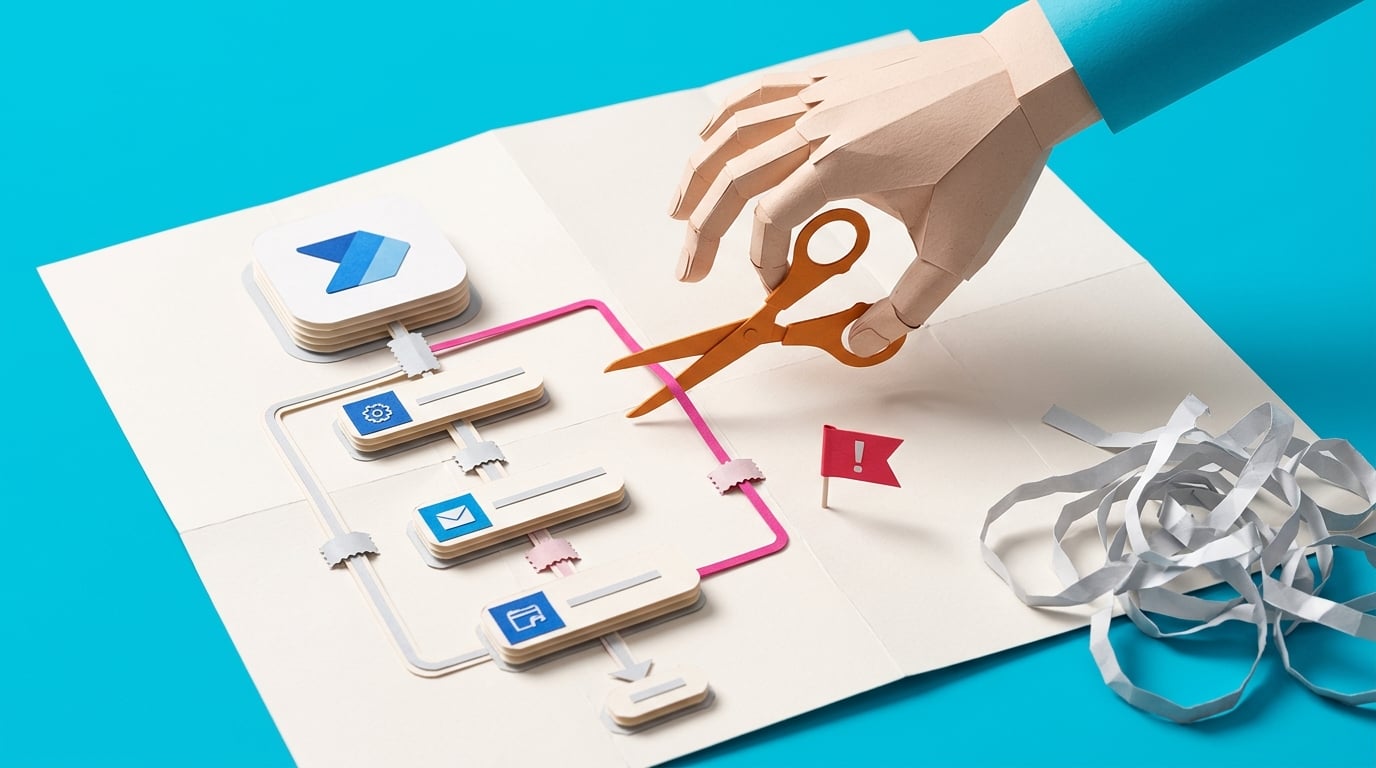
I start the morning with a small win: the invoice approval flow ran overnight, updated the SharePoint list, and sent the Teams message exactly as expected. The finance manager now wants one extra condition before approvals go to the director. It sounds tiny, but this flow is live now, so I do not want to poke at it like a demo.
I open the flow and pause. Is this the one I should turn off before editing? Is it in a solution? Do I have version history? If I save a draft, when does it actually affect runtime? I take screenshots and check the last successful run, but I still feel like I am making a change without a proper safety net.
By lunch I have a test item ready and I know what the new branch should do. That is the small bit of control I needed. The painful part is the dependency list: SharePoint fields, approval emails, a Teams notification, and a Power Apps button that someone else built. If I publish the wrong thing, the problem will not look technical to the business. It will just look like approvals stopped.
What I want is a calm change routine: capture the current state, choose the safest edit path, test with real-looking data, publish at the right moment, watch the first runs, and know exactly what I will do if the change fails. I do not need enterprise release management. I need enough structure to change a live flow without turning a working process into tomorrow's incident.
The People
Who experiences this problem
Microsoft 365 power user or operations lead responsible for a live Power Automate flow.
28-55 • Beginner to intermediate Power Automate maker; strong process knowledge but not a professional developer or ALM specialist.
Skills
Microsoft 365 process ownership
Basic Power Automate editing
SharePoint/Teams/Outlook workflow knowledge
Stakeholder communication
Frustrations
- A small edit can affect a live business process.
- The safe path changes depending on whether the flow is solution-aware.
- Draft/version/export behavior is hard to translate into practical action.
Goals
- Change live flows without breaking approvals, records, or notifications.
- Know when to copy, export, version, or escalate.
- Test changes with realistic data before trusting them.
Team manager or process owner
Pressures the maker to update the live process quickly, but also expects the flow not to interrupt approvals, notifications, or records.
Also affected by this problem. Often shares the same frustrations or creates additional pressure.
Top Objections
- I do not have a separate test environment.
- I do not know if this flow is solution-aware.
- I am not allowed to change every connection or environment setting.
- The manager just wants the change done today.
- If I turn the flow off, the business process may stop.
How They Talk
Use These Words
flowlive flowedittestpublishturn offversion historysolutionconnectionrollback
Avoid
enterprise ALMCI/CDdeployment pipelineDataverse architecturerelease engineering
Learning Pathway
Live Flow Change Safety
Change live Power Automate flows with a clear path, test evidence, publish timing, and rollback notes instead of editing and hoping.
Showing 3 of 3 recommendations
Course
Start Here
◆◆◆◆◆Excellent Fit
Change a Live Power Automate Flow Without Breaking It
5 lessons120 minbeginner
You'll build: A completed Live Flow Change Safety Pack for one real flow, including pre-change snapshot, edit path decision, test cases, publish/turn-on plan, monitor window, and rollback note.
Includes: Live Flow Change Safety Checklist · Current-State Snapshot Sheet · Edit Path Decision Tree · Test Case Table · Rollback Note Template
Live-flow change safetySolution-aware drafts/versioningDirect edit versus copy/export+2 more
Briefing
Briefing Built
◆◆◆◆◆Excellent Fit
Choose the Safe Change Path for a Live Power Automate Flow
You'll build: A completed decision record stating direct edit, copy/export, solution-aware version path, or escalation, with reasons and source-cited caveats.
Direct editSave As and copiesSolution-aware versioning+2 more
Blueprint
◆◆◆◆◇Good Fit
Build a Flow Change Control Log for Live Automations
You'll build: A working V1 change-control log with three seed change requests, role-labeled screens, required-field validation, and an exported change pack for a reviewer.
Includes: Seed data set · Acceptance test checklist · Change pack export template · Risk status taxonomy
Handoff: coded_app · code_mvp_spec
Change request trackingFlow dependency recordsTest evidence+3 more
Root Cause
Finding where this problem actually starts
We traced backward through five layers of "why" until we hit the source. Here's what's really driving this.
1
Why does a small change feel risky?
Because the flow already runs a live business process, so a bad edit can affect real approvals, records, notifications, or Power Apps calls.
2
Why can't the maker just test safely first?
For solution-aware cloud flows, Microsoft documents drafts and versioning, but also says drafts cannot currently be tested; changes need to be published and runnable to test.
3
Why is rollback not obvious?
Drafts/versioning apply only to solution-aware cloud flows, version notes and side-by-side comparisons are limited, and solution exports contain the last published version, not draft history.
4
Why do changes break adjacent parts of the process?
Live flows depend on connections, connection references, environment variables, app links, owner/co-owner access, trigger behavior, and published component state.
5
Why does the issue persist for citizen makers?
Power Automate lets business users build useful automations before they learn release discipline: change request, safe copy, evidence-backed test, publish window, rollback path, and handover note.
Root Cause
The root cause is not generic reliability. It is that live-flow changes sit between no-code editing and real release management: solution-aware drafts/versioning, publish-to-test constraints, export/import rules, connections, app links, and rollback evidence all matter, but they are not packaged as a beginner-safe change-control routine.

The Numbers
How this stacks up
Key metrics that determine the opportunity value.
Overall Impact Score
84/100
Urgency
8/10
They need this fixed now
Build Difficulty
9/10
Complex, needs deep expertise
Market Size
6/10
Healthy demand exists
Competition Gap
8/10
Major gap in the market
"So as it stands, we cannot edit flows or fix them."
Practitioner report about complex/SQL-connected flows where editing and fixing were blocked. — Reddit r/PowerAutomate, 2026-05-11
More Evidence
What others are saying
"some variables are getting reset on publish"
Practitioner comment in a thread about editor crashes and publishing problems. — Reddit r/MicrosoftFlow, 2026-04-17
"I can't save or publish my corrections"
User report that attempted corrections persisted as errors and could not be saved or published. — Reddit r/MicrosoftFlow, 2026-04-17
"I now cannot edit because of out of memory issues."
Practitioner with a long-running flow explaining that requested changes would need to wait for a rewrite. — Reddit r/MicrosoftFlow, 2026-05-23
"Once I move it into testing or production it stops working."
Power Apps/Power Automate solution movement pain where a working dev solution failed after moving to test/prod. — Reddit r/PowerApps, 2026-04-10
The Landscape
What solutions exist today?
Current market solutions and where there are opportunities.
Leader
D
Direct edit in Power Automate designer
Approach: Turn off the solution-aware flow, edit in the designer, test changes, save, and turn it back on.
Pricing: Included with Power Automate access
Weakness: The steps are mechanism guidance, not a change-control routine; they do not tell a citizen maker when direct edit is safe or what rollback evidence to capture.
Leader
S
Solution-aware drafts and version history
Approach: Use Dataverse-backed drafts, publish state, version history, and restore for solution-aware cloud flows.
Pricing: Requires solution-aware flow/Dataverse-backed mechanism
Weakness: Powerful but conditional; drafts cannot currently be tested, version notes/comparison are limited, and the feature applies only to solution-aware cloud flows.
Leader
E
Export/import packages or solutions
Approach: Export a solution or package as a backup/move path, then import/update in another environment where appropriate.
Pricing: Included with platform permissions
Weakness: Exports/imports are not a simple undo button; solution exports include published components and depend on connection references, environment variables, ownership, and import state behavior.
The Gap
Why existing solutions keep failing
The pattern they all miss — and how to beat it.
Common Failure Mode
Microsoft documents the pieces, and community advice often reacts to the broken editor or failed publish. The missing workflow is a plain-English live-flow change-control routine for citizen makers: decide the change path, capture pre-change state, test safely, publish intentionally, monitor first runs, and know how to roll back or escalate.
How to Beat Them
Teach a small release discipline for citizen makers without pretending they are enterprise developers: direct edit only when risk is low and rollback is clear; use solution-aware/versioned or copy/export paths when the flow supports a live process; always record current state, tests, publish timing, first-run monitoring, and manual fallback.
The Fix
What a solution needs to succeed
The non-negotiables and nice-to-haves for any product or service tackling this problem.
The 3 Wishes
Give a non-developer maker a simple, defensible way to change one live Power Automate flow: know the safest path, prove the current state, test the change, publish deliberately, monitor first runs, and roll back or escalate without panic.
Must Have
Decision guide for direct edit versus copy/export/solution-aware change path.
Current-state snapshot before the edit.
Test cases using realistic data and at least one failure case.
Connection and app dependency check.
Publish/turn-off/turn-on timing plan.
Rollback or manual fallback plan.
First-run monitoring checklist.
Nice to Have
Change request template.
Power Apps dependency note.
Stakeholder approval note.
Reusable risk labels for low, medium, and high-risk changes.
Exported change pack for IT/admin review.
Out of Scope
Enterprise ALM pipeline.
Automatic rollback.
Admin PowerShell recovery.
Guaranteed zero downtime.
Regulated critical-process release approval.
Success Metrics
One live-flow change has a completed safety pack before editing.
The chosen change path is justified by flow type, risk, and rollback evidence.
Tests and first-run checks are recorded.
A fallback/rollback route is named before publish.
Any admin-only work is escalated with the right details.
Solution Strategy
Which approach fits you?
Briefing clarifies the source-cited decision. Course teaches the practical safe-change routine. Build spec is only for teams with repeated live-flow changes where a status-driven log and exportable evidence pack are worth building.
What we recommend
Create the briefing and course first. Keep the build_spec as a strong optional product path because it has concrete screens, roles, data objects, statuses, and acceptance tests, but it should not be treated as required for a single flow owner.
For Creators
Content Ideas
Marketing hooks, SEO keywords, and buying triggers to help you create content around this problem.
Buying Triggers
Events that make people search for solutions
- A live flow needs a change but the owner is afraid to break the process.
- A previous publish reset values, broke connections, or failed to save corrections.
- A business user has to move a flow or app-linked automation from dev to test/prod.
- A manager wants a change window, test proof, or rollback plan before a live automation is edited.
Content Angles
Attention-grabbing hooks for your content
- Before you edit a live Power Automate flow, prove your rollback path
- Why Save Draft is not the same as safely testing a live cloud flow
- Direct edit, Save As, export, or solution-aware versioning: choose before you touch the flow
- The change checklist citizen makers need before a live automation publish
- What to capture before changing a Power Apps-triggered flow
Search Keywords
What people type when looking for solutions
change live Power Automate flow safelyPower Automate rollback version historyPower Automate solution-aware draft versioningPower Automate export import flow before changesPower Automate publish reset variablesPower Automate cannot edit flow fix
The Evidence
Where this came from
Every claim in this report is backed by public sources. Verify anything.
9 sources referenced in this report
Collab365 Research • Collab365 Spaces
Have a question or correction?
No comments yet