Google adds menu options to hide Gemini suggestions in Docs
 Reviewed by Helen Jones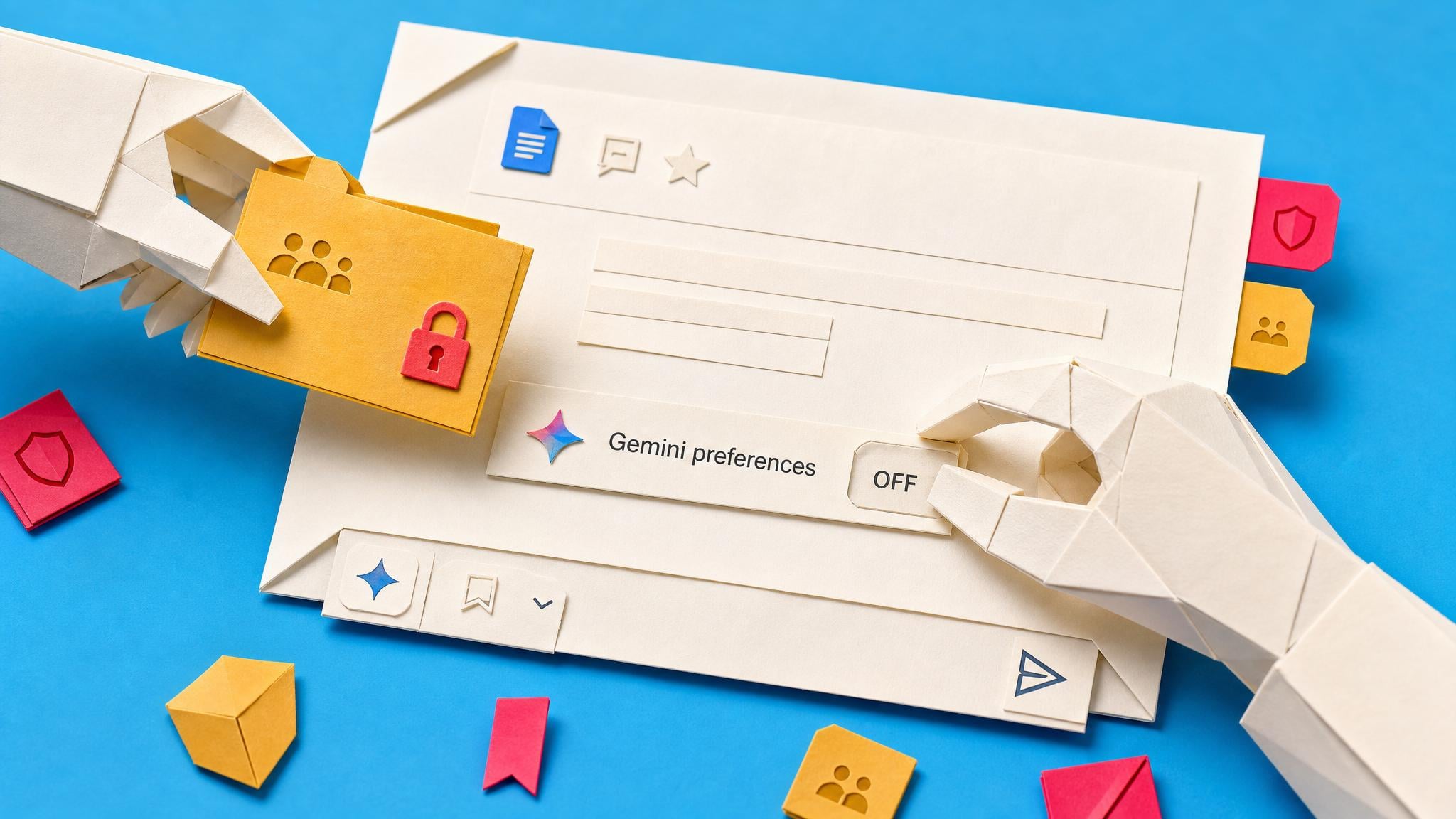
Google Docs now lets users turn off the persistent Gemini bottom bar through Gemini menu > bottom bar preferences. Workspace administrators can also disable smart features across Gmail and Docs via the Google Workspace settings panel. The change follows user complaints about repeated AI prompts appearing inside documents. Individual toggles exist, but they must be set per account or per workspace. No other Gemini features were removed. The core drafting and summarisation tools remain active unless further controls are applied.
Before this update, the only way to avoid Gemini prompts was to close the document or switch tools entirely. That forced a binary choice between full AI presence or no Google Docs at all. Now the surface noise can be reduced, yet the underlying question remains: without a documented team rule, each person still decides daily whether company text enters an AI model. The toggle lowers irritation but does not create the shared boundary the reader needs.
Analysis
Write a one-page team policy that lists which document categories stay AI-free and which may use Gemini, then lock the rule through shared drive settings so the choice is no longer left to each user.
Source note
Pulse published by Collab365 Spaces, reviewed by Helen Jones on . Cite as "Google adds menu options to hide Gemini suggestions in Docs", Collab365 Spaces. 1 source referenced.