Gemini Gems start moving from prompts to workflow handoffs
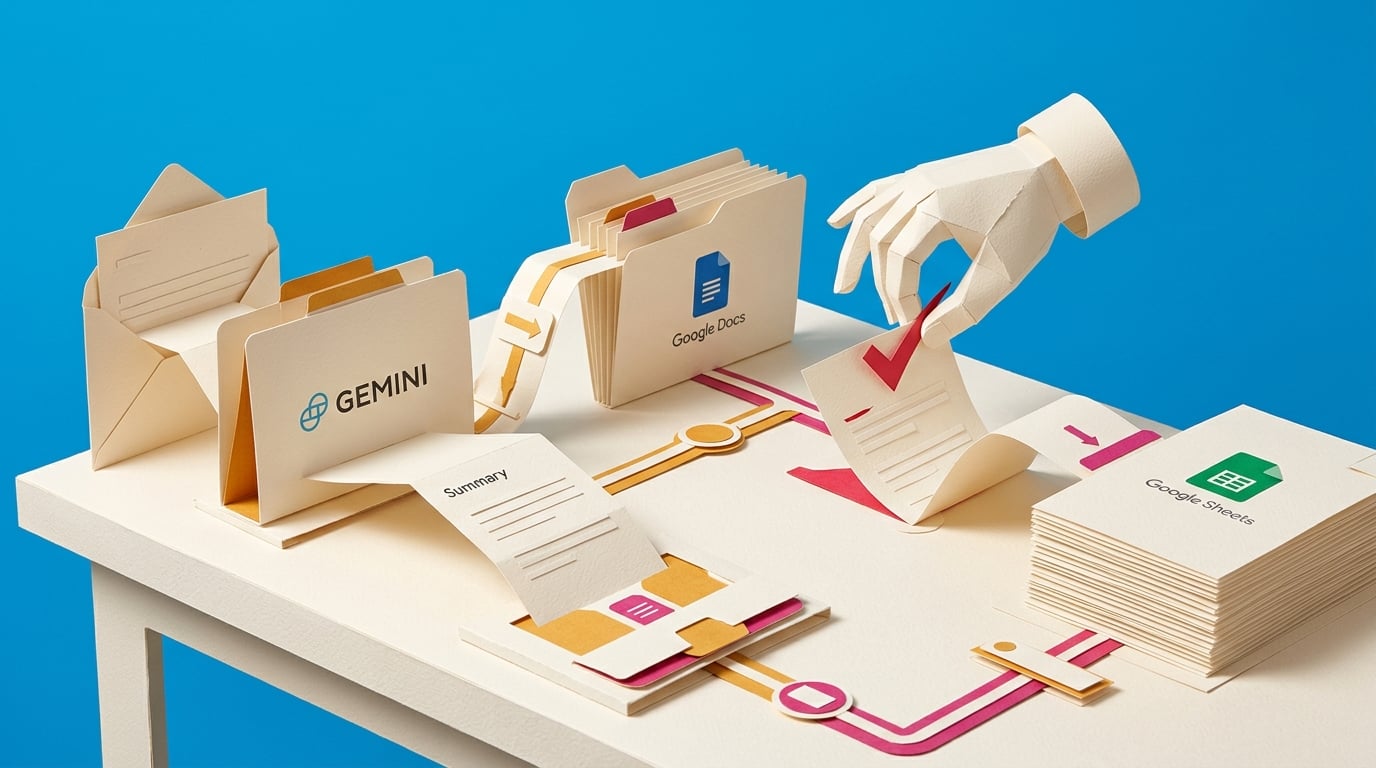
Tom's Guide published a hands-on walkthrough showing how a custom Gemini Gem can be connected to Google Workspace Studio flows. The example turns a reusable AI assistant into an automated workflow that can summarize emails, analyze files, draft replies, and route outputs into Docs or Sheets.
A lot of professionals have already built useful custom assistants, but they still open a chat window, paste context, wait for a response, and manually move the result into the next tool. That keeps AI stuck as a clever helper rather than a repeatable work system. The shift here is the handoff. When a Gem's output becomes a step inside a workflow, the manager's real job becomes defining the trigger, context source, review point, and safe action, not rewriting the prompt every morning.
Analysis
Pick one recurring admin task and draw it as trigger, AI step, review step, and final action. Before automating it, write the quality check you would use to reject a bad AI output.
Source note
Pulse published by Collab365 Spaces. Cite as "Gemini Gems start moving from prompts to workflow handoffs", Collab365 Spaces. 1 source referenced.