Fabric OneLake security now applies row and column rules to Power BI and Excel
 Reviewed by Helen Jones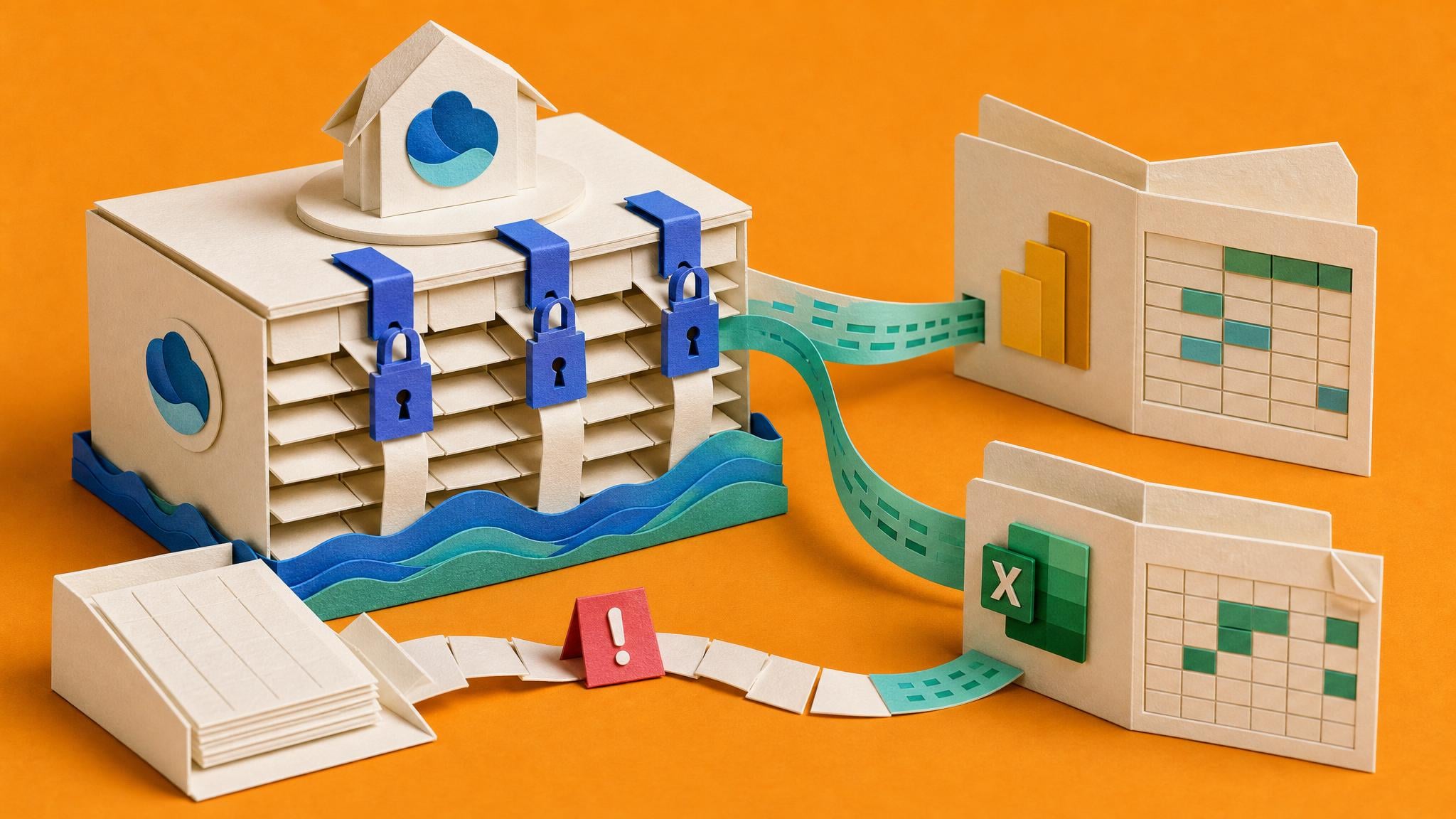
Microsoft Fabric OneLake Security, generally available since April 2026, lets teams define access once at the data layer. Roles can restrict folders and tables, hide rows with row-level security, and hide columns with column-level security. Those rules are enforced through supported paths including Lakehouse, Spark, the SQL analytics endpoint in user identity mode, and Power BI Direct Lake semantic models. Power BI reports and Excel connections that use those models (Analyze in Excel and connected PivotTables) then see only the allowed subset of data. Import semantic models and some other access paths do not inherit the same way. Delegated identity mode for SQL still relies on SQL permissions, so role design and path-by-path testing remain necessary.
Until now, many reporting owners had to re-create similar row and column limits in each semantic model, workspace, or Excel-facing path. That meant the same business rule could exist in three places, drift after a change, or fail when someone opened the numbers in Excel instead of the dashboard. With OneLake security on supported Direct Lake paths, the rule can sit closer to the data and flow into Power BI and Excel consumers of that model. That only helps if the report actually uses those paths. Import models, mixed refresh designs, and non-enforcing SQL modes still need separate checks, so governance improves for some stacks and stays manual for others.
Analysis
Treat this as a setup check, not a reason to re-platform every report. List your critical Power BI models that use Direct Lake versus import, note which ones stakeholders open in Excel, and pilot one OneLake role that matches an existing row or column rule on a low-risk model so you can see what actually enforces before you change production.
Source note
Pulse published by Collab365 Spaces, reviewed by Helen Jones on . Cite as "Fabric OneLake security now applies row and column rules to Power BI and Excel", Collab365 Spaces. 2 sources referenced.