External AI tools can now build and edit Canvas Apps directly
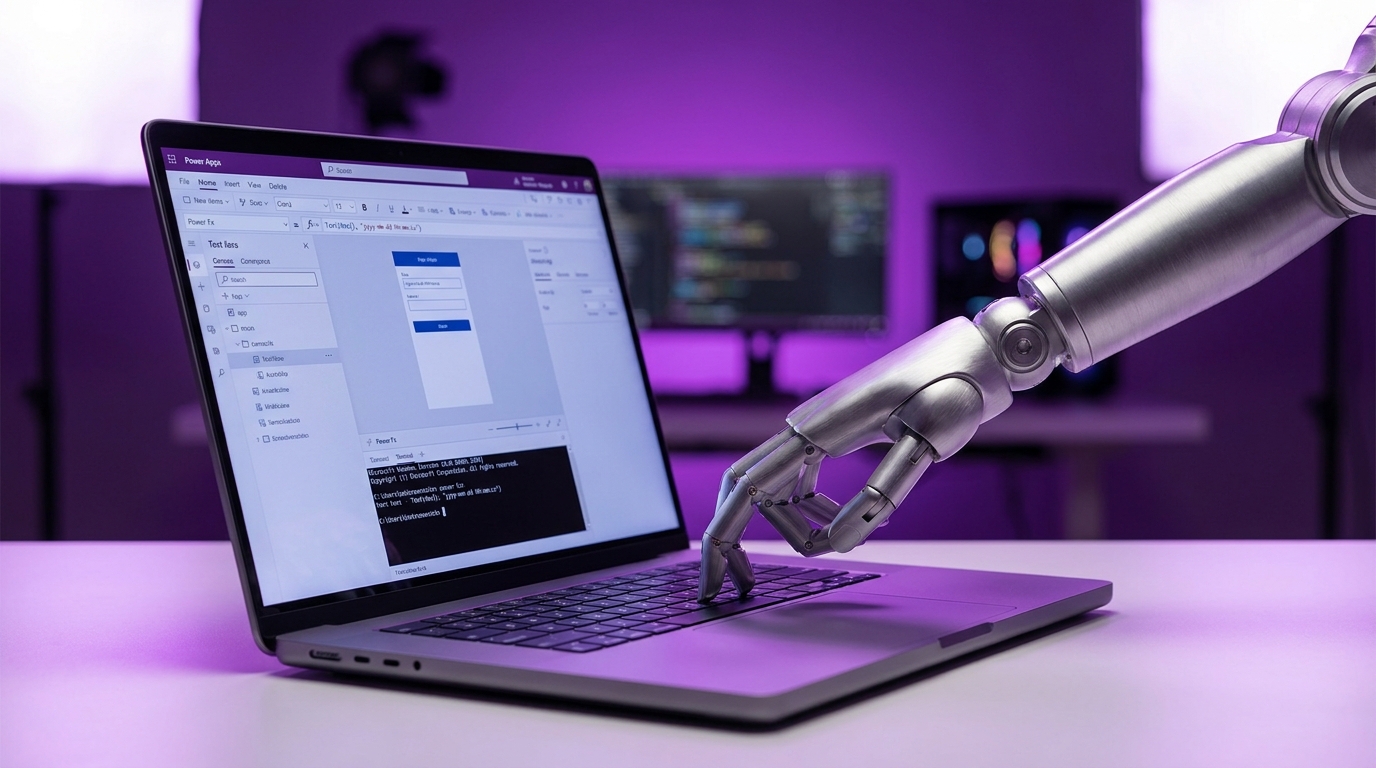
Microsoft has launched the Canvas Apps Authoring MCP Server in preview. The tool allows external artificial intelligence assistants like Claude Code and GitHub Copilot to directly build and modify canvas apps. The server connects these external AI tools to Power Apps application programming interfaces. It enables the AI to generate YAML code, discover controls, write Power Fx formulas, and sync changes live using the platform's coauthoring feature. Accessing the preview requires some technical setup. Users must install the .NET SDK 10.0, configure specific command-line interface plugins, and enable coauthoring within their Power Apps Studio settings.
Building a canvas app has always required wrestling with the Power Apps Studio interface. Makers spent hours manually adjusting the X, Y, width, and height properties of every single control just to make a gallery look presentable. Writing complex Patch or Filter formulas meant copying snippets from community forums and hoping they worked without triggering delegation warnings. This release moves app creation out of the browser and into the hands of advanced AI coding agents. Instead of dragging boxes on a screen, you can instruct an AI to generate the exact YAML layout and Power Fx logic you need. It bridges the gap between professional development tools and citizen developer platforms, turning tedious manual design into an automated code generation process.
Analysis
Installing a command-line interface feels like exactly the kind of professional developer work you were trying to avoid, but you should do it anyway. The friction of setting up this local environment is a small price to pay to have Claude write your complex Patch formulas and calculate responsive layout coordinates automatically. Enable coauthoring in a test environment today and let the AI build your next gallery.
Source note
Pulse published by Collab365 Spaces. Cite as "External AI tools can now build and edit Canvas Apps directly", Collab365 Spaces.