Developer reveals six-year Obsidian setup using just seven plugins
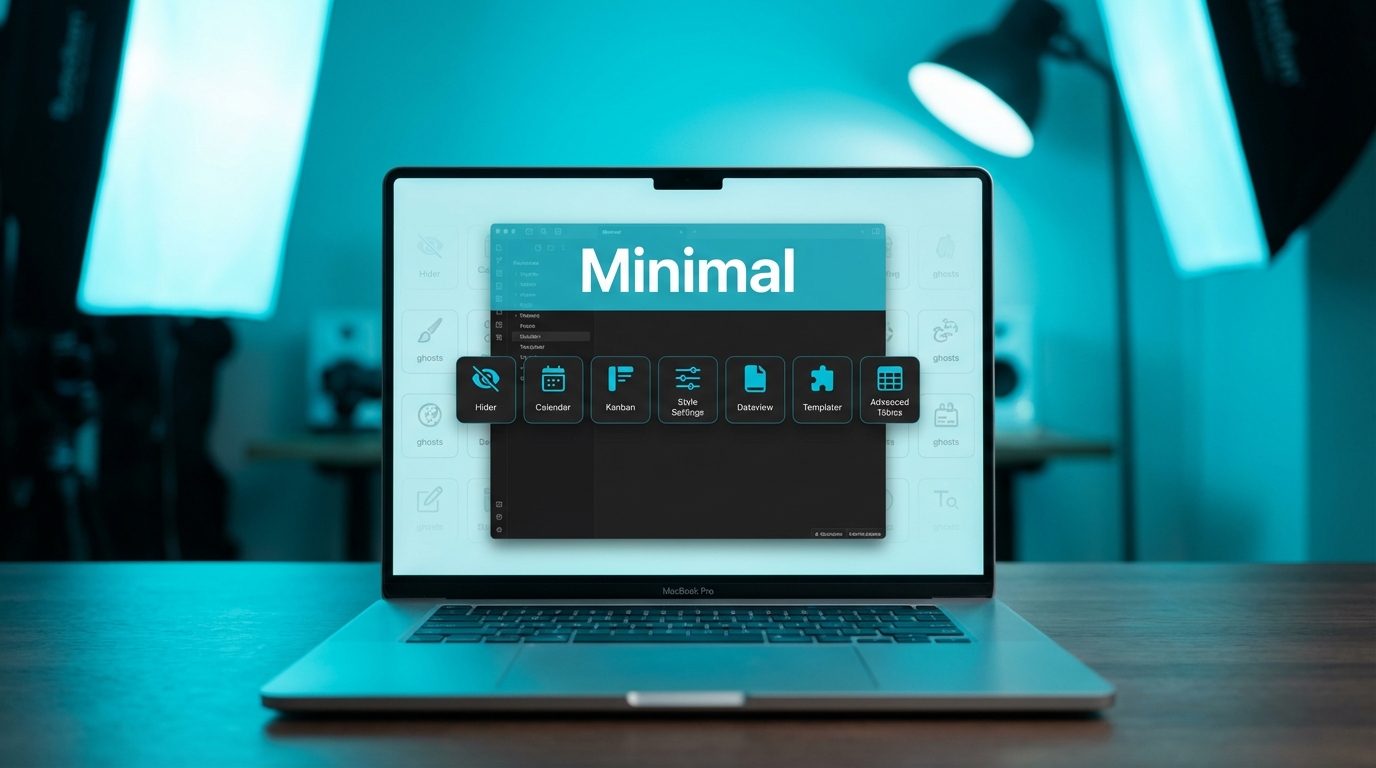
James Bedford has shared the exact configuration he uses in Obsidian after six years of daily refinement. His setup centres on the Minimal theme, paired with iA Writer Quattro for body text and Geist Mono for code. He sticks to seven community plugins, including Calendar, Hider, Kanban, and Style Settings. Hider removes clutter like the status bar, vault name, scroll bars, tooltips, and file explorer buttons for a distraction-free view. Bedford limited plugins to avoid setups that break when developers abandon them.
Obsidian vaults often accumulate dozens of plugins over time, creating fragile systems that crash or require constant updates when one piece fails. Bedford's choice of seven plugins over six years proves a small, deliberate set can handle daily demands without brittleness. Replicating it offers a clean starting point that prioritises reliability over feature-chasing.
Analysis
Open Obsidian, install the Minimal theme from the community list, then add Bedford's seven plugins starting with Hider and Style Settings. Toggle on his exact Hider options and refresh a note to test the cleaner interface.
Source note
Pulse published by Collab365 Spaces. Cite as "Developer reveals six-year Obsidian setup using just seven plugins", Collab365 Spaces.