Desktop flows can now launch Power Apps directly
 Reviewed by Helen Jones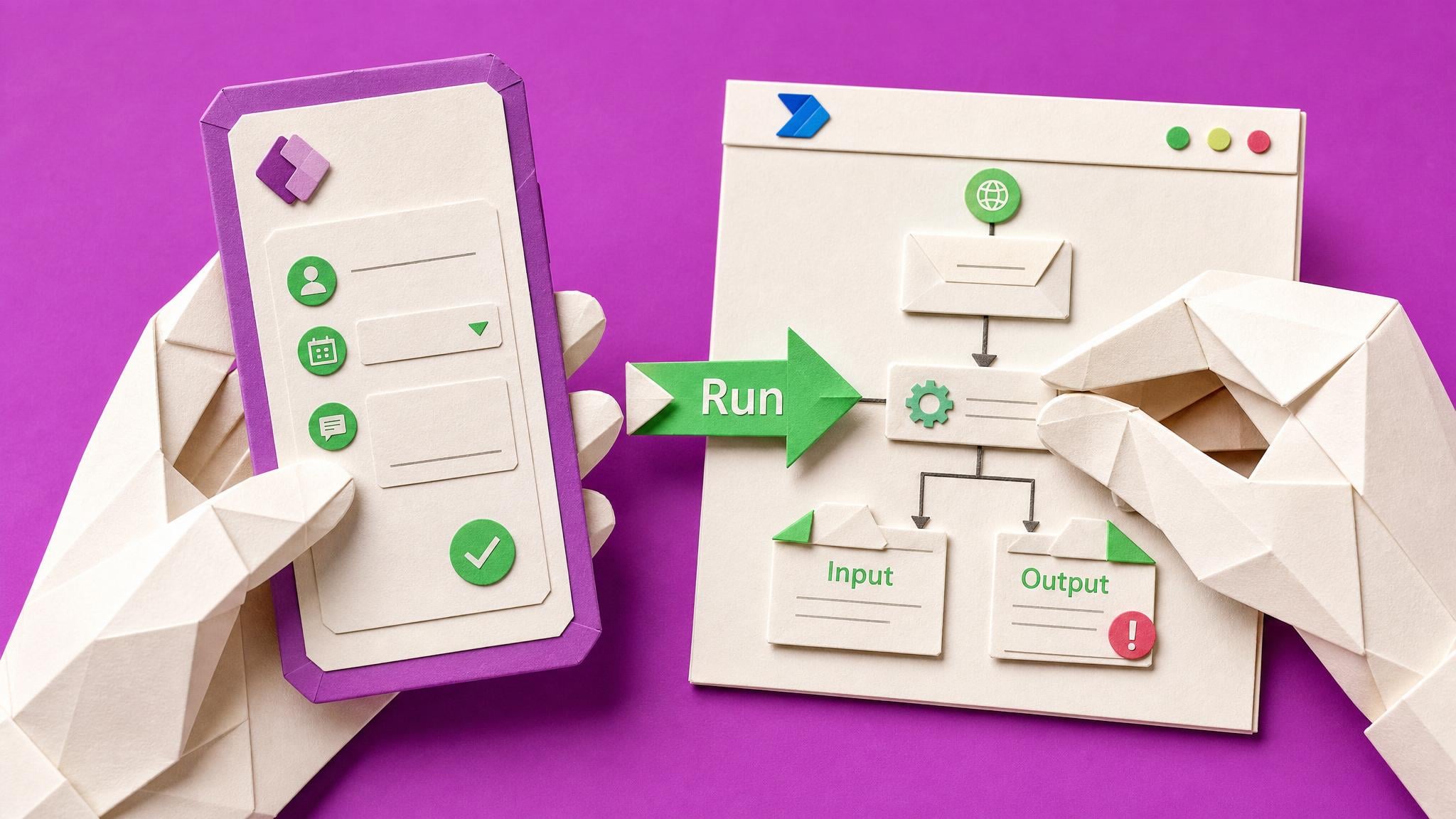
Microsoft’s June 11, 2026 Power Platform update announced a public preview of the Run Power App action for Power Automate for desktop. The action lets a desktop flow open a Power App, pass inputs into it, receive outputs back, and call desktop subflows from app events. The preview requires Power Automate for desktop version 2.68 or later.
Before this, a maker who wanted a friendly Power Apps front end for desktop automation often had to stitch together awkward UI-based workarounds or keep the app and desktop flow as separate experiences. That made attended automation harder to explain, test, and hand over to non-technical users. This preview gives builders a cleaner pattern for guided forms, desktop-system lookups, and event-driven handoffs where a Power App controls what the desktop flow does next. It is still preview, so the practical risk is not whether the demo looks good, but whether the input/output variables, subflow names, publishing steps, and user sign-in path survive a real process.
Analysis
Test the preview with one small desktop subflow and one Power App button before attaching it to a live process. Check WebView2, environment access, published app timing, and how string outputs are converted back into useful Power Fx values.
Source note
Pulse published by Collab365 Spaces, reviewed by Helen Jones on . Cite as "Desktop flows can now launch Power Apps directly", Collab365 Spaces. 2 sources referenced.