Copilot drafts SharePoint pages before you publish
 Reviewed by Helen Jones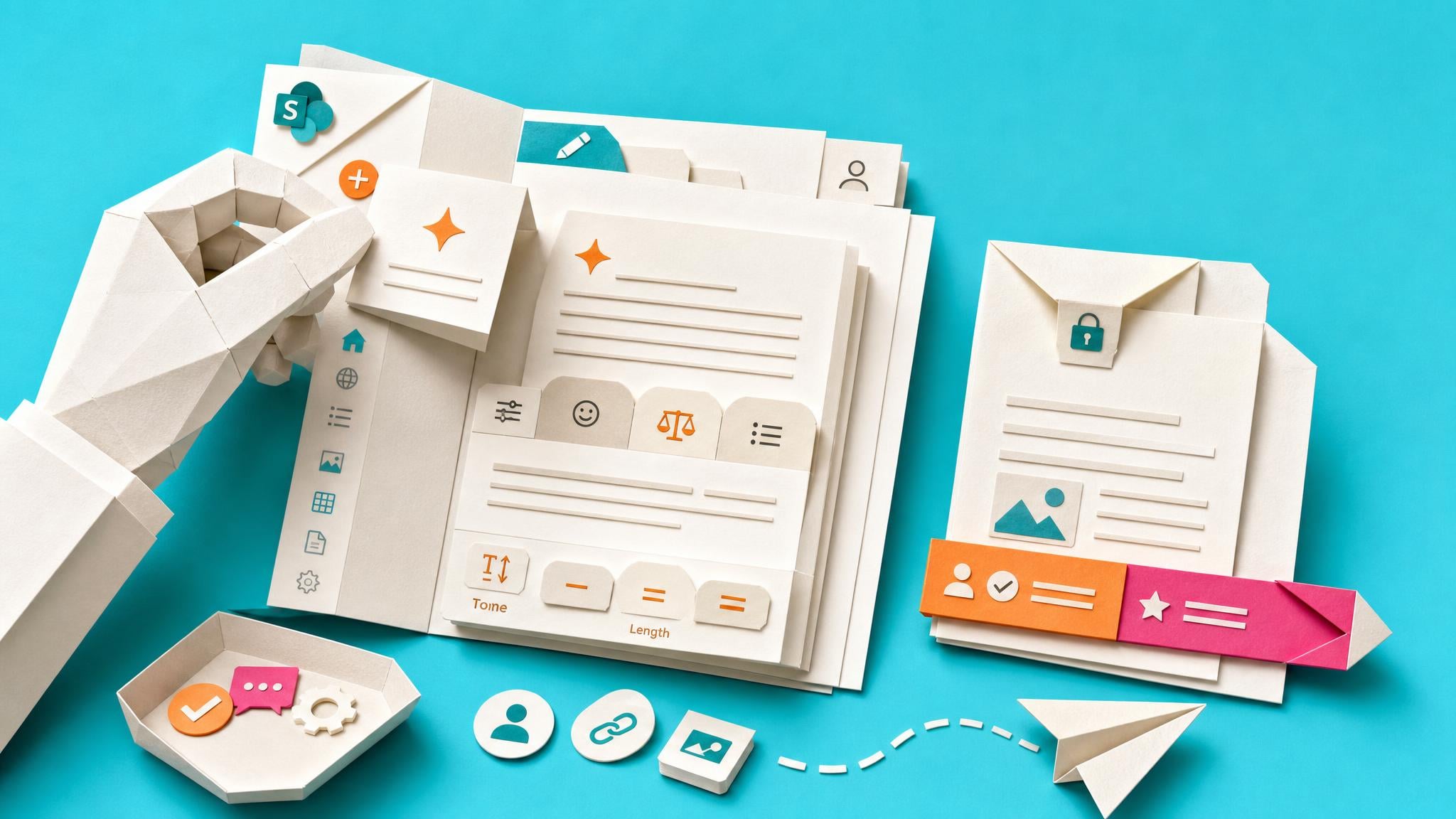
A new SharePoint Maven walkthrough shows site authors using Page with AI from the New menu to start either a SharePoint Page or a News Post. Authors describe the content, can set tone and length, and receive a Copilot-generated starting draft that stays private until they choose to publish it.
For the person who owns a project update, onboarding page, or internal announcement, the difficult part is often getting a clear first version onto the page before work moves on. Copilot can shorten that blank-page moment while keeping the author in the usual SharePoint writing flow. The useful safeguard is that these Copilot-created Pages and News Posts start as Private Drafts. That makes the draft a starting point, not an approved team message: names, dates, links, ownership, and the actual next step still need a human check before the page reaches colleagues.
Analysis
Pick one recurring update that already has a clear owner, start a Page with AI from the SharePoint New menu, and brief it with the audience, purpose, tone, and the one action readers should take. Before publishing, check the draft against the latest project facts and replace any vague or invented detail.
Source note
Pulse published by Collab365 Spaces, reviewed by Helen Jones on . Cite as "Copilot drafts SharePoint pages before you publish", Collab365 Spaces.