Classic Outlook hides Copilot after a Windows client update
 Reviewed by Helen Jones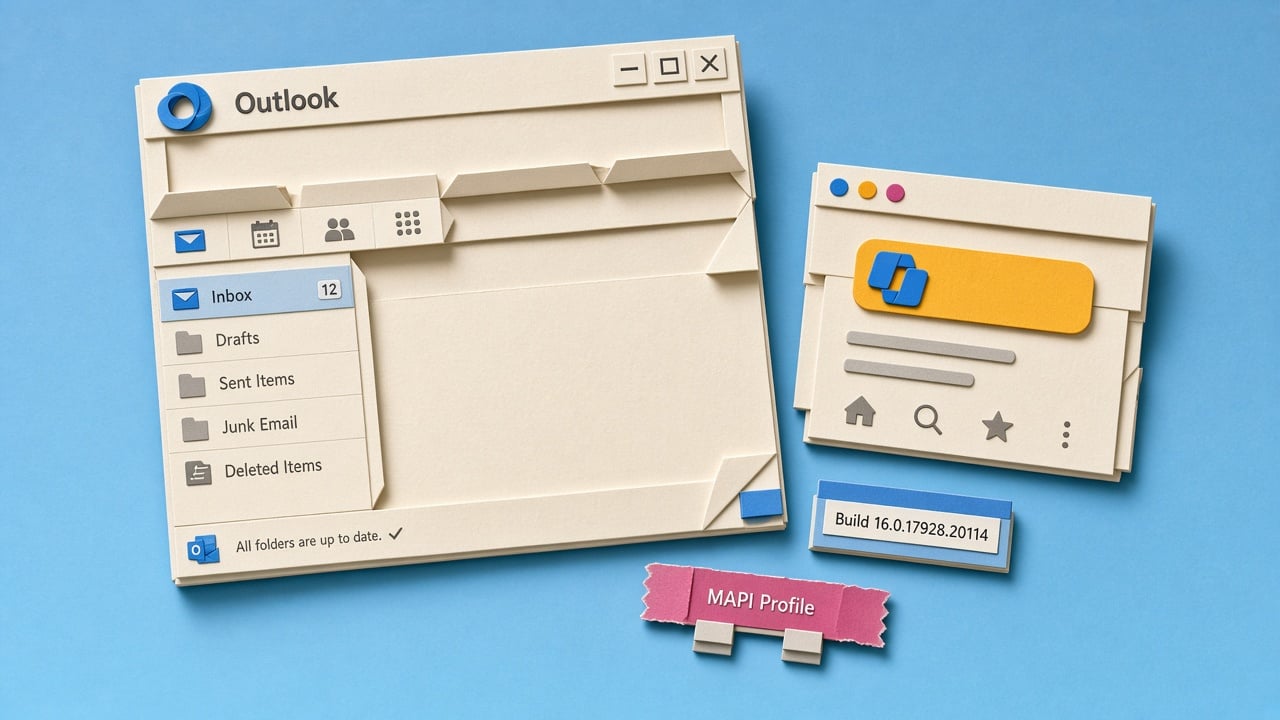
A practitioner post dated 28 September 2026 says Microsoft has an open known issue in classic Outlook for Windows. After the client reaches build 20026.20182 and higher, Copilot Chat and other Copilot buttons vanish from the ribbon and navigation. The problem is reported for both Copilot Chat (Basic) and paid Microsoft 365 Copilot licences. Status was still Investigating as of 15 September 2026. German Outlook coverage the same week also ties the missing buttons to that build and points to a missing MAPI profile property, a setting stored in the Outlook mail profile. Workarounds named in these write-ups include new Outlook, Outlook on the web, turning on Apps in Outlook, or creating a new Outlook profile. This is a community signal, not a Microsoft support bulletin in the sources. A separate Copilot-button bug from June 2026 had already been marked fixed, so this looks like a later client regression, not a licence change.
Until now, a missing Copilot control in Outlook was usually read as a licence, policy, or training gap. People stopped summarising threads, assumed the company had not paid, or quietly switched to ChatGPT for email work. After this build, the same empty ribbon can appear even when Copilot still works in Outlook on the web and in the standalone Copilot app. Usage numbers and “nobody uses Copilot in email” stories can fall for a client bug, not because the task was a bad fit.
Analysis
Treat this as a client trap to avoid, not a reason to drop Outlook Copilot playbooks. Check whether classic Outlook is on build 20026.20182 or later, then keep email recap and draft work in Outlook on the web or the Copilot app until the ribbon returns, and tell the team a missing button is not proof the licence is gone.
Source note
Pulse published by Collab365 Spaces, reviewed by Helen Jones on . Cite as "Classic Outlook hides Copilot after a Windows client update", Collab365 Spaces. 2 sources referenced.