Canvas apps add PDF generation from screens and galleries
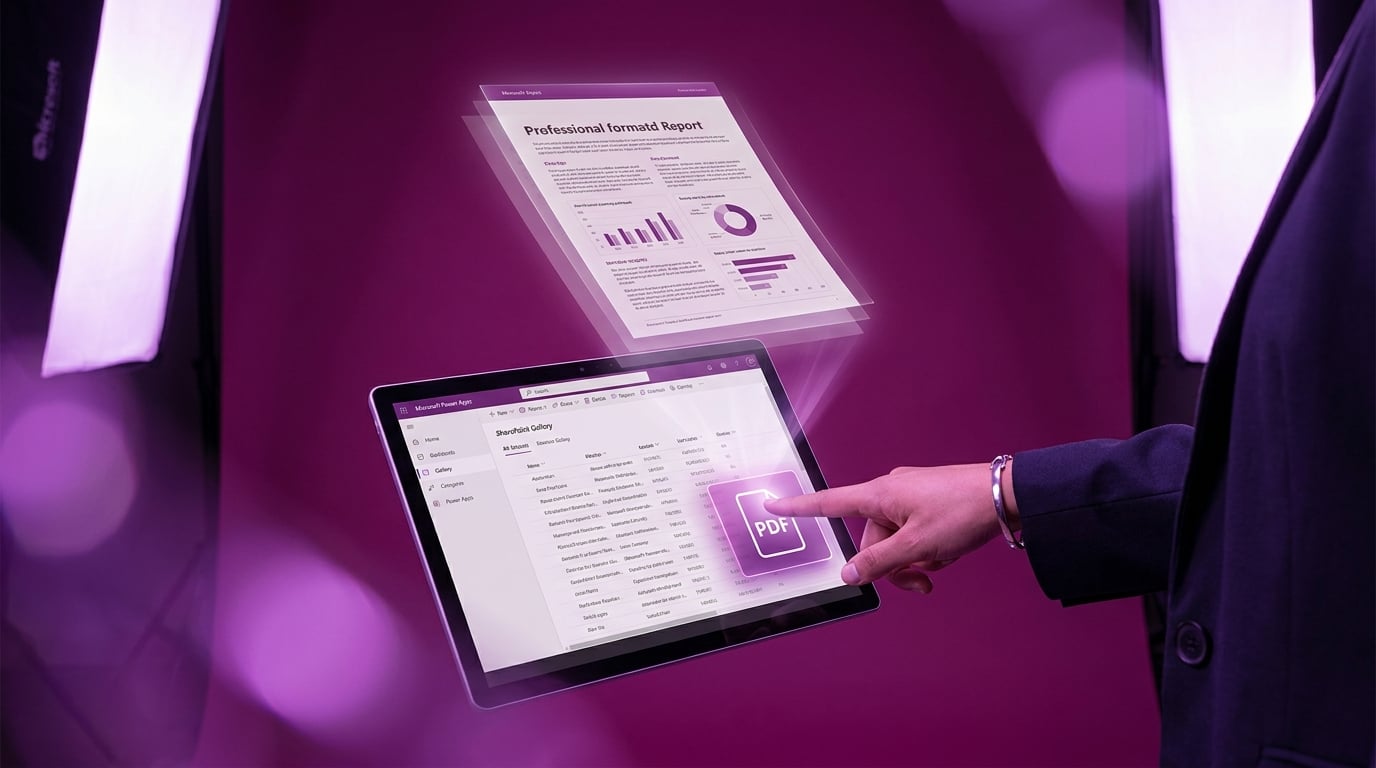
Power Apps now includes a PDF function for canvas apps. It captures the visible content of a full screen, a gallery, or a form and converts it into a shareable PDF file. The feature works directly in the app without needing external services. Users can generate these PDFs on demand and share them via email or other channels. It stems from integration with Dynamics 365 Sales but applies to any canvas app. Note that it only grabs what's visible, so quality depends on screen setup and resolution. This fills a gap for quick document creation from data displays like SharePoint-connected galleries.
Canvas app builders previously faced hurdles turning app data into documents. Galleries and forms full of SharePoint list info required screenshots, Power Automate flows, or third-party add-ons, often yielding poor results from imperfect layouts. The PDF function changes that by snapshotting visible content natively. Rough screens now produce usable reports, letting beginners deliver business value without endless tweaks to pixel positions or formulas.
Analysis
Forget chasing perfect layouts in your canvas app gallery. This PDF capture is your fast track to shipping reports that impress the boss and prove your SharePoint-connected build works. Drop a PDF button on your current screen today, generate a sample from your data, and share it to claim that first win.
Source note
Pulse published by Collab365 Spaces. Cite as "Canvas apps add PDF generation from screens and galleries", Collab365 Spaces. 1 source referenced.