AI service turns screenshots into editable Power Apps canvas files
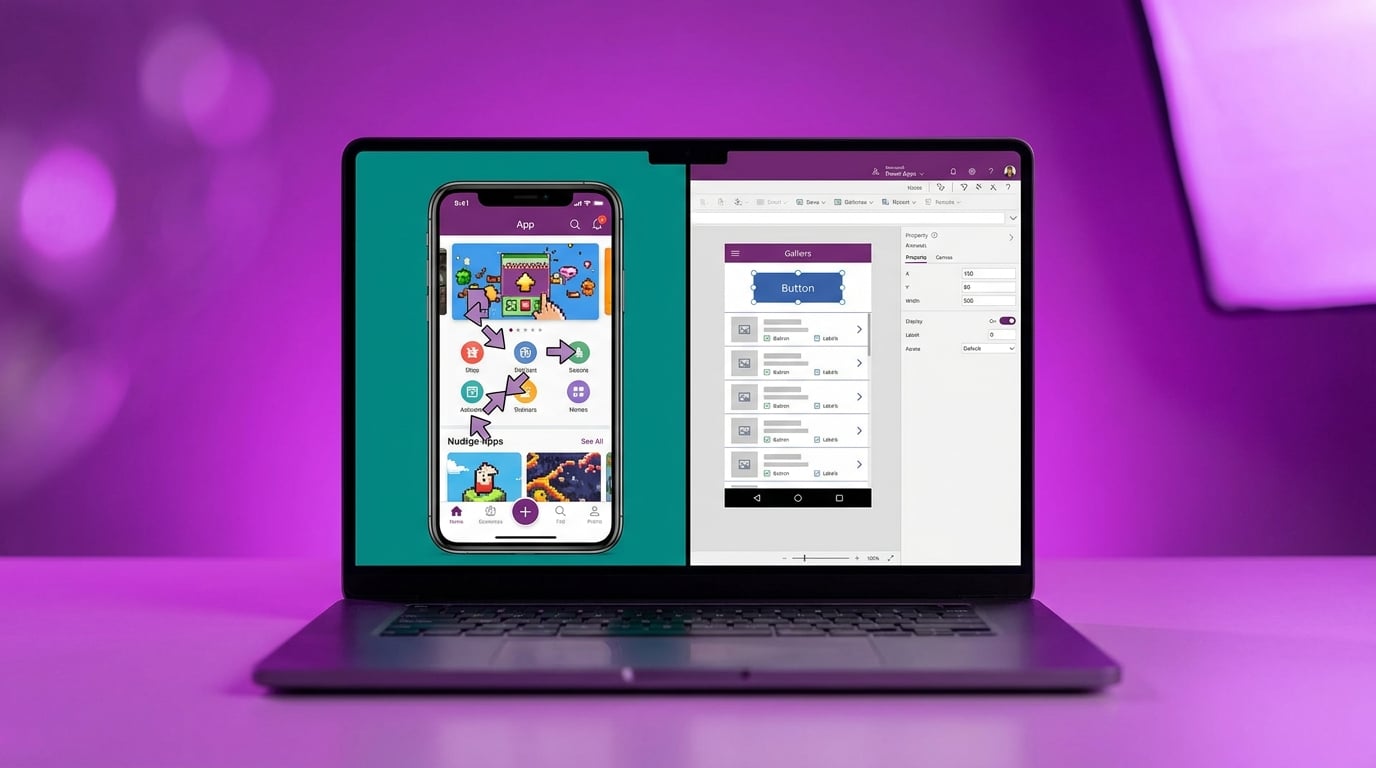
PowerStudio launched this week as a third-party tool that accepts screenshots, Figma files or plain text prompts and returns complete canvas app packages. Users download the package and open it inside the standard Power Apps studio, where they can then connect data sources and adjust logic. The service targets the manual layout work that currently forces builders to set X, Y, Width and Height values for every control.
Until now a builder would spend entire afternoons nudging controls into place to match even a simple sketch, only to watch the layout collapse on a phone screen because canvas apps still lack any built-in responsive system. The new capability moves the starting point from a blank canvas to a working screen in minutes, yet the generated formulas and property bindings remain the same ones that later cause delegation warnings or slow galleries when real SharePoint lists grow beyond a few hundred rows.
Analysis
Treat every generated app as raw material for study, not a finished deliverable. Import one version from your current expense-tracker sketch, delete the AI-written Filter statement on the gallery, and rewrite it yourself using the exact delegation-safe pattern you already know before you let anyone test it.
Source note
Pulse published by Collab365 Spaces. Cite as "AI service turns screenshots into editable Power Apps canvas files", Collab365 Spaces. 3 sources referenced.