A guided build · Two focused days or a week of evenings · 30% off launch week
Build an LMS in Power Apps with AI, and prove it works before anyone else touches it.
AI can build you an app in an afternoon. It cannot make you sure of it. This is the other half: the route from checking your phone every time somebody opens your app, to building fast with AI, testing properly, and switching work on without bracing. You get there on a practice build where being wrong costs nothing. The speed and the testing skills stay with you for every app after this one.
Founding price · 30% off$99.00$69.30
Launch week for a new Board. The price returns to $99 afterwards. Ends 1 September at 11:55 UTC.
Checking your best way to start…
What you build8 pieces of finished work across 5 core steps
What you will finish
Build a Microsoft 365 LMS with AI
1Prepare Your Environment and Your ToolsThe end of dead builds: sixty seconds tells you whether you can build where you are standing, with a free Developer environment if you cannot. No more losing an afternoon to a blocked tenant.
2Build the LMS With AI Coaching, Not DrivingBuilding with AI at a pace that used to feel out of reach, every formula checked in the saved record rather than taken on trust. "Is this number right?" answered before anybody asks.
3Test Your Power App Before You Share ItAI writing your test scripts and running the checks while you learn what to look for. Testing that took a weekend takes an evening, and the skill stays with you for every app after this one.
4Move It To Where People Can Actually Use ItAn app you would put in front of the finance team: out of your sandbox, reachable by colleagues, and safe to update without breaking anyone.
Excellent on Trustpilot
4.5/5 from 14 reviews
Collab365 brand reviews, not a claim about results from this Board.
You're the technical one. So when somebody asked, you said yes, and AI got you further in a weekend than you expected.
The app works, on twelve tidy test records. You have demoed it twice, and both times you held the mouse. The link is in a Teams message you typed and never sent.
Because if this goes wrong in front of the finance team, nobody blames the AI. It goes wrong with your name on it. So it sits in your sandbox, getting a week older every week.
Problem 01
Everyone else seems to ship in a weekend
LinkedIn is full of people building apps with AI in an afternoon. You have tried. What came out was half right, confidently wrong in places you could not name, and slower to fix than to build. You closed the tab and told nobody. It is starting to feel like a skills question.
Problem 02
It's live, and it came on holiday with you
A few colleagues use it now. When their names come up in Teams, you brace before you read a word. You have gone into the table to check a row really saved, after the app said it had. Twice this week. You are not on the support rota. You are the support rota.
Problem 03
You built it, and you cannot explain it
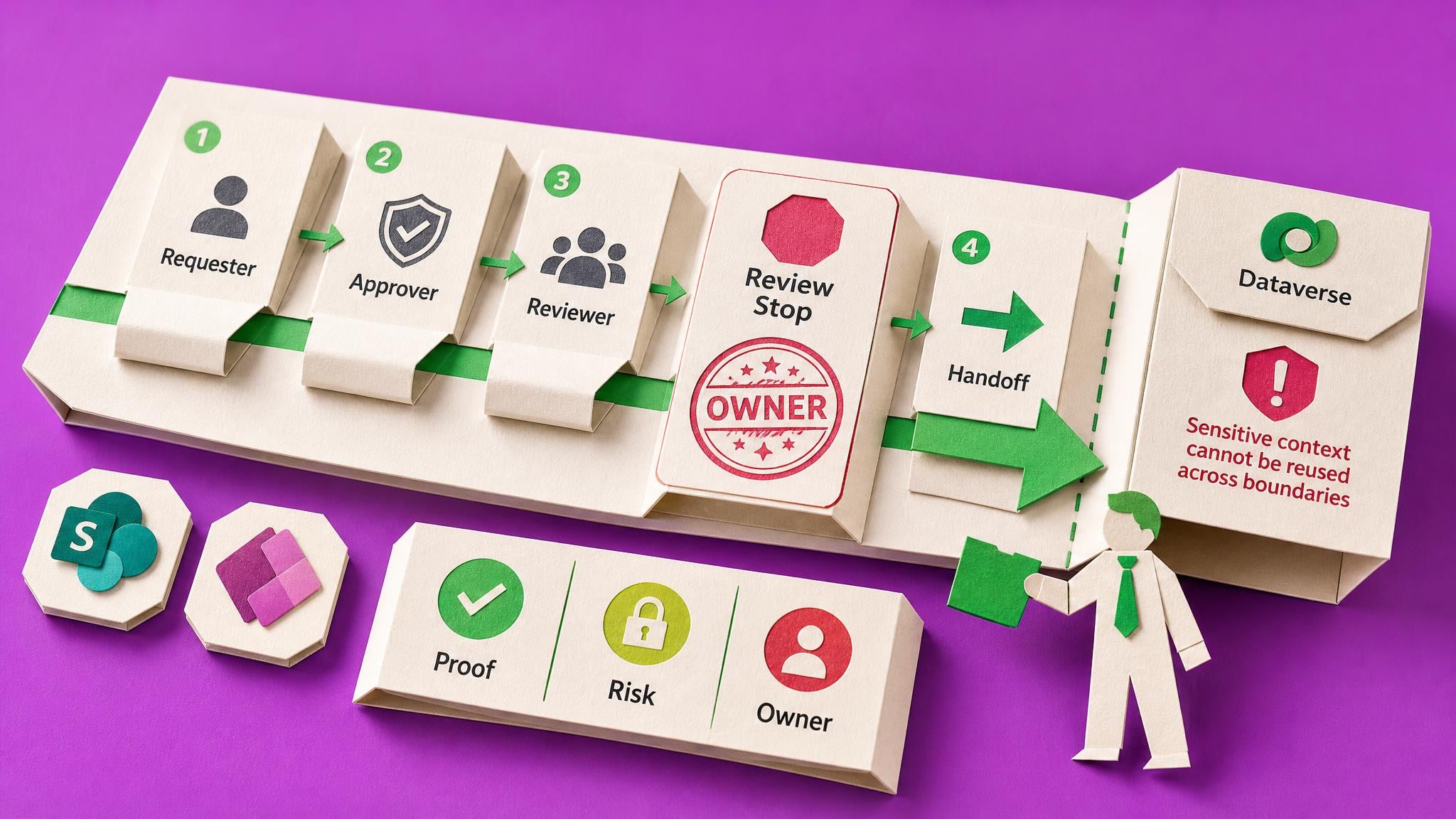
Somebody from compliance asks where the completion figure comes from. You open the formula bar and find a Patch the length of the screen that you did not write. 'I built this' is starting to feel like a strong claim. Not a competence problem. The app was generated, never proved.
What done looks like
Finish with work you can use.
Start here
The first thing you do is not a welcome video. It is a verdict: about sixty seconds in the environment picker tells you whether you can build this where you are standing. Two of the common blockers fix themselves in seconds, and a genuine no earns you a free environment that works instead.
How you’ll know you’re finished
You are finished when four things are true of the app you built. It runs, and you have watched it do what it was meant to do. You have a dated record of how it behaves under pressure: at realistic volume, offline, on a phone, and in somebody else's hands. It is running in a second place, where a colleague can open it without you standing next to them. And a handover document somebody could read cold and answer five questions from. Not an installation. Not a sign-off. Evidence, with dates on it.
The end of dead builds: sixty seconds tells you whether you can build where you are standing, with a free Developer environment if you cannot. No more losing an afternoon to a blocked tenant.
Building with AI at a pace that used to feel out of reach, every formula checked in the saved record rather than taken on trust. "Is this number right?" answered before anybody asks.
AI writing your test scripts and running the checks while you learn what to look for. Testing that took a weekend takes an evening, and the skill stays with you for every app after this one.
An app you would put in front of the finance team: out of your sandbox, reachable by colleagues, and safe to update without breaking anyone.
See 4 more completion outcomes
A dated Handover Pack a colleague could read cold and answer five questions from. The difference between owning an app and babysitting it.
A method you can point at the app you are actually worried about, the morning after you finish this one.
Ninety days inside a Space of roughly 200 lessons, so when a step raises a question the deeper answer is already paid for.
The next request being easy to say yes to, because you now know how to make sure before it goes near anyone.
How you get there
Proving is the part AI skipped
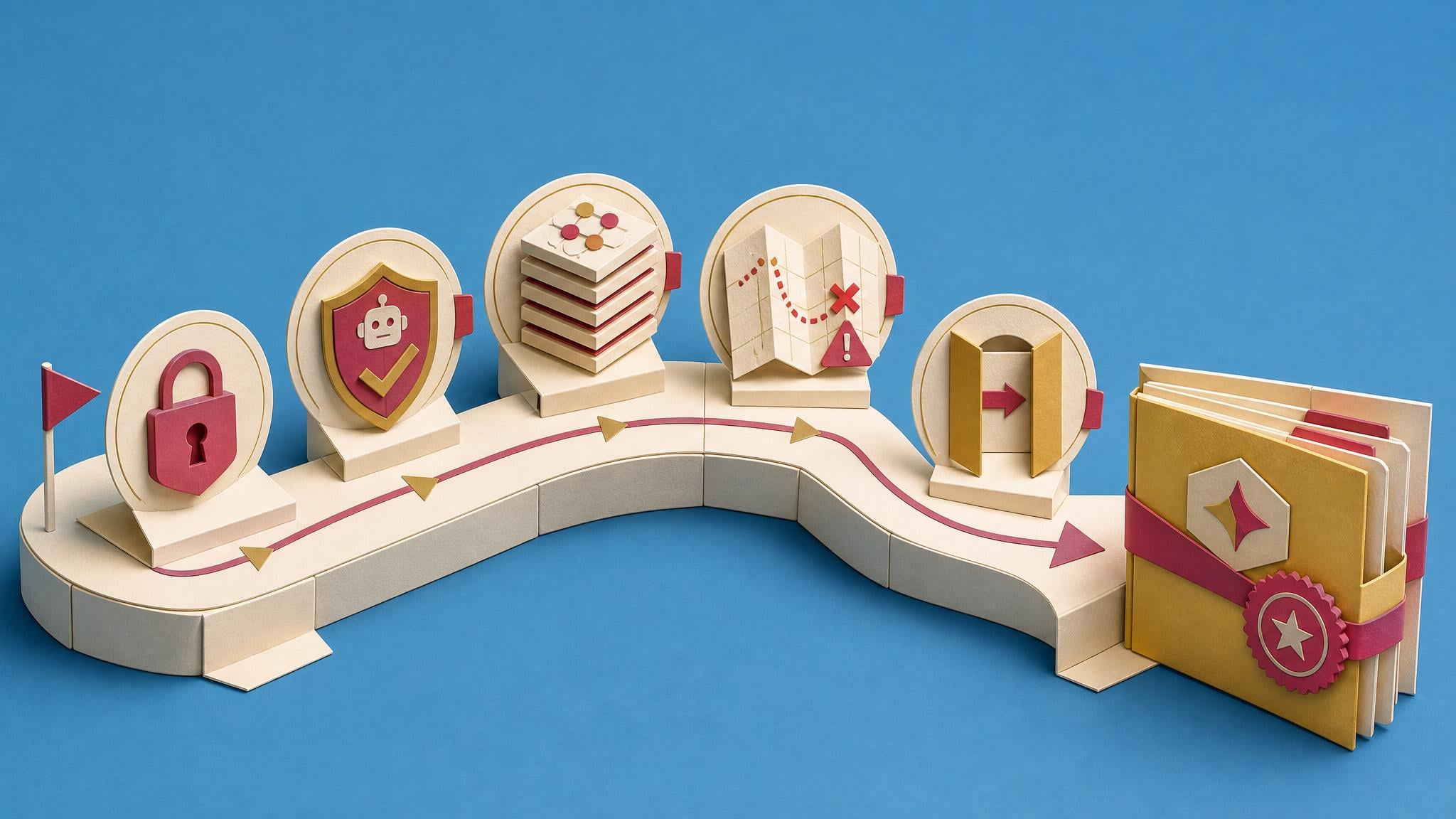
AI made building cheap. It did nothing to the cost of proving, which is why you have a working app you do not quite trust. This route pays that cost on purpose: five phases, one practice app where being wrong is free. You do every action; the AI coaches, never takes over. You end with a working app, a dated record of how it behaves under pressure, the app running where a colleague can reach it, and a handover they could use. It is slower than letting AI generate an app. That is the point.
Suggested pace: Two focused days, or a week of evenings. Testing, deploying and the handover add about fifteen hours.
1
Briefing
Prepare Your Environment and Your Tools
Seeing Dataverse in the menu does not mean you can create a table where you are standing, and the AI tool you build with is not the one you will test with. Both take minutes to check now and cost you an afternoon later.
You will finish
The end of dead builds: sixty seconds tells you whether you can build where you are standing, with a free Developer environment if you cannot. No more losing an afternoon to a blocked tenant.
Inside Power Apps Builders
2
Blueprint
Build the LMS With AI Coaching, Not Driving
A full specification, not a tutorial: the exact data model, every table and column, the Power Fx, the fictional records and the recovery rules. That is why it produces a working LMS rather than a demo. You finish with six related Dataverse tables, four screens, and a complete chain from enrolling a learner to one completion row that survives a replay. One course and one learner sit in it, because proving the first one is the whole job. The fiftieth is copy and paste.
You will finish
Building with AI at a pace that used to feel out of reach, every formula checked in the saved record rather than taken on trust. "Is this number right?" answered before anybody asks.
Inside Power Apps Builders
3
Course
Test Your Power App Before You Share It
A lab that works for its builder is not ready to share. This course turns the app's exported source into a ranked risk map, a short test plan, a monitored human run and an AI-written Playwright check, then tests the concurrency, volume and stale-data failures that appear when real colleagues arrive.
You will finish
AI writing your test scripts and running the checks while you learn what to look for. Testing that took a weekend takes an evening, and the skill stays with you for every app after this one.
Inside Power Apps Builders
See the remaining 2 core steps
4
Course
Move It To Where People Can Actually Use It
An app nobody can reach is not finished, it is stored. This is the last mile, and it is full of things nobody warns you about, starting with the fact that your data does not travel with it.
You will finish
An app you would put in front of the finance team: out of your sandbox, reachable by colleagues, and safe to update without breaking anyone.
Inside Power Apps Builders
5
Course
Let AI Draft the Handover, Then Add What It Cannot Know
The lab now works, you have proof, and it runs somewhere real. AI can turn the source into documentation in one prompt. The seven sections it cannot write are the reason the document is worth anything.
You will finish
A dated Handover Pack a colleague could read cold and answer five questions from. The difference between owning an app and babysitting it.
Inside Power Apps Builders
If you need more depth (3 optional)
6
Briefing
Name a Version Before AI Touches It
Copilot suggests and you approve, but what you approve is often wider than the bit you were looking at. And Power Apps autosaves every two minutes, so the state you were counting on can be gone before you notice.
You will finish
A named saved version of the lab, visible in the Version note column under Details and Versions, plus a note of which row is marked Live.
Inside Power Apps Builders
7
Briefing
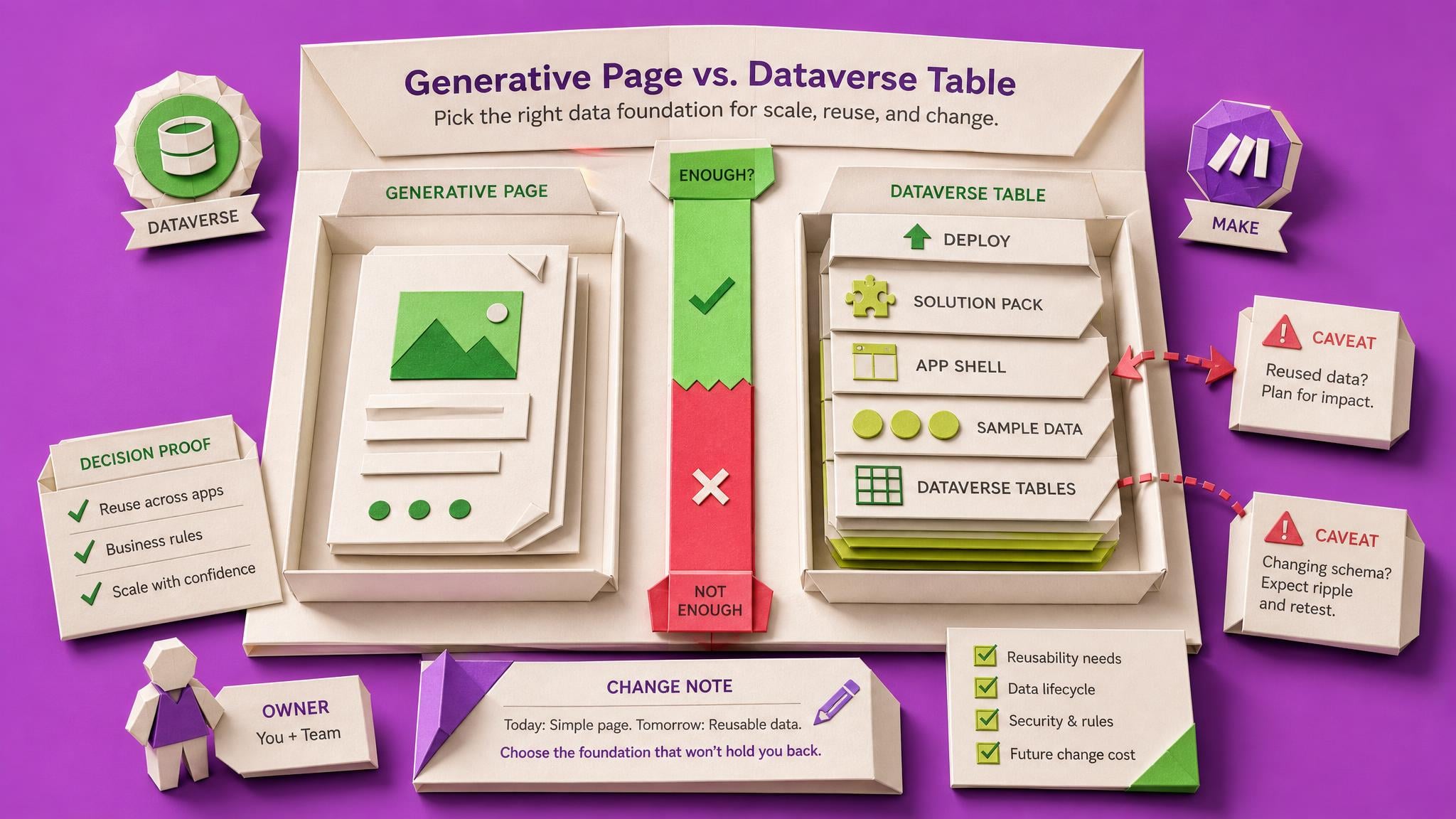
What You Approve When an AI Agent Builds the Page
Generative pages are a different app type. The version history in the previous step does not cover them, and confirming an agent's plan can also create Dataverse tables, an app and a solution, then deploy the lot.
You will finish
A note of what the agent's plan actually authorised and what arrived, checked against the Compare diff rather than the agent's own summary.
Inside Power Apps Builders
8
Briefing
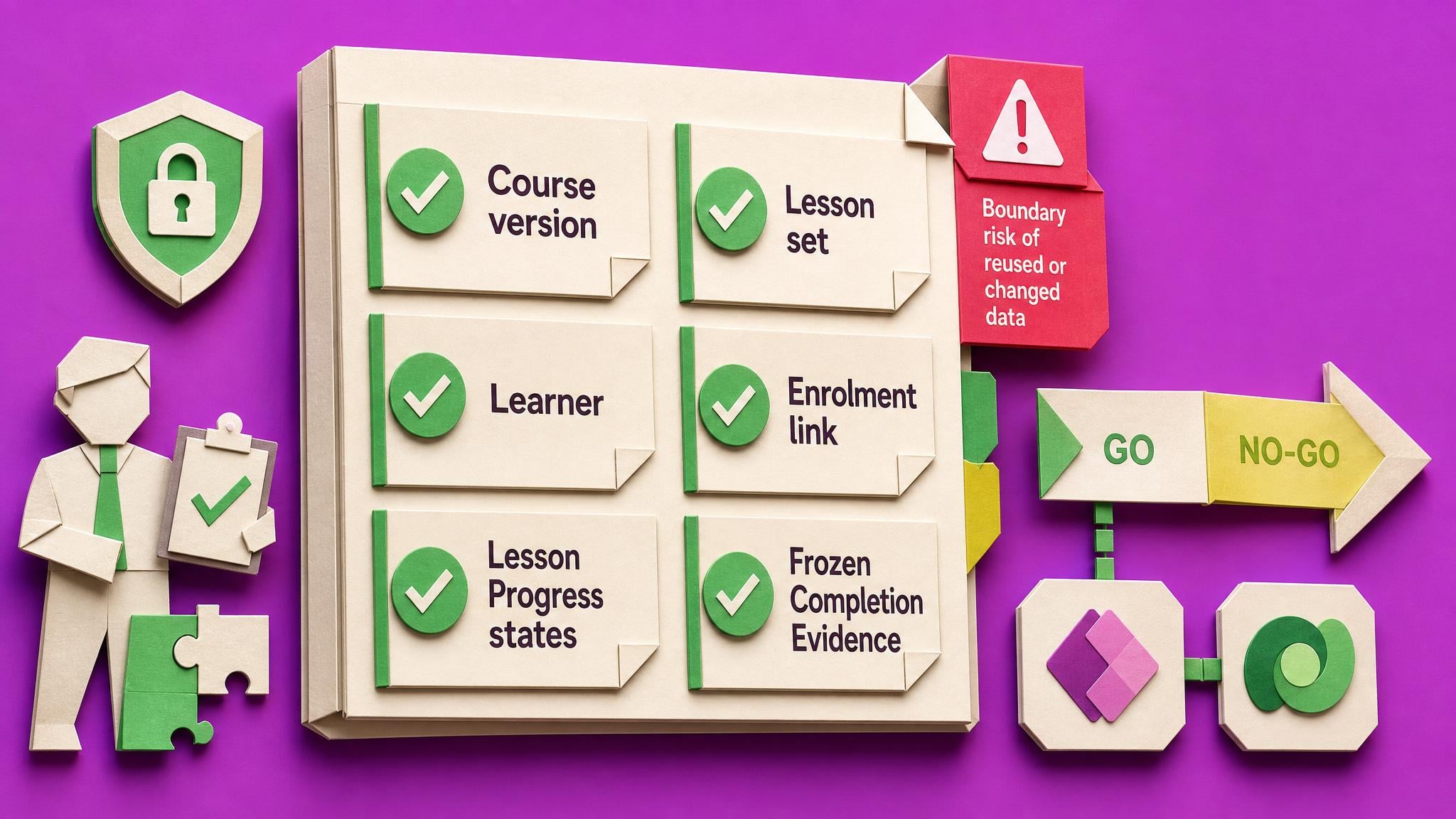
What Your Completion Row Actually Proves
Your lab now shows a completed learner. The awkward question is what that completion row actually proves, and what happens to it the day you add a lesson to the course.
You will finish
Four tests run on fictional data with what each revealed, plus a note of what your completion row stores and what happens to it when the course changes.
Inside Power Apps Builders
Built for
Microsoft 365 and Power Platform makers, consultants and app owners who have already built something with AI and cannot yet vouch for it.
Level
Early-intermediate. One app behind you is enough.
Access period
90-day Learning Pass. Afterwards, your progress, private notes and saved work remain; protected steps require Space access.
Before you start
A Developer, Sandbox or Trial environment with Dataverse.
Rights to create tables in it. Step one checks this in a minute.
ChatGPT or Codex, for the build.
An AI tool that can read files: Claude Code, Cowork, Codex or Copilot.
Fictional data only. No real people, tenant IDs or secrets.
A second Developer environment to deploy into. Free.
One colleague, twenty minutes, later on.
Verified proof
Proof is labelled by what it actually supports.
“I was surprised how long it took overall, though I had no idea how long it would have taken without AI. I was impressed by how the AI gave better instructions as we went: it learnt from my mistakes early on so I couldn't make the same mistake again. When I struggled to find a field in a massive list, I realised it was much easier to ask the AI where to find it. My advice: get the functionality working before making it pretty.”
“I joined the Microsoft Copilot Adopters Space looking for role-specific guidance on AI rather than broad, general information. The most useful part has been the way complex changes are distilled into something I can quickly understand and evaluate. A briefing I read recently gave me the context I needed before making a decision, and that clarity was valuable. The content feels current and relevant, and it helps reduce the effort of tracking developments on my own.”
Marianne Herle, Copilot Adopters Space member · Collab365 brand proof · Google review · Verified 25 Aug 2026
A complete Space, included
Your 90-day Learning Pass opens the complete Power Apps Builders Space. Not just this Board.
Use the Build a Microsoft 365 LMS with AI Board as your focused route to a working result. Your pass also gives you 220 additional resources from the complete Space library, including guided builds, briefings, Blueprints and product updates, plus community discussions when you need help. No separate course purchases. No searching the web for the missing step.
What you get
The complete Build a Microsoft 365 LMS with AI BoardUse every protected step for your chosen 90-day period. Your Board, progress, private notes and saved work remain afterwards.
13 guided build coursesStep-by-step help when a learning-path step needs more explanation or hands-on practice.
26 briefings and fixesPlain-English judgement for edge cases, trade-offs and recovery decisions.
3 reusable BlueprintsPractical starting packets and working patterns so you do not have to begin with a blank page.
178 product updatesRelevant changes and new capabilities without having to monitor every announcement yourself.
Community discussionsAsk questions, compare approaches and get unstuck while the Learning Pass is active.
Learning Pass includes
Power Apps Builders
Your complete Space bonus
220
extra resources included for your chosen 90-day period, plus community
Your work stays saved.
Full supporting-Space access lasts for your chosen 90-day period. Afterwards, protected steps require continuing Space access.
Browse everything included
Explore the complete Space library before you buy.
Choose a category and browse every included item. Use the arrows to move through the complete list. Nothing is hidden behind hand-picked examples.
All 13 guided build courses
Step-by-step help when a learning-path step needs more explanation or hands-on practice.
Your progress, private notes and saved work remain on your account. Full access to protected content in Power Apps Builders lasts for the period you choose; afterwards, protected steps require an active plan, permanent Space ownership or Team access.
When does the Learning Pass start?
Your 90-day Learning Pass starts when payment is confirmed, not when you first open a lesson or Board item.
What if I already have this Board or its Spaces?
The page checks your account and Team access before checkout. It keeps your existing Board and progress, avoids duplicate charges, and shows the right ongoing option if the one-off offer no longer applies.
Why not just ask AI?
AI can answer individual questions. This Board adds the chosen sequence, named outputs, progress tracking and related Space material for the context and edge cases you would otherwise have to assemble yourself.
How much work should I expect?
The current estimate is 37 hours 20 minutes, completed at your own pace over Two focused days, or a week of evenings. Testing, deploying and the handover add about fifteen hours.. The complete learning path is visible on this page before you start.
Will Collab365 do the work for me?
No. The Board gives you a practical learning path and supporting material, but you still make the decisions and do the work. It is a product, not a done-for-you consulting service.
Why build a fictional app instead of the real one I'm worried about?
Because the first time you run a method is the worst possible time to run it on something people depend on. Here you can set the data row limit to 1, cut the connection mid-save and break the thing on purpose, with not one real record at risk and nobody watching. The app is the practice ground; the method is what you keep, and you can point it at the real one the following morning. The fictional data is a safety rule as much as a convenience: no real people, tenant IDs or secrets go into any AI conversation, and one step checks your app's files for hard-coded keys and names before an AI tool reads them. If what you need is an LMS installed for your organisation, this is not that.
Why not just prompt ChatGPT to build me an LMS for free?
You can, and it will hand you one by tonight. It is probably how you got here. The trouble is a one-off generation cannot be checked: every prompt produces a different app, there is no specification to test it against, and when a number looks wrong you cannot tell if the fault is the app's or yours. The Blueprint is the opposite of a prompt: fifty thousand words of fixed specification, every table, column, formula and test record decided in advance, so each step has one correct state, checked in the saved record, not the screen. The AI coaches, you perform every action, and a failed check tells you which side the fault sits on. Free gets you an app. This gets you one you can vouch for.
What kind of AI tool do I need, and do I already have it?
Two different things, and the first step checks both. For building, an ordinary ChatGPT or Codex conversation is enough: you paste the Blueprint in and it coaches you. For testing, moving and documenting you need a tool that can open files on your computer: Claude Code or Claude Cowork, OpenAI Codex, or GitHub Copilot in agent mode. Those phases ask it to read your whole app at once. The test: point your tool at any folder and ask it to list the files. If it lists them, you are set. If it asks you to paste them in, it is the wrong kind. GitHub Copilot's free tier in VS Code passes the test, so a failed test costs you a download, not a purchase.
How long does it take, and what happens when I get stuck halfway?
The build is two focused days, or a week of evenings around a job. Testing adds about six hours, moving about three and a half, the handover about five. Honest figures, not brochure ones.
Getting stuck is planned for, because it is where courses die. If a step leaves the app in a state the Blueprint does not recognise, the run halts rather than guess, and the recovery rules name the way back. The AI keeps a log of where you slipped and tightens its later instructions to match. You save a named version at every phase gate, so the worst case is a restore, not a rebuild. Five visible wins mark the route: each sitting ends on one, the next step written down, the Board holding your place.
Will I actually be able to put this in front of colleagues?
You will learn the whole route and practise it end to end for free, in a second Developer environment. Whether you can then deploy to production at work is your organisation's call, not a platform rule: many organisations choose to gate production behind managed environments, and that gate carries paid licensing. No course can hand you that access, and this page will not pretend otherwise. What the Board gives you is the exact request to send your administrator, the reason it is needed, and the answer to the first question they will ask, which is whether you have tested it. You will be holding a Release Check Record that says yes, with dates.
Is the launch discount real?
The Board is $99. Launch week takes 30% off it, so you pay $69.30. The deadline on this page is set by the system, not by us, and it cannot be extended afterwards, which is the only reason a deadline is worth printing. There is no seat limit, because that would be theatre. What the money buys is the Board permanently, plus 90 days of the full Power Apps Builders Space, which sells on its own at $139 for permanent access. It is a one-time purchase, one pass per person; if you would rather take the membership route instead, that option sits beside it at checkout.
What happens after my 90 days of Space access?
Three things are yours for good: the Board, your progress on it, and every private note you made along the way. So is everything you built, because the app, the tests and the Handover Pack live in your Microsoft environment, not ours. What closes is the library: the Board's protected course steps draw on the Space, so after day 90 they need an active plan or Space access to reopen. In practice the route wants thirty to forty-five focused hours and you have ninety days, so finish inside the window and you keep every artefact that matters. If you want the library open beyond that, take a plan or permanent Space access at $139.
What if I buy it and it turns out not to be for me?
Then you get your money back. Seven days, full refund, no questions asked. You do not need a reason, you do not need to show your work, and there is no form designed to wear you down. Email, refund, done. Seven days is enough to know: the environment check takes about a minute and the first build session takes an evening, so you will have real evidence either way well before the window closes. And since the tables you build live in your own Microsoft environment, whatever you made in that evening stays with you regardless.
Your next useful action
Start with the first useful result.
The first thing you do is not a welcome video. It is a verdict: about sixty seconds in the environment picker tells you whether you can build this where you are standing. Two of the common blockers fix themselves in seconds, and a genuine no earns you a free environment that works instead.
Checking your best way to start…
The one-off option includes a 90-day Learning Pass for required Spaces. Afterwards, your progress, private notes and saved work remain; protected steps require continuing Space access.