










Official outcome
Power Apps Success Path
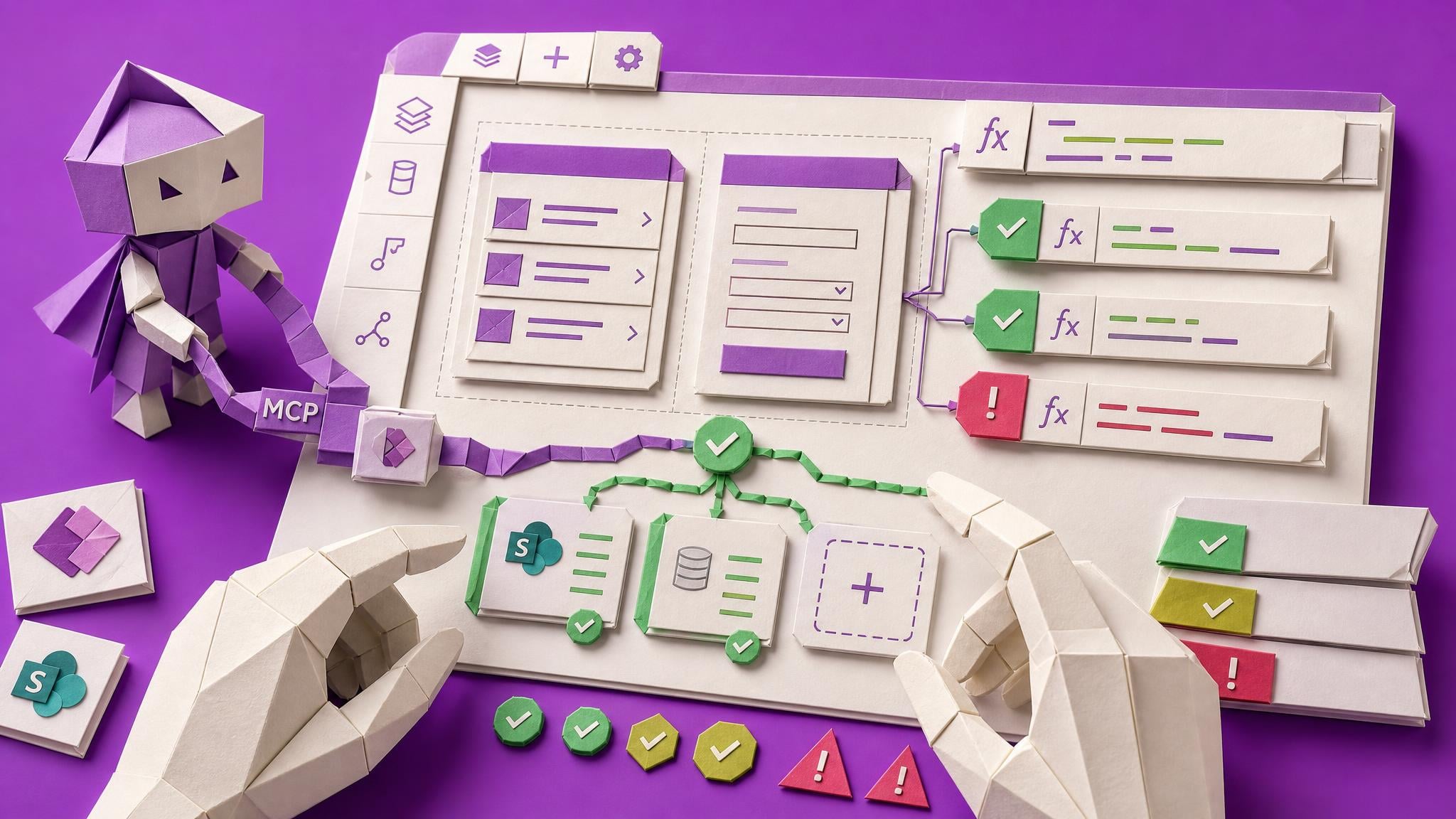
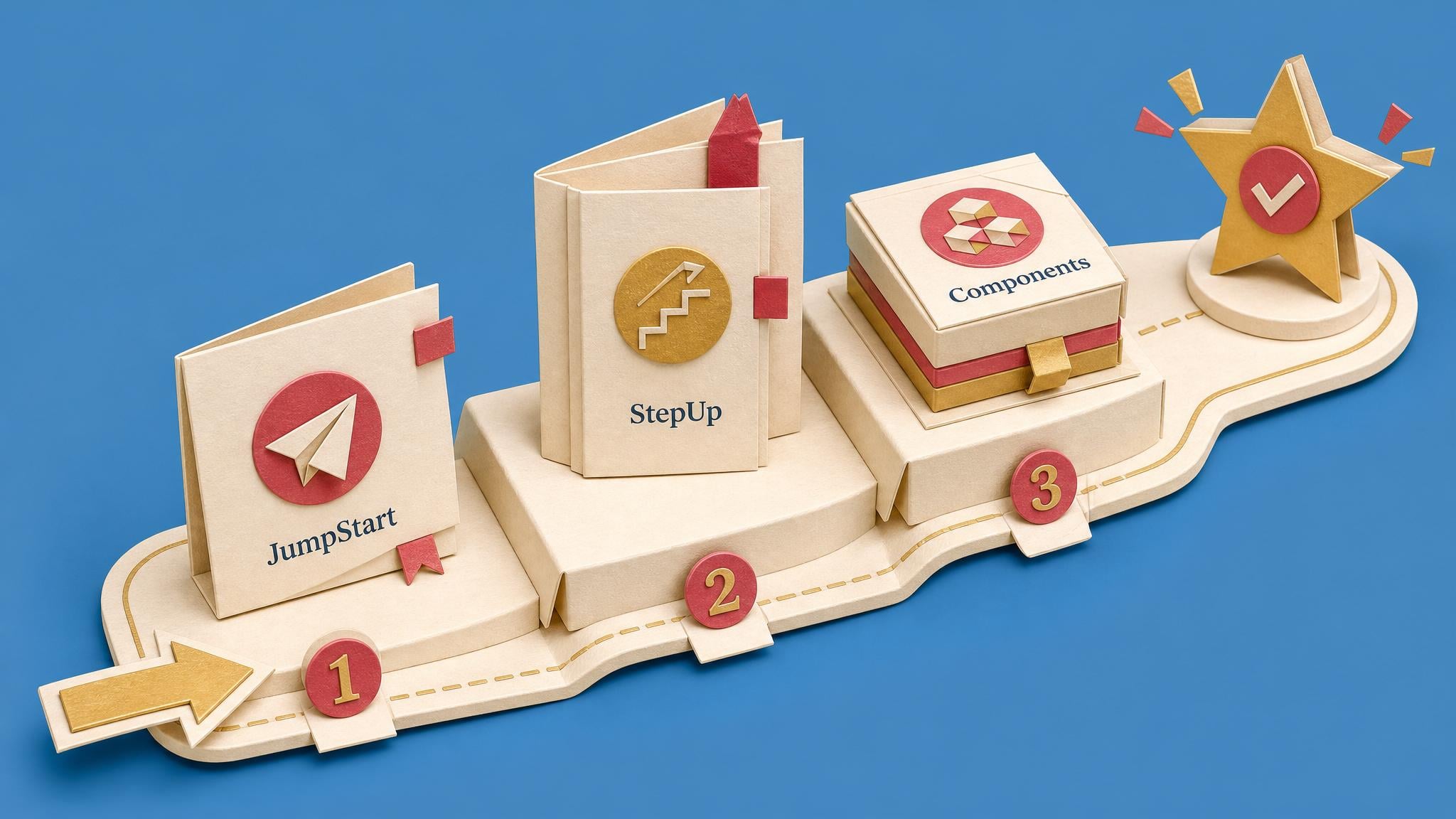
Build a SharePoint-connected clock-in app, add a multi-screen records experience, then create reusable components you can carry into future apps.
US$39 once, includes 90 days of the Space
Explore this BoardThe gallery finally shows data, but there is a delegation warning you clicked past. The layout looks cramped on a phone. Half the formulas came from a forum and you could not explain them twice. And the manager just asked if it can do approvals too. You are not failing at low-code. You hit the gap between a working demo and an app that survives real users, and nobody teaches that gap. Power Apps Builders lives in it: complete project-based builds, Power Fx explained until you can debug it yourself, screens that look professional without a designer, delegation and licensing traps flagged before they bite, Power Automate handoffs for approvals, and honest guidance on what Copilot-generated apps quietly get wrong. Ship the app. Watch it survive week one.

Yours for good. One payment, lifetime access to everything in this Space, including every Board built on it. No subscription.
Rather try first? Start a free trial, or subscribe from $49/mo for every Space.
By Collab365: helping professionals keep up since 2015 · rated 4.5 “Excellent” on Trustpilot
202 members· 7 joined in the last 7 days
Buying for your team? Explore Team Boards
Sound familiar?
Before this Space
With this Space
Why this matters now
The spreadsheet is breaking again, the team is waiting, and Copilot will happily generate an app that hides its own weak spots. Knowing what survives real users is the skill.
Why this Space exists
Start with the skill you want to learn or the problem you want to work on. Courses explain the subject, Blueprints guide practical work, and short Briefings help with the decisions along the way.
Explore the skills and recurring problems relevant to this area of work.
Use explanations, examples and checks to make your own decisions with more confidence.
Study a course in depth, follow a practical Blueprint or use a Briefing for a focused explanation.
Your path inside
Start with these visible paths, then keep going through the rest of the course library after you join. Open any syllabus and jump to the specific friction you need to solve today.

Before sharing a Power App, makers inspect one core screen for keyboard path, screen-reader names, focus order, contrast, checker output, and launch-readiness limits.
Explore this course
Power Apps makers copy headers and menus across screens. This course shows how to replace copies with one in-app component, use restore points, test on one screen, then roll out and verify the change everywhere after a single publish.

Build a complete holiday booking app using SharePoint, Power Apps, Power Automate, Power BI, and a chatbot. The full stack.

Power Apps often stay in a private sandbox after build and test. Solutions move the app and table shape but leave rows and connections behind. This course covers environment setup, packaging, first deploy, data handling, permissions, and updating apps people already use.

Power App makers get a solo pre-share routine: AI reads exported source, ranks screen and save risks, drafts a short test plan, and writes Playwright checks so double-clicks, large lists, and stale data are caught before the link goes out.

Makers download a canvas Power App, extract readable source, run Microsoft's checker, then use one AI prompt for screens, data layer, writes, and risks. Remaining work is verification plus writing what no AI can know so a colleague can take over.

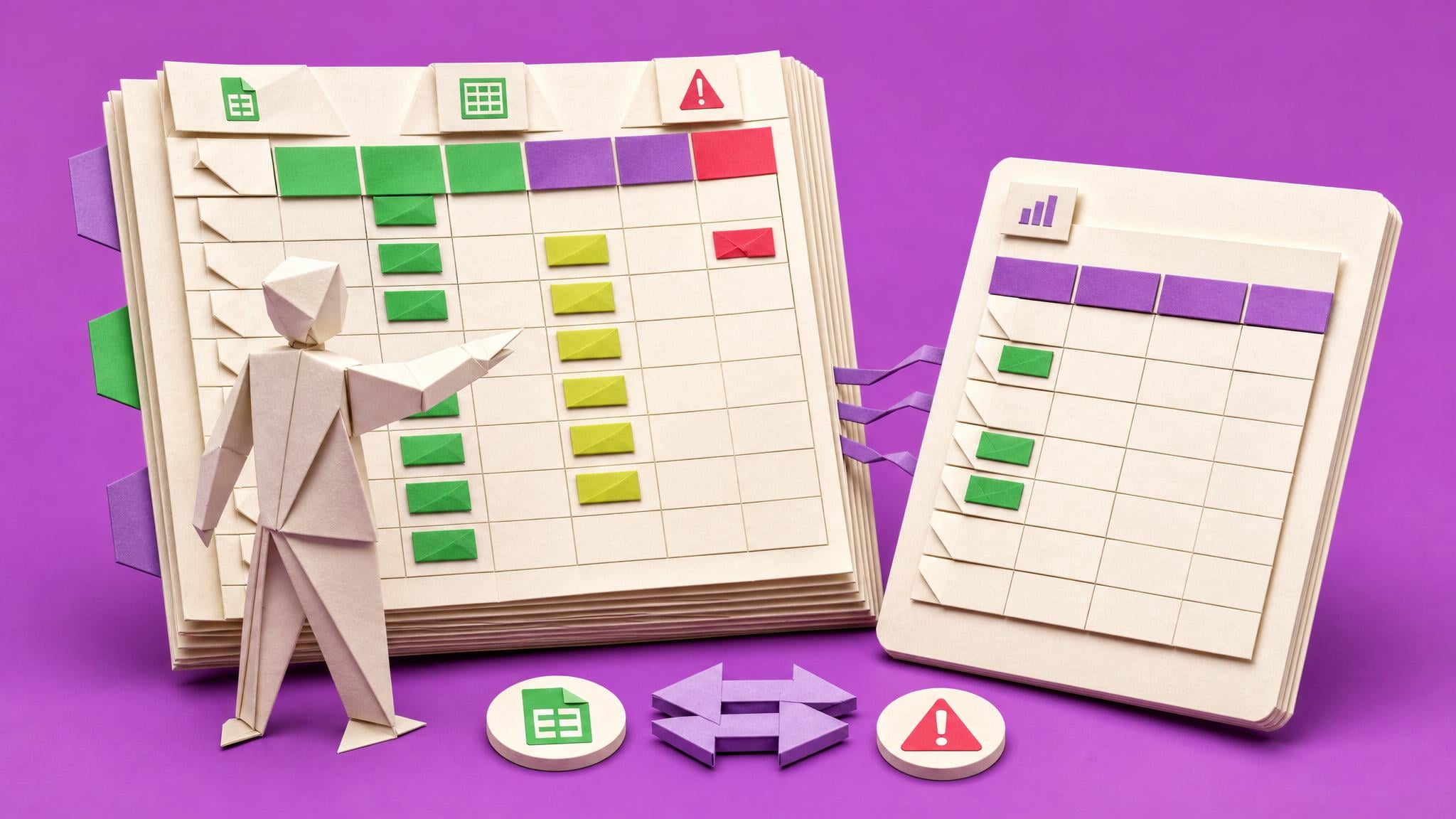
When usage slips back to the spreadsheet, capture baseline counts from the SharePoint list, log friction, fix the top three blockers, agree a reversible cutover, run a relaunch huddle, and decide after four weeks of counts.

Power Apps makers lose working .Run() calls after flow edits. This course shows how to map the current contract, change one input or output deliberately, refresh the flow reference, test the real app call, and record a publish decision.

Power Apps builders map workflow, minimum data model, permissions, growth assumptions, and open admin questions before committing to SharePoint, Microsoft Lists, Dataverse for Teams, or Dataverse.

Power Apps makers often cannot tell whether a SharePoint gallery search returns the correct items. This course builds one tested search pattern, documents the searchable fields, and records pass/fail evidence for named test records.

Power Apps makers often have a working canvas app that still looks too rough to share. This course shows how to apply one theme, clean headings and spacing, standardize one repeated pattern, run App checker and Accessibility checker, and produce a bounded internal review pack…

Makers who edit live canvas apps need a repeatable routine that prevents accidental overwrites, production data writes, and restore gaps. The course walks through scoping a single change, saving with a version note, testing on a safe copy or sample data, running a pre-publish…
Guided Boards
Follow a clear route to a specific result. See the steps, tool requirements and access included with each Board before choosing.
Two ways in. Buy one Board for one result: you keep the Board and get the Space for the number of days shown. Or buy the Space (Power Apps Builders) outright above and keep everything in it. Prices shown before checkout.

Official outcome
Build a SharePoint-connected clock-in app, add a multi-screen records experience, then create reusable components you can carry into future apps.
US$39 once, includes 90 days of the Space
Explore this Board

Official outcome
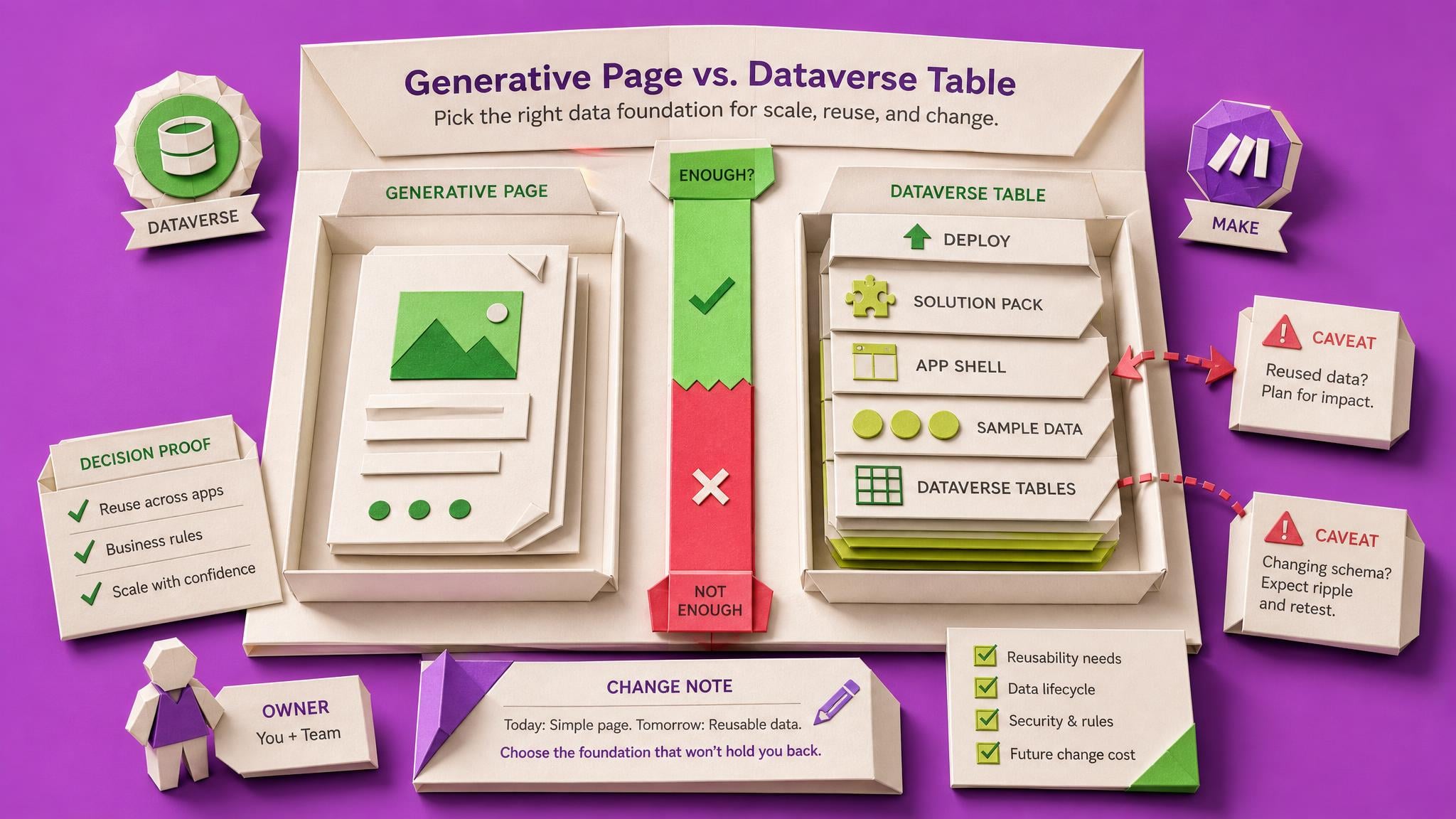
Start without an LMS. Use one complete Blueprint in one ChatGPT or Codex conversation while you manually build and prove a fictional four-screen Canvas app backed by six Dataverse tables. Then test it properly: point an AI agent at its source, record what it really does, break it with realistic data, and watch somebody else try it. Move it to a second environment so other people could actually reach it. Finally turn the tested, deployed lab into a Handover Pack another person could pick up.
US$99 once, includes 90 days of the Space
Explore this BoardExplore what is inside
Explore the courses and practical resources available in this Space. Choose what fits your work, then go deeper when you need to.
Published examples from this Space
A read-only rail of recent member-safe cards: blockers, briefings, courses, blueprints, and Pulse updates.
Research-to-solution example
The carousel shows the breadth. This route shows how one researched blocker turns into briefing-level context, guided practice, and a reusable blueprint.
Example depth
One complete route from 19 mapped blockers.
Source to solution
One blocker becomes practical help in three formats.
Blocker
Start with the problem
Power Apps maker launches working app but team drifts back to shared spreadsheet within weeks. Split usage leaves both systems with incomplete data. Content covers diagnosing small frictions, running a deliberate rollout, retiring the old tool, and relaunching with visible usage…
Briefing
From blocker2Understand the best answer
The reader leaves with a completed pre-launch checklist for their next app: old-tool retirement date agreed, access friction removed, a feedback channel named, a champion recruited, and a usage signal chosen, before launch day.
Course
From blocker3Work through the path
By the end, the learner has run a complete relaunch: a friction log from five user conversations, the top three frictions fixed and announced, a manager-agreed read-only cutover for the spreadsheet, a relaunch moment, and four weeks of a simple usage signal that turns the outcome into evidence.
Blueprint
From blocker4Leave with an asset
A working two-screen canvas app backed by two SharePoint lists: users submit friction in one tap-and-type screen, the maker triages it on a board screen, and a weekly usage snapshot list turns adoption into a four-week evidence trail.
Vault archive included. Videos, workshops, recordings, and saved resources sit behind the new Space content.
New tool changes, member questions, and report-building problems are reviewed, scheduled, and turned into practical help after you join.
Sept
10
Thu
Canvas apps can look standard yet trigger Power Apps premium licensing via connectors, flows, Dataverse, gateways, or Managed Environments. A written risk note—low risk, review needed, or likely premium—helps teams verify users and dependencies before design lock-in.
Sept
10
Thu
Citizen Power Apps builders often ship a working internal app, then learn Dataverse, SQL, premium connectors, or premium flows require Premium licensing for every user, turning a team win into an unplanned budget talk.
How it stays useful
Tools change. Tactics date. Spaces keeps scanning for the role-specific signals that matter, then packages them as briefings, courses, and practical assets.
New sources, tool updates, and member signals are reviewed for relevance.
The useful findings are checked before they become guidance.
Courses, briefings, and playbooks stay tied to the work you actually do.

Space level
Raise new blockers
Item level
Discuss the exact answer
Member-led signal
Spaces are not just a read-only library. Members can add the blockers they are facing, ask follow-up questions, and discuss the work at Space level or directly beside the blocker, briefing, course, blueprint, or Pulse update that sparked it.
Capture the real problem, including the messy context a generic search misses.
Keep the conversation tied to the Space or the exact piece of content.
Useful patterns become research, briefings, courses, and blueprints.
Before you decide
You choose a plan or simply stop. Nothing is charged during the trial and no card was taken, so there is nothing to cancel. Plans start from $49/mo.
No. The trial asks for an email, not a card.
Your trial covers up to 2 Spaces. Choose the ones most relevant to your work before deciding what to keep.
It is self-paced. Inspect a course syllabus or Board, choose one that fits your task, and work through it at your pace. Not every problem already has a solution here. You can suggest a recurring problem for us to consider researching; this is not an immediate bespoke service.
No. It runs on the Problems-First Method: blockers are researched first, then answered in the right format for the job, whether that is a briefing, a course, or a reusable blueprint.
Yes. Plans renew automatically and you can stop the renewal whenever you like from your account.
Pick the courses, briefings, blueprints, and Pulse updates your team needs from Power Apps Builders. Add useful content from other Spaces too, then share one focused board and track progress in Team Admin.
Choose a course or practical project that fits your work, and come back as your skills and needs grow.
Yours for good. One payment, lifetime access to everything in this Space, including every Board built on it. No subscription.
Rather try first? Start a free trial, or subscribe from $49/mo for every Space.
By Collab365: helping professionals keep up since 2015 · rated 4.5 “Excellent” on Trustpilot
Already a member? Sign in