Collab365 Team
Briefing·Last Update: 25th Aug 2026
Dataverse for Teams: 2026 Update Companion Guide
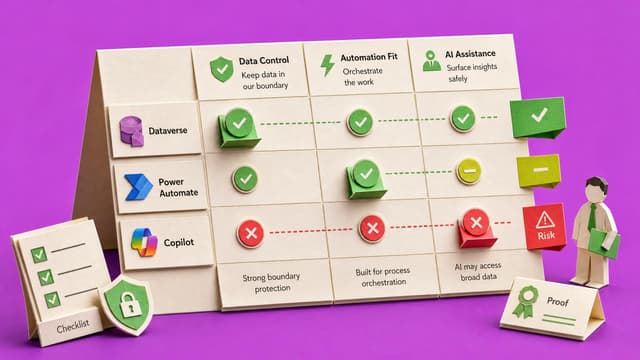
Microsoft Dataverse for Teams has shifted from manual configuration to AI-assisted architecture. This briefing maps 2022 session steps to current tools including Copilot-assisted table creation, the New Designer in Power Automate, and stricter ALM validation during solution…
Collab365 Team
Briefing·Last Update: 20th Aug 2026
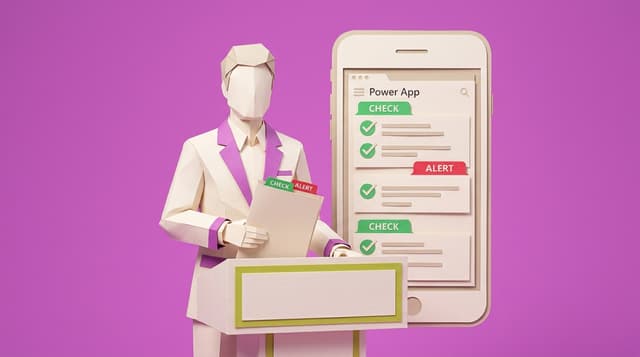
Check DLP and Environment Blocks Before You Build
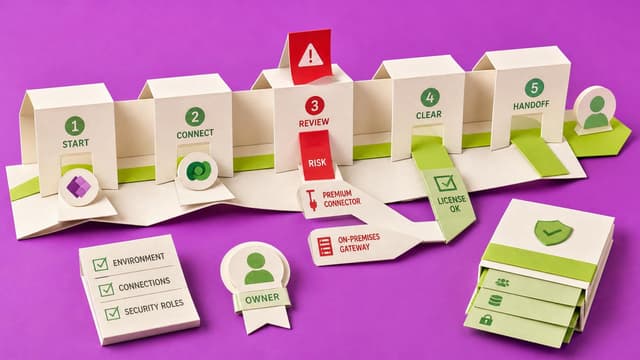
Power Platform makers verify DLP policies and environment settings with a pre-build checklist covering planned connectors, data movement, visible policy errors, risk labels and fallback paths. This prevents late blocks when connector mixes violate data policies.
Collab365 Team
Briefing·Last Update: 19th Aug 2026
What You Are Actually Approving When an Agent Builds Your Page
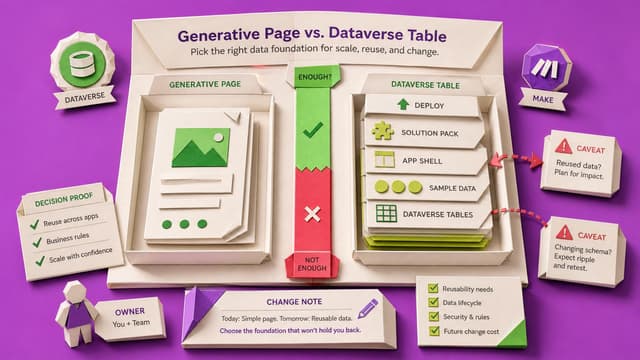
In model-driven generative pages, confirming the agent plan can create Dataverse tables, solutions, apps, and deployments—not only a page. Canvas version restore does not apply. Review tables, app, solution, and deploy before confirm; use Compare and plain Save afterward.
Collab365 Team
Briefing·Last Update: 19th Aug 2026
When AI Changes More of Your App Than You Asked For
Canvas Power Apps makers who approve Copilot formulas or tables often accept wider changes than intended. Named version notes before the ask, portal history checks, and knowing what restore does not cover limit silent drift from autosave and one-click Apply.
Collab365 Team
Briefing·Last Update: 19th Aug 2026
Prepare Your Environment Before You Let AI Near It
Power Apps splits work into environments with separate rights. Environment Maker can build apps but not Dataverse tables; System Customizer can. The picker groups show which apply; free Developer Plan yields a personal Dataverse sandbox.
Collab365 Team
Briefing·Last Update: 18th Aug 2026
What Does That Completion Row Actually Prove?
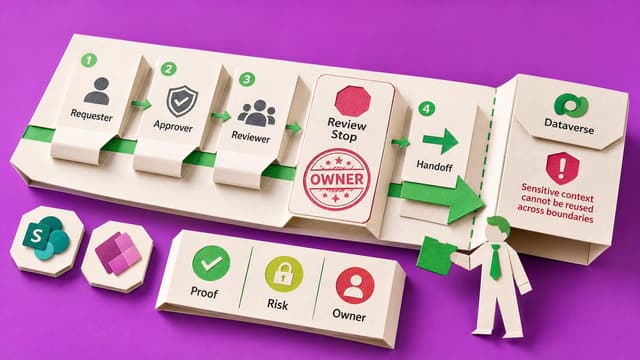
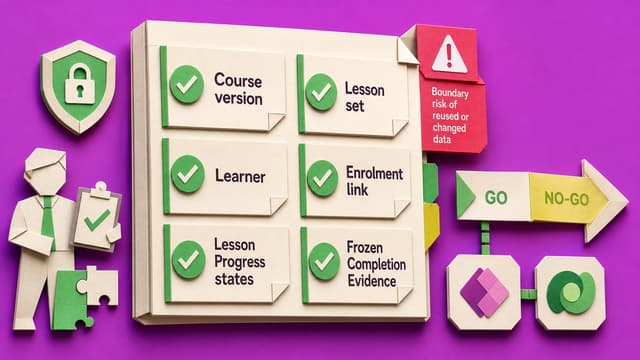
A CompletionEvidence row after a Microsoft 365 LMS lab does not prove durable compliance. Calculated progress against today’s course, SCORM disconnects, and post-publish edits can erase or invent finished status. Four short lab tests separate progress UI from historical evidence.
Collab365 Team
Briefing·Last Update: 5th Aug 2026
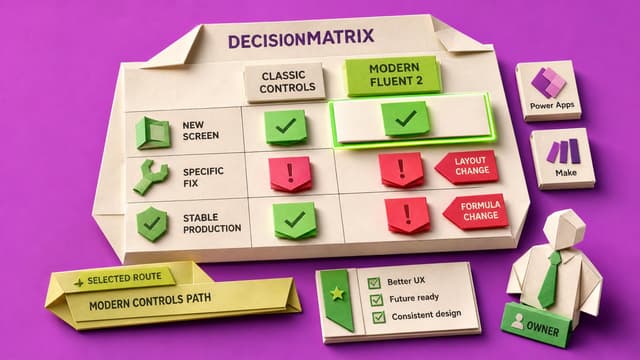
Should I replace classic controls in my existing Power Apps canvas app?
Replacing classic controls in a Power Apps canvas app is rarely needed solely for a modern look. Use modern controls for theming, responsive layout, or accessibility. Leave stable production controls alone and test changes one screen at a time.
Collab365 Team
Briefing·Last Update: 5th Aug 2026
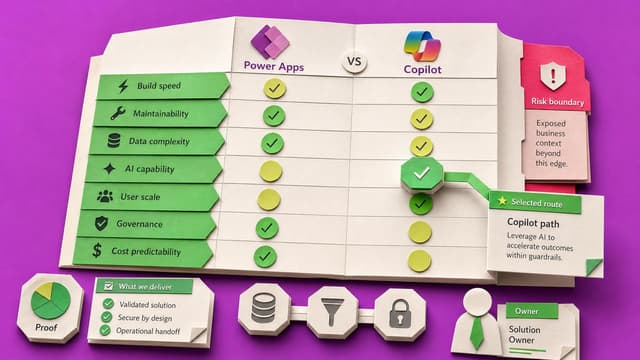
Power Apps Copilot Changed: What Citizen Builders Should Use Now
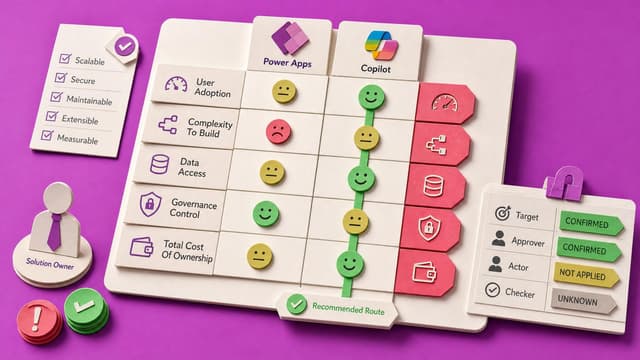
Older Power Apps Copilot tutorials no longer match Studio. Canvas Copilot controls are discontinued for new apps from February 2026. Citizen builders should use Start with data for Dataverse apps, formula-bar Copilot for Power Fx, and Microsoft 365 Copilot for in-app questions.
Collab365 Team
Briefing·Last Update: 30th Jul 2026
Choose Search, Filter, or StartsWith for a Power Apps Gallery
Compares Filter with StartsWith, plain Filter, and Search for SharePoint galleries. Explains delegation boundaries and when each pattern returns incomplete results.
Collab365 Team
Briefing·Last Update: 16th Jul 2026
Power Apps Accessibility Launch Checklist for Internal Apps
Business users and ops admins need a fast way to verify one internal Power Apps canvas screen before limited launch. The checklist covers keyboard navigation, screen-reader labels, visible focus, logical order, contrast, and dynamic messages using Microsoft guidance. It records…
Collab365 Team
Briefing·Last Update: 18th Jun 2026
Choose SharePoint or Dataverse Before Your App Grows Teeth
Power Apps built on SharePoint lists face limits with relationships, permissions, delegation, and growth. This briefing provides a decision tree to choose between SharePoint, Dataverse, or Dataverse for Teams based on record relationships, role-based access, search needs, and…
Collab365 Team
Briefing·Last Update: 18th Jun 2026
Power Apps UI Polish Checklist for Non-Designers
Power Apps makers with working canvas apps receive feedback that screens look rough. This checklist covers theme consistency, hierarchy, spacing, states, and accessibility checks for one screen before internal review.
Collab365 Team
Briefing·Last Update: 18th Jun 2026
Check Before You Change a Power Apps Flow
Makers updating flows called from canvas apps need to classify changes first. The guide lists five decisions based on app status, inputs, outputs, connections, and test requirements before editing.
Collab365 Team
Briefing·Last Update: 18th Jun 2026
Check Your Power App Launch Plan Before the Team Sees It
Power Apps often work in testing but lose to spreadsheets after launch. This briefing covers staged cutover, access permissions, feedback routes, champions, and weekly usage signals that determine whether the app becomes the team's working process.
Collab365 Team
Briefing·Last Update: 18th Jun 2026
Decide When Components Beat Copy-Paste in Your Power App
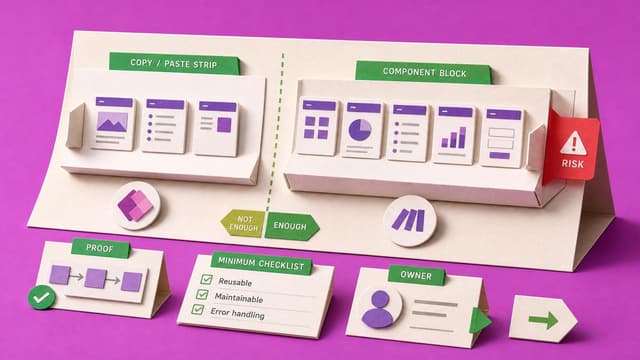
Power Apps makers face repeated edits when headers and menus are copied across screens. This briefing outlines criteria for choosing copy-paste versus reusable components based on screen count, change frequency, and existing drift.