Collab365 Team
Briefing·Last Update: 6th Aug 2026
The One-Page AI Rulebook That Makes One Recurring Team Draft Consistent
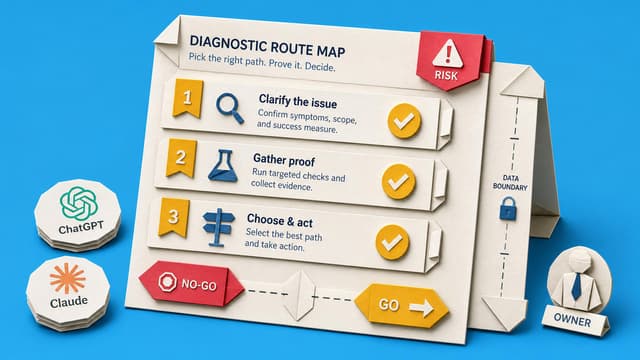
Teams using multiple AI tools produce drafts with mismatched tone, structure, and facts. A one-page rulebook defines source packs, data boundaries, and approved examples for a single recurring deliverable so every contributor starts from the same inputs and the final draft…
Collab365 Team
Briefing·Last Update: 23rd Jul 2026
Get One Process Out of Your Head and Into a Team Guide
Solo operators often delay delegation because tacit judgement is hard to explain. This briefing shows how to extract one recurring process into a six-part team guide that includes normal steps, five judgement rules, exception handling, and quality checks so teammates can run the…
Collab365 Team
Briefing·Last Update: 29th Jun 2026
Ask Better Questions Before Your Team Builds an AI Agent
Guidance for evaluating AI agent, custom GPT, or automation proposals. Focuses on purpose, data inputs, outputs, ownership, review steps, and escalation triggers for team workflows.
Collab365 Team
Briefing·Last Update: 18th Jun 2026
Run This Checklist Before You Share a Custom GPT with Your Team
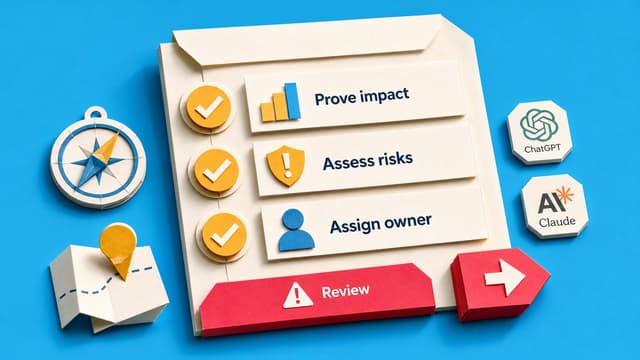
Custom GPTs and Claude Projects often fail when shared because they only work with the creator's prompts. This checklist verifies task scope, access, privacy, instructions, files, and testing with teammate-style requests before launch.
Collab365 Team
Briefing·Last Update: 18th Jun 2026
Why Sharing The Prompt Is Not The Same As Handing Off The Work
Prompts alone leave out the sources, checks, and context that make AI output usable. Without written rules for inputs, review, and stakeholder needs, delegated tasks return for fixes. A handoff pack transfers the full process, not just the request, so the work stays consistent…
Collab365 Team
Briefing·Last Update: 18th Jun 2026
Decide Whether to Automate a Task or Keep It in Chat
A 5-factor scorecard helps decide whether a workflow belongs in chat or automation. Factors cover input stability, failure tolerance, review needs, frequency, and platform limits. Red flags on failure tolerance or review requirements block automation regardless of total score.