Set Up A One-Week Meeting Triage Pack
Review two calendar weeks, make five clear meeting decisions, protect time for the work, and prepare safe response drafts for one upcoming week.
How does this Blueprint help you? A member-owned document or workbook for one Microsoft 365 worker. It takes a review of one previous or current calendar week plus one upcoming week, meeting facts the member is allowed to use, and the member's own decisions. It creates eight saved sections and an intentionally rebuilt upcoming workweek.
Why this exists
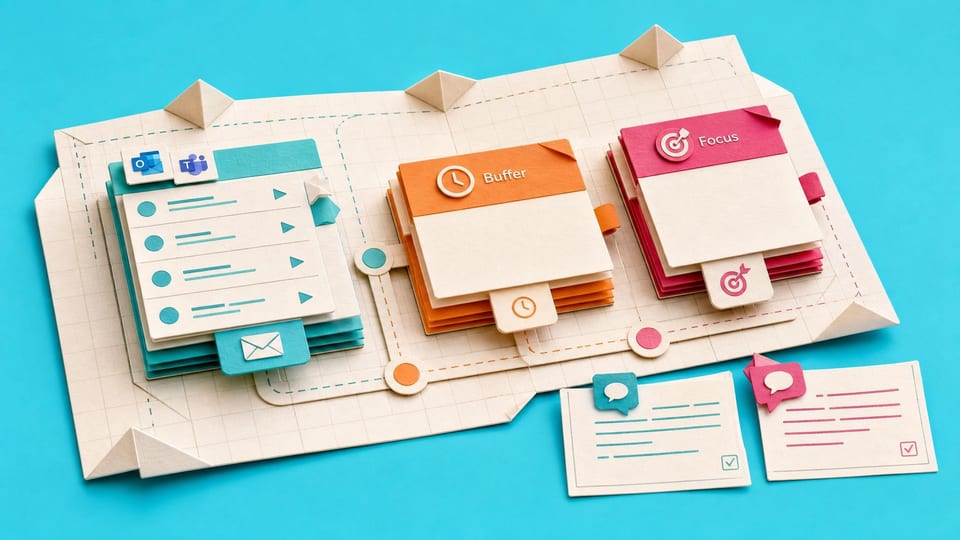
Feature advice alone does not help the member decide which real meetings to change. This Blueprint combines a calendar review, a seven-choice decision key, focus and buffer planning, response drafts, human review labels and an honest final status in one guided setup.
Who will use it
A meeting-heavy Microsoft 365 worker who can view their own calendar and influence at least some invitations, but cannot change company-wide meeting culture.
Blocker it removes
Back-to-back Outlook and Teams meetings leave no protected time to prepare, recover, or complete the work. The worker currently accepts, declines or rearranges meetings by instinct because there is no written decision method or safe response wording.
V1 proof
Pass when the member has saved all eight sections, reviewed at least 10 meetings or every available meeting in the two-week window, completed five decision records, made two visible focus or buffer changes or recorded why they are blocked, prepared three labelled response drafts, and assigned a final status with one next safe action.
How this Blueprint becomes a working result.
A Blueprint is the plan for creating a named result. A Course teaches; a Briefing helps you decide.
This is a guided setup plan. Nothing is installed, connected, sent, or changed automatically.
You remain responsible for the result. You make and approve each change in the existing tool. AI coaches you through the setup.
AI is the guide, not the builder. AI can explain the next step, draft safe examples, and help check the result. It cannot see or control the tool.
Before you begin
Access to the named tool, permission to change its setup, and sample or low-risk data. Get a builder estimate before you approve or commit to the work.
Start safely
Begin with a reversible change and sample data. Confirm the result before using live information or sharing it.
Member access
Ready to put this Blueprint to work?
You can review the result, audience, proof, responsibilities, and safe starting boundary here. Unlock Microsoft 365 Productivity Workers to use the complete Blueprint.
The technical build sections and copyable implementation packet remain protected until access is unlocked.