Build a Copilot Adoption Sprint Tracker in Microsoft Lists
A Microsoft Lists tracker for running a 30-day Copilot adoption sprint with honest sponsor evidence.
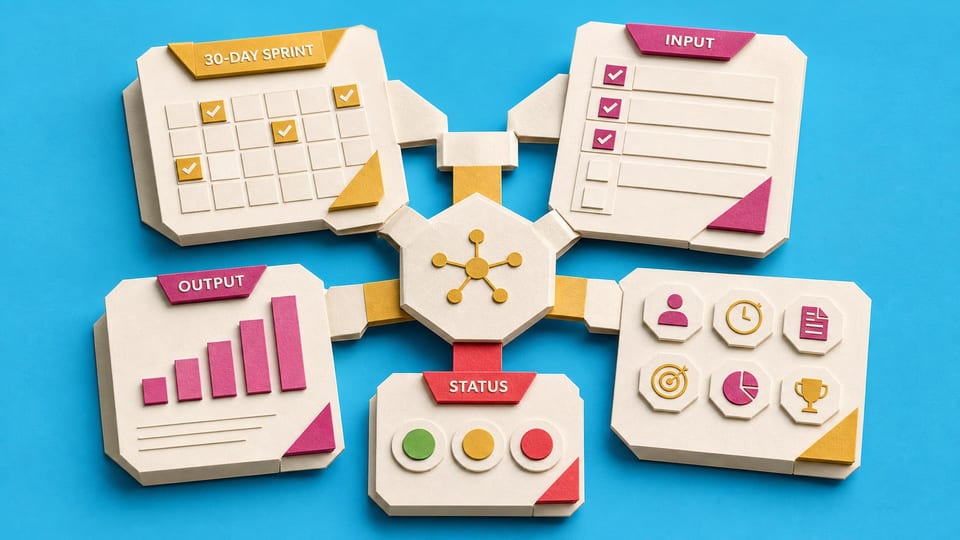
How does this Blueprint help you? V1 builds three named Microsoft Lists in an existing SharePoint team site for a Microsoft 365 Copilot adoption lead that takes pilot team names, sprint dates, participant names, session plans, and captured win evidence and creates a sponsor-facing Scorecard view in Sprint Wins so the lead can run a visible 30-day adoption sprint without pretending to prove ROI.
Why this exists
A webinar and prompt PDF do not create a visible adoption sprint. This tracker gives the adoption lead a simple operating record in Microsoft Lists using fields, views, permissions, and optional reminders a practitioner can maintain.
Who will use it
Microsoft 365 knowledge workers, team leads, adoption champions, and department managers in 50-1000 person companies where Microsoft 365 Copilot is available but underused.
Blocker it removes
The adoption lead can see who is in scope, which office hours and scenario sessions are planned or done, which wins are captured, and what the sponsor can safely see.
V1 proof
Three configured Microsoft Lists exist, one real week of participants, sessions, and wins is entered, at least one win passes the confirmation gate, and the sponsor can open the Scorecard view.
How this Blueprint becomes a working result.
A Blueprint is the plan for creating a named result. A Course teaches; a Briefing helps you decide.
This is a guided setup plan. Nothing is installed, connected, sent, or changed automatically.
If you can follow instructions, you can finish this. AI explains each step and answers your questions as you go.
You remain responsible for the result. You make and approve each change in the existing tool. AI coaches you through the setup.
AI is the guide, not the builder. AI can explain the next step, draft safe examples, and help check the result. It cannot see or control the tool.
Stuck on a question? Just ask. If anything in the guided session is unclear, tell the AI. It explains, gives examples, and helps you answer before moving on.
Before you begin
Access to the named tool, permission to change its setup, and sample or low-risk data. Get a builder estimate before you approve or commit to the work.
Start safely
Begin with a reversible change and sample data. Confirm the result before using live information or sharing it.
New to agentic AI tools?
A Blueprint runs inside an agentic AI tool such as Claude Cowork or Codex, where the AI reads the whole Blueprint and works through it with you. If you have never used one, our free plain-English guide gets you comfortable first.
Read the AI for Work guideMember access
Ready to put this Blueprint to work?
You can review the result, audience, proof, responsibilities, and safe starting boundary here. Unlock Microsoft Copilot Adopters to use the complete Blueprint.
The technical build sections and copyable implementation packet remain protected until access is unlocked.