Set Up A 30-Minute Outlook Triage Routine
Build one trusted Outlook routine you can run, check and adjust without giving AI access to your mailbox.
How does this Blueprint help you? A personal Outlook triage routine for one Microsoft 365 worker, plus seven saved records: Setup Status, Four-Decision Sheet, Outlook Starter Structure, Automation Safety Register, Timed Triage Log, Routine Card and Five-Day Practice Log.
Why this exists
Feature-by-feature advice leaves the worker to join Outlook together alone. This Blueprint gives them a safe order: understand their Outlook version and account, decide how messages are handled, create one small structure, test optional features, run a timed pass, then keep the result beside Outlook.
Who will use it
A daily Outlook user with a personal inbox who wants a small trusted routine and patient guidance, not an administrator or automation-builder course.
Blocker it removes
The worker starts every morning scanning from the top because existing folders, flags, categories, rules and inbox views do not form one tested routine they trust.
V1 proof
Using sample data or one approved low-risk message, the member records their Outlook surface and account type, makes one of four first decisions, moves or labels the message, finds it again, checks hidden-mail locations, runs the chosen timebox and saves a routine card with an honest final status.
How this Blueprint becomes a working result.
A Blueprint is the plan for creating a named result. A Course teaches; a Briefing helps you decide.
This is a guided setup plan. Nothing is installed, connected, sent, or changed automatically.
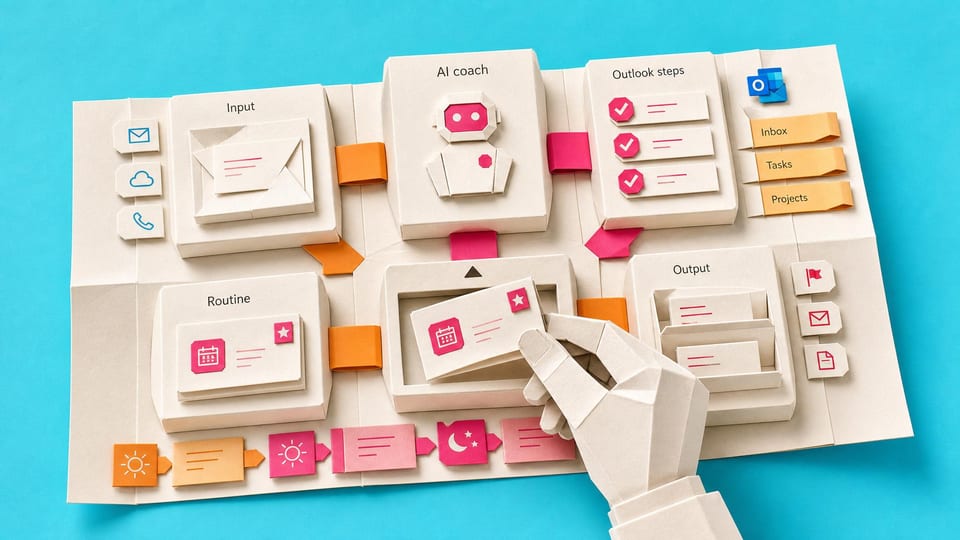
You remain responsible for the result. You make and approve each change in the existing tool. AI coaches you through the setup.
AI is the guide, not the builder. AI can explain the next step, draft safe examples, and help check the result. It cannot see or control the tool.
Before you begin
Access to the named tool, permission to change its setup, and sample or low-risk data. Get a builder estimate before you approve or commit to the work.
Start safely
Begin with a reversible change and sample data. Confirm the result before using live information or sharing it.
Member access
Ready to put this Blueprint to work?
You can review the result, audience, proof, responsibilities, and safe starting boundary here. Unlock Microsoft 365 Productivity Workers to use the complete Blueprint.
The technical build sections and copyable implementation packet remain protected until access is unlocked.