Microsoft improves access to Copilot in Office apps with keyboard shortcuts
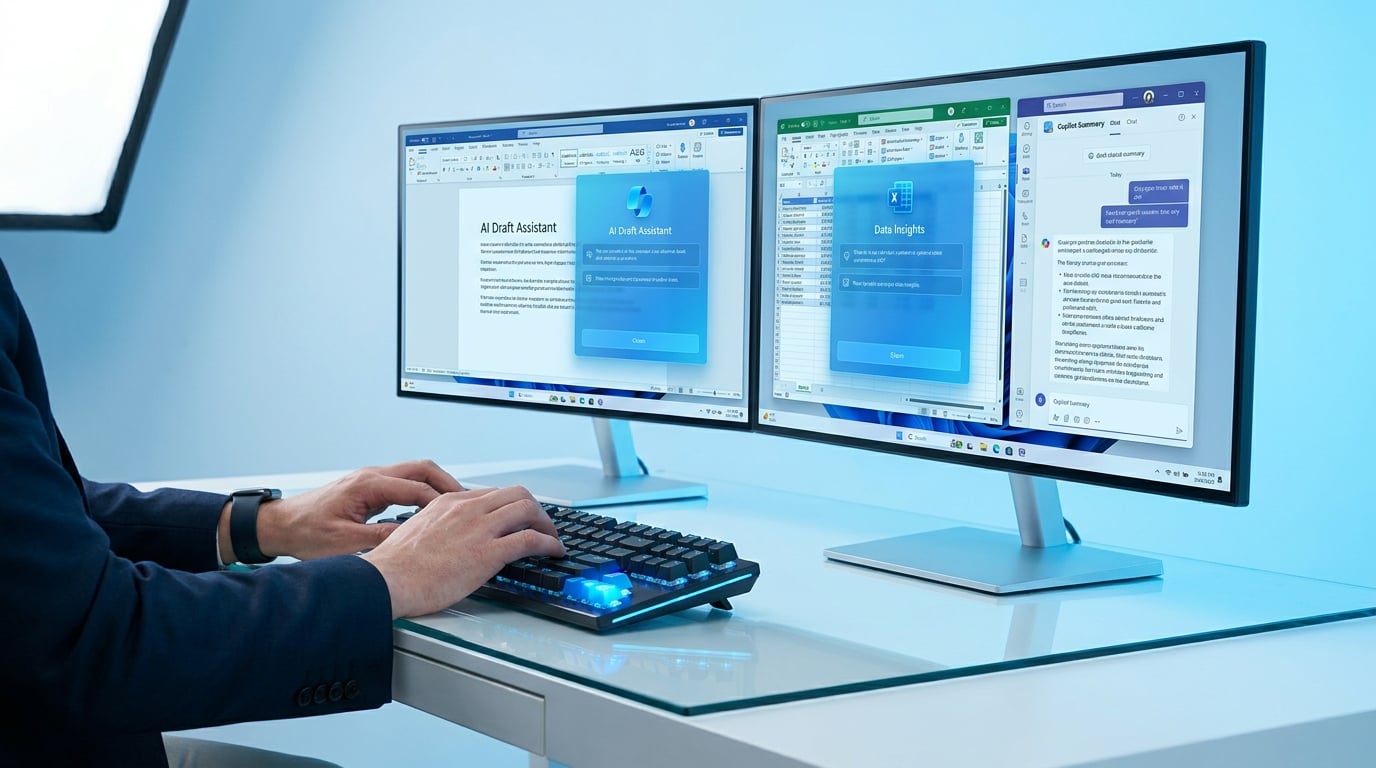
Microsoft has rolled out new entry points for Copilot across its Office apps. These include dedicated buttons and smart suggestions that prompt users when Copilot can help with tasks like summarising documents or generating content. The update introduces a keyboard-first design with enhanced shortcuts. Users can now trigger Copilot more quickly without relying on the mouse, alongside better support for screen readers. These changes aim to make Copilot easier to reach in apps such as Word, Excel, Teams and Outlook.
Before, Copilot lurked in cluttered ribbons or required digging through menus, slowing users who rely on keyboard workflows and making it feel secondary to always-ready tools like ChatGPT. This friction quietly killed trial momentum, as hybrid workers tabbed away to browsers for faster AI hits. Now, direct shortcuts and proactive nudges cut access time to seconds, embedding Copilot deeper into M365 habits. For teams facing adoption mandates, this trims the 'where is it?' hesitation that keeps usage under 10 percent, without needing new prompts or training.
Analysis
This update makes Copilot less embarrassing to fumble for in meetings, finally giving it an edge over ChatGPT's tab-switching for in-app work. Grab your next Outlook thread or Teams recap, hit the new shortcut for a summary, and time it against your usual manual skim – if it clocks under 30 seconds reliably, default to it over browser AIs and log the win for your boss's ROI push.
Source note
Pulse published by Collab365 Spaces. Cite as "Microsoft improves access to Copilot in Office apps with keyboard shortcuts", Collab365 Spaces. 1 source referenced.